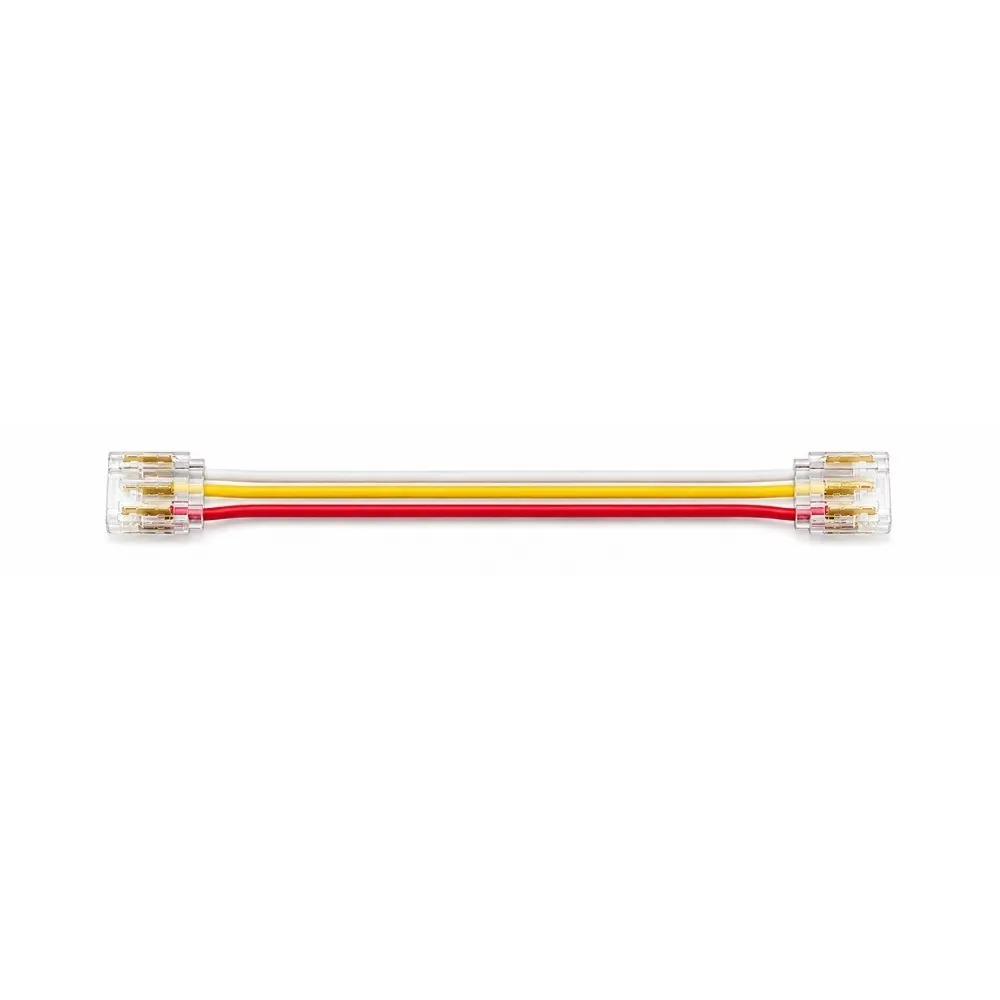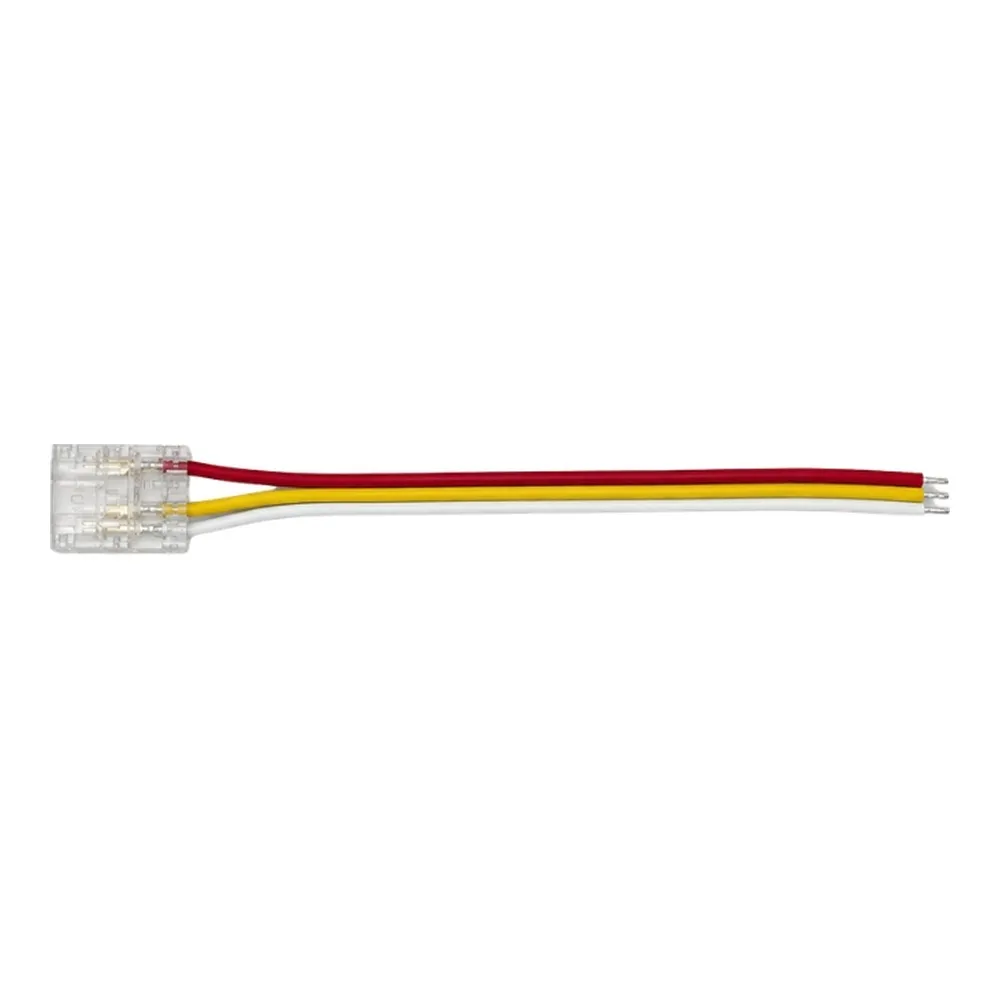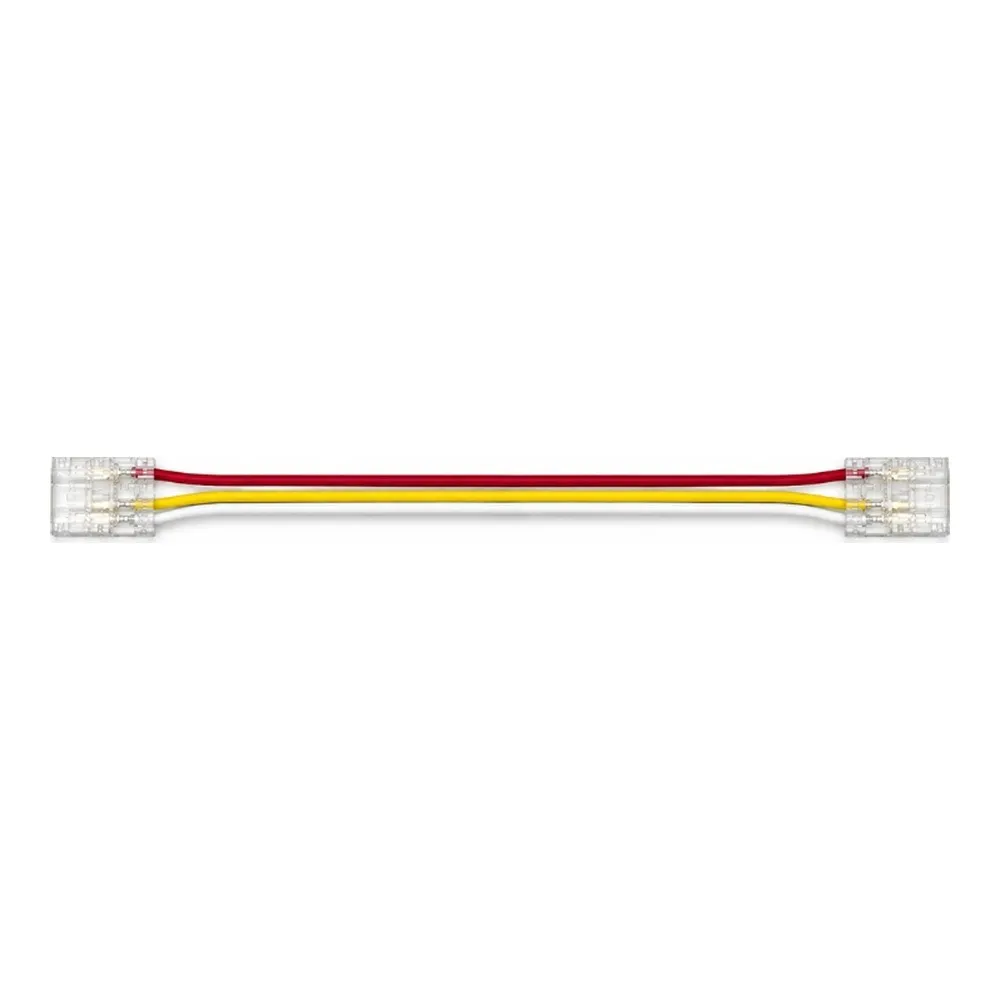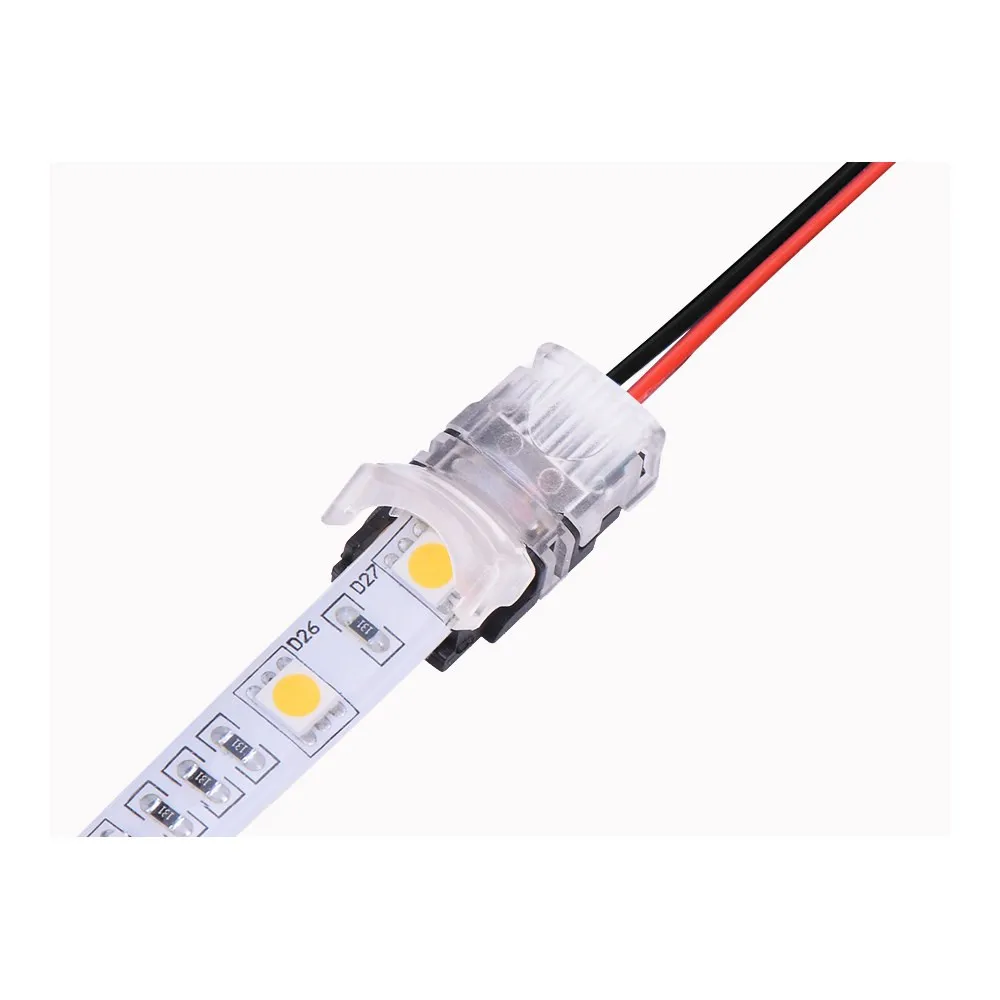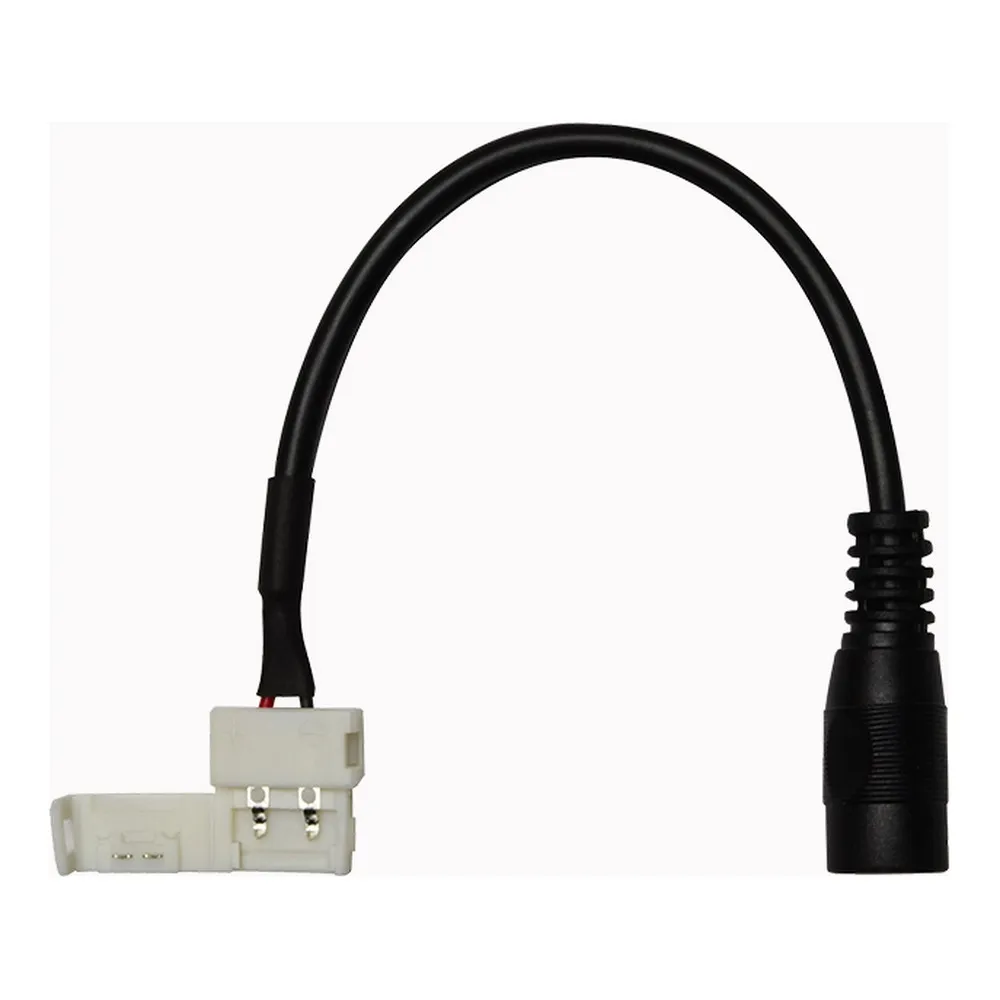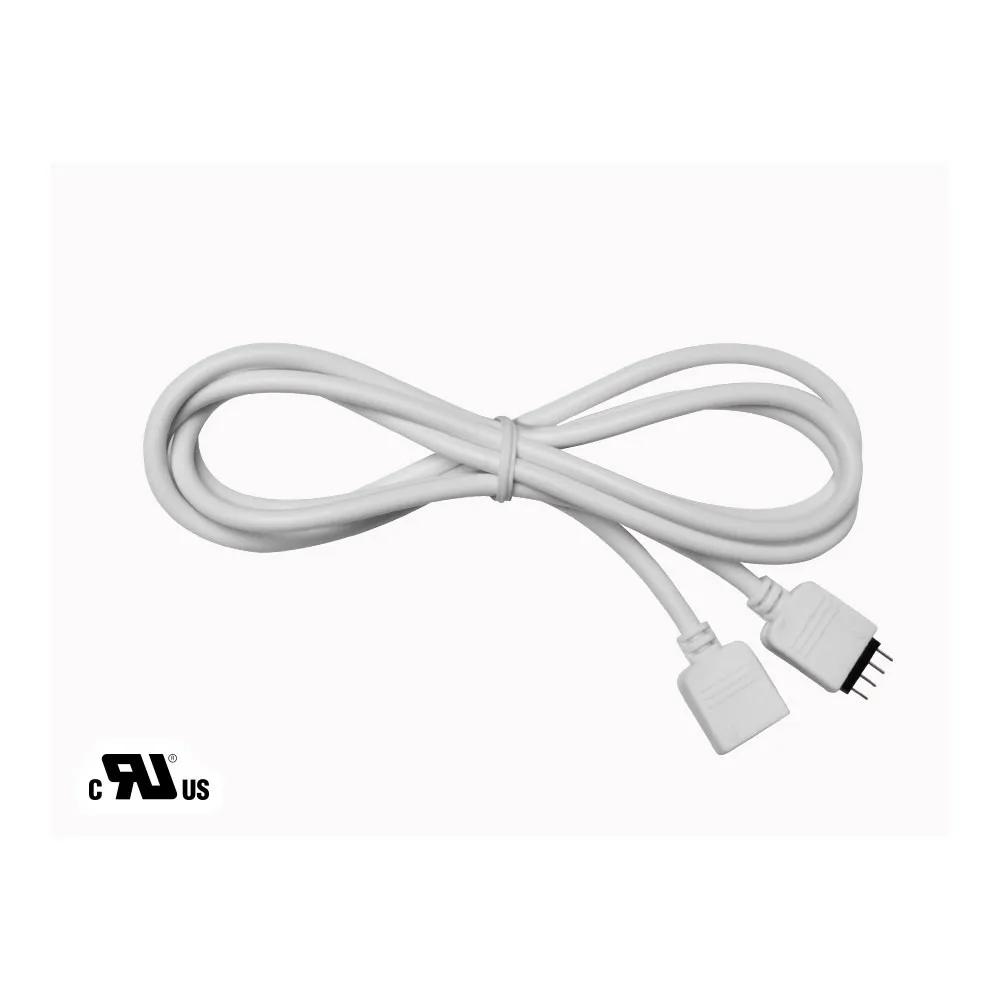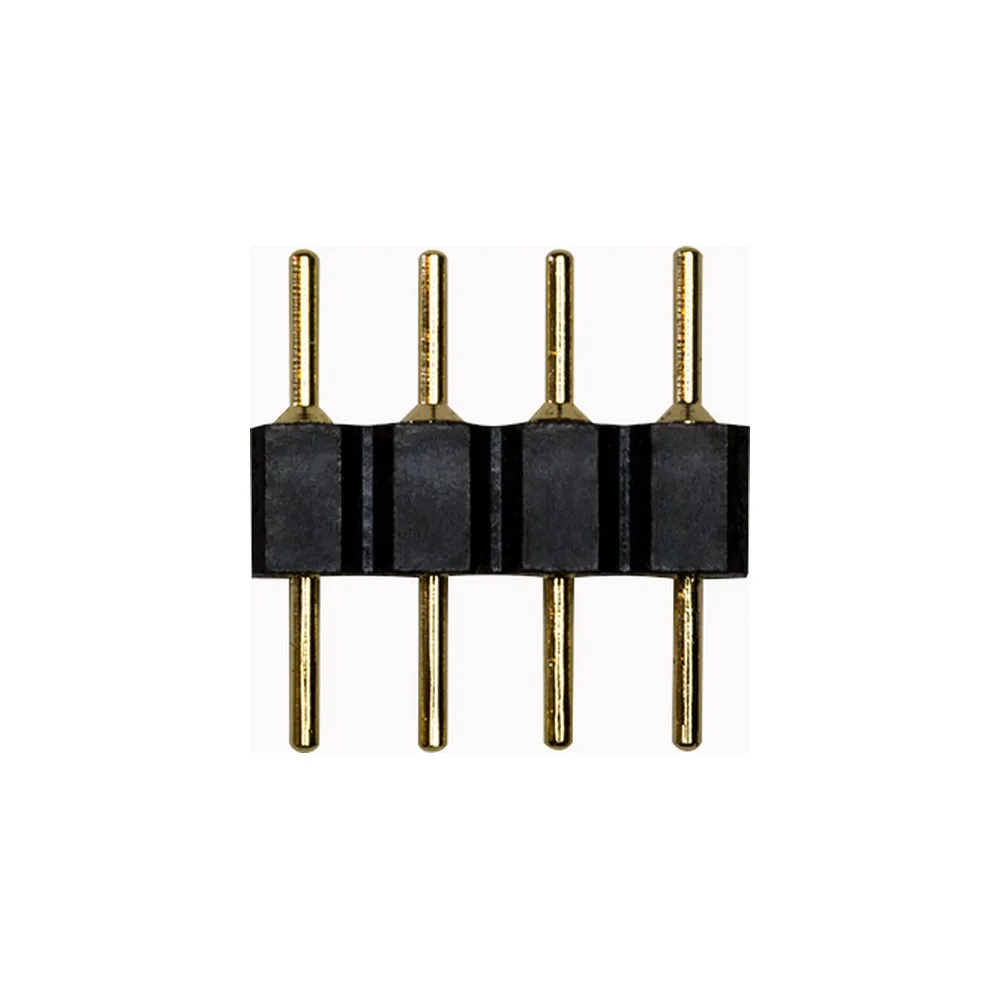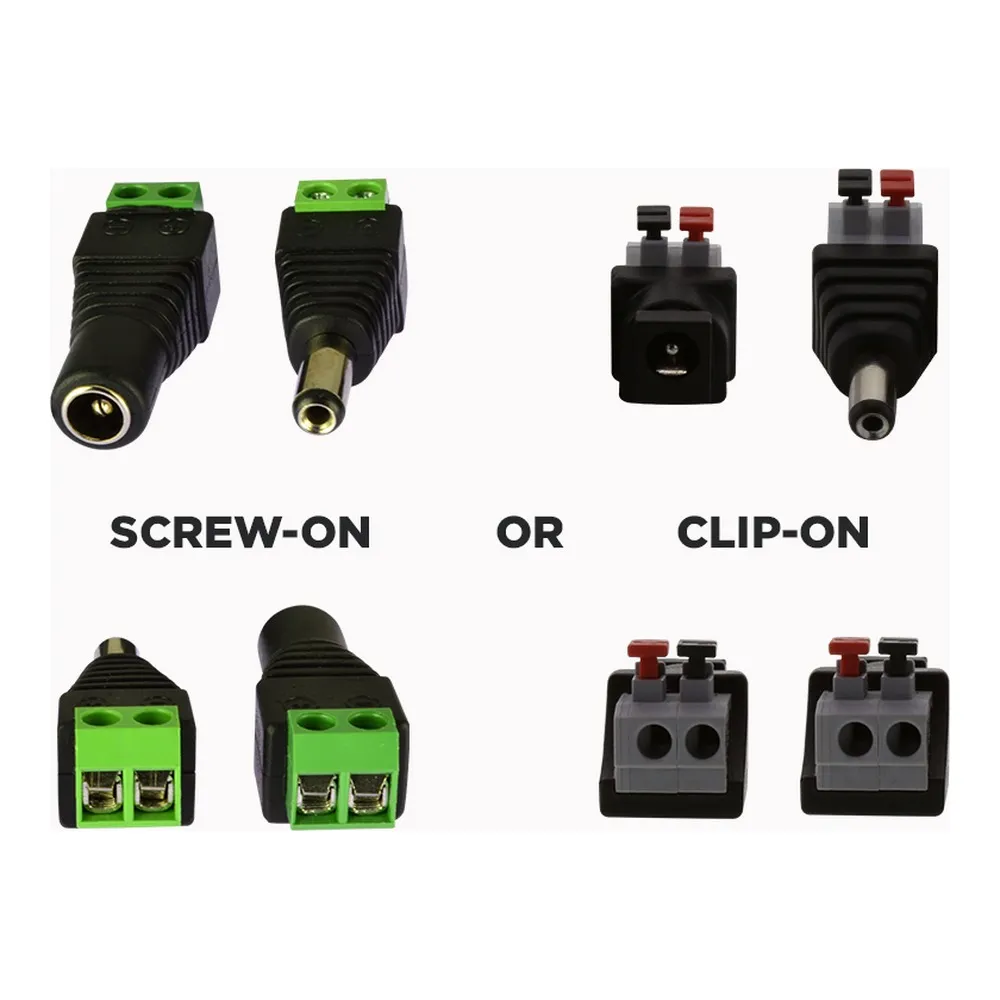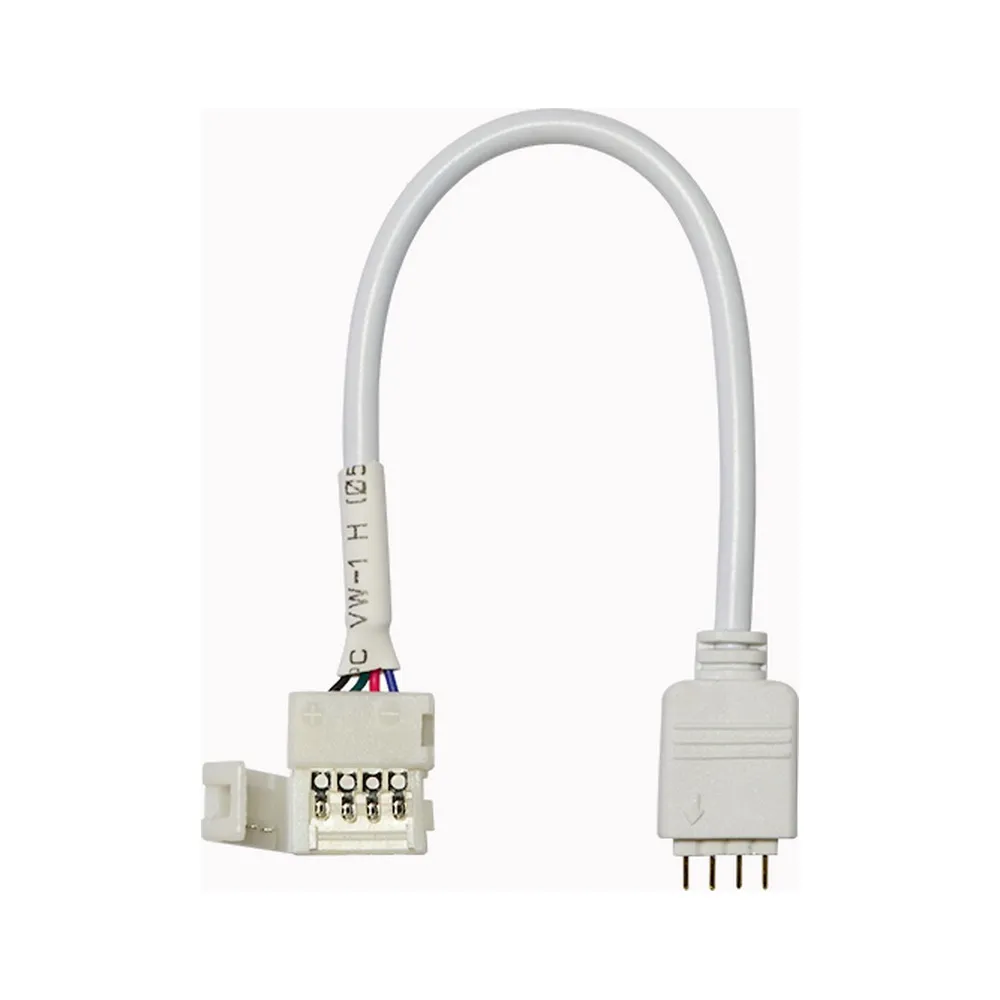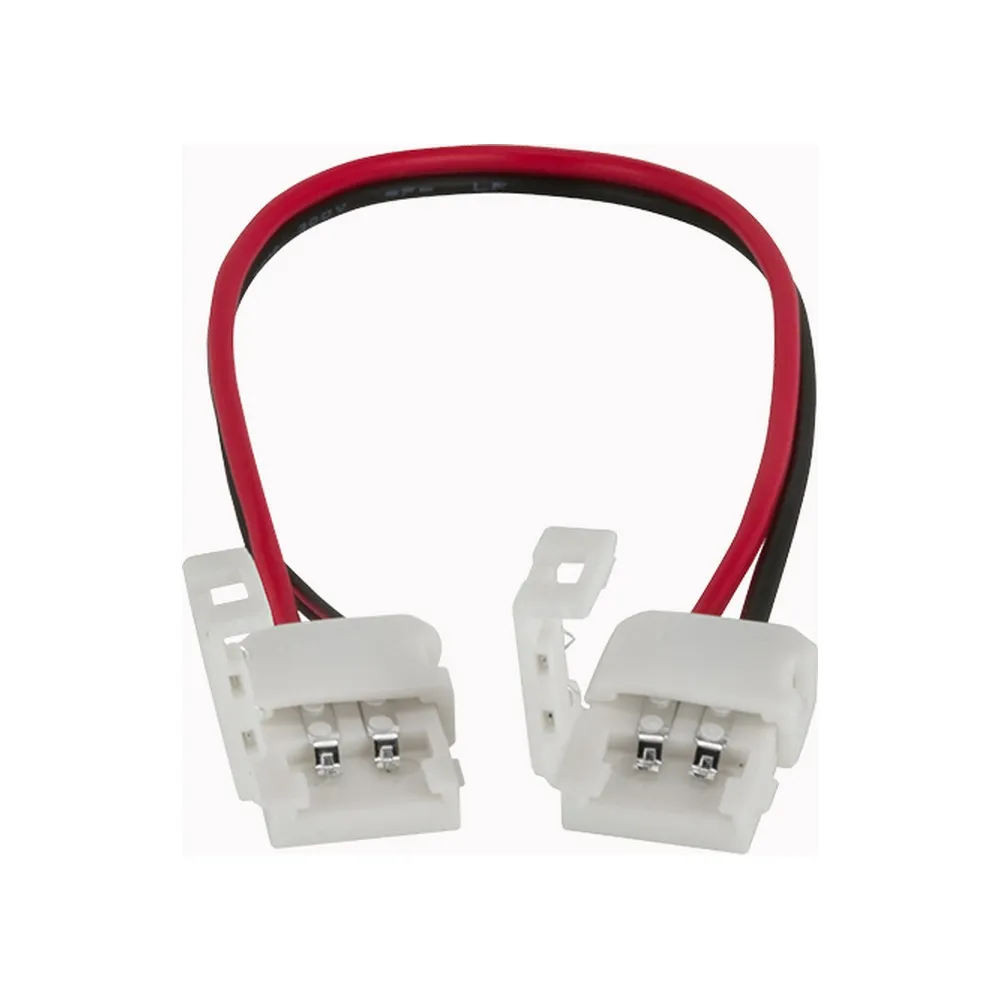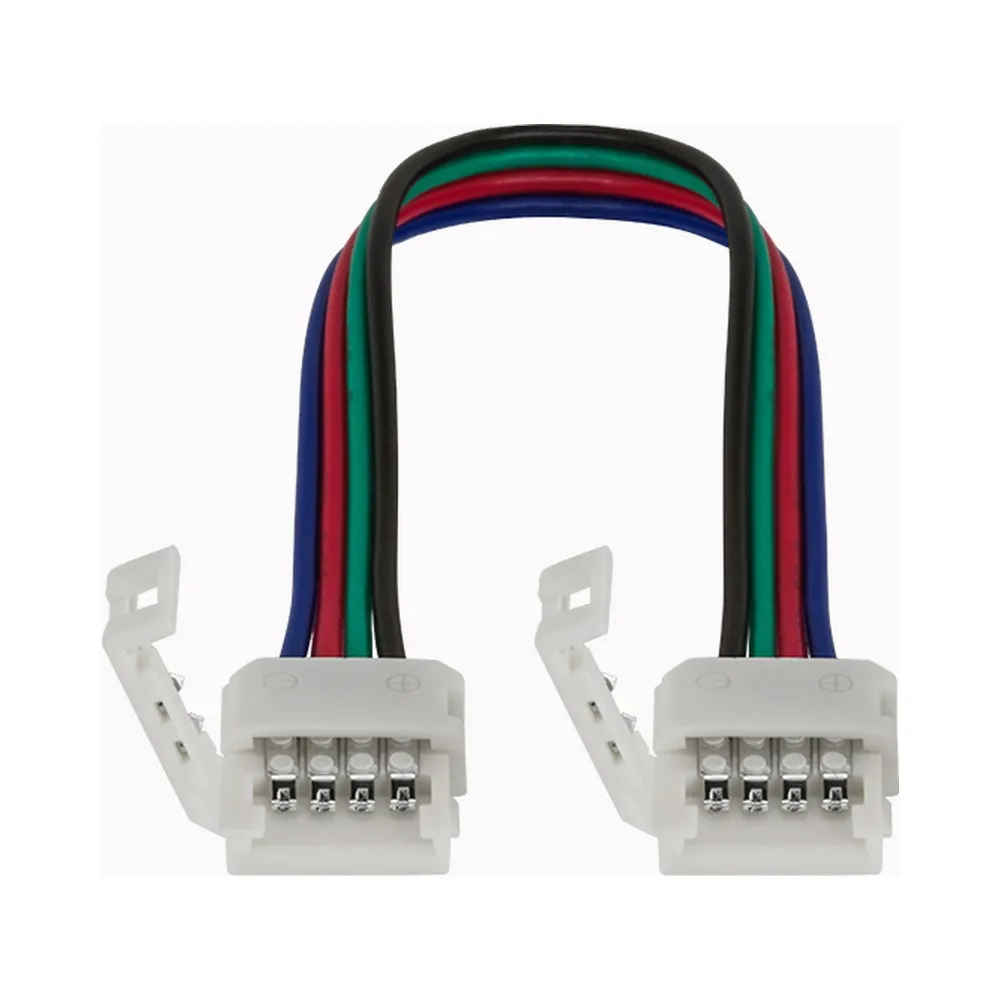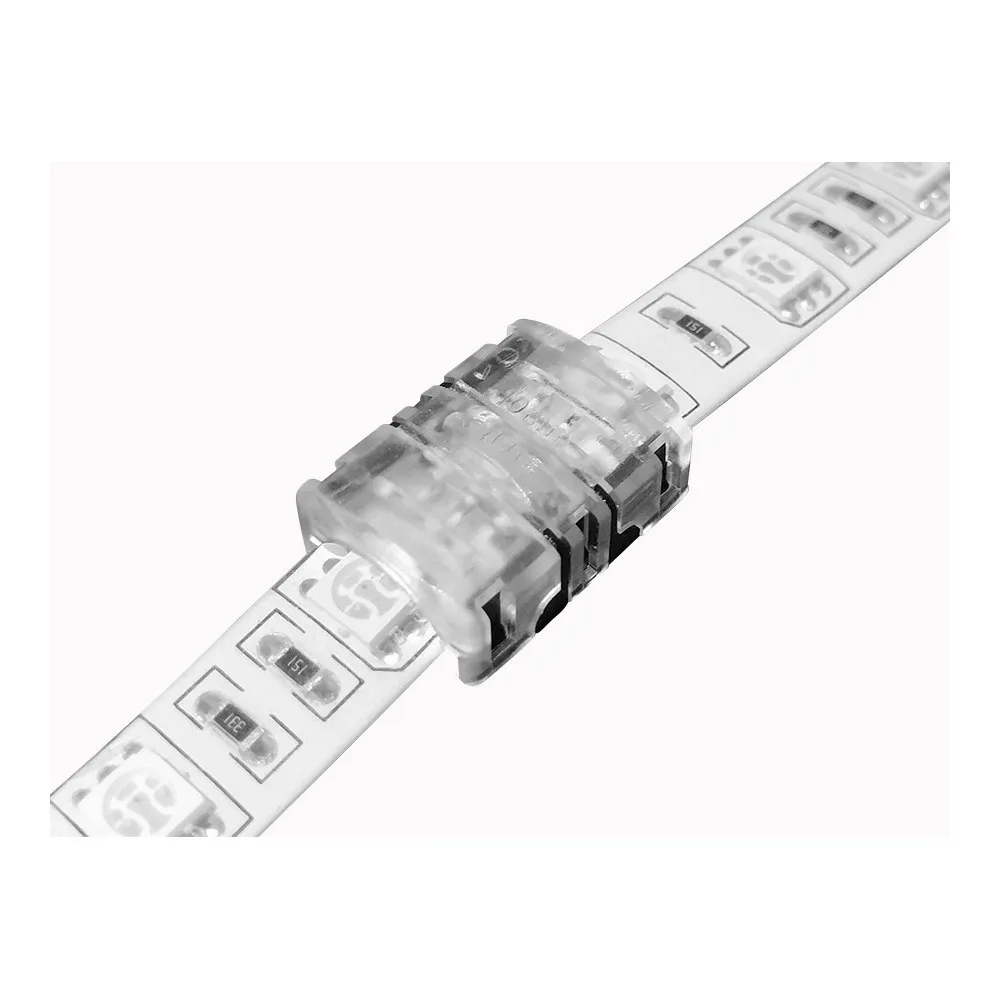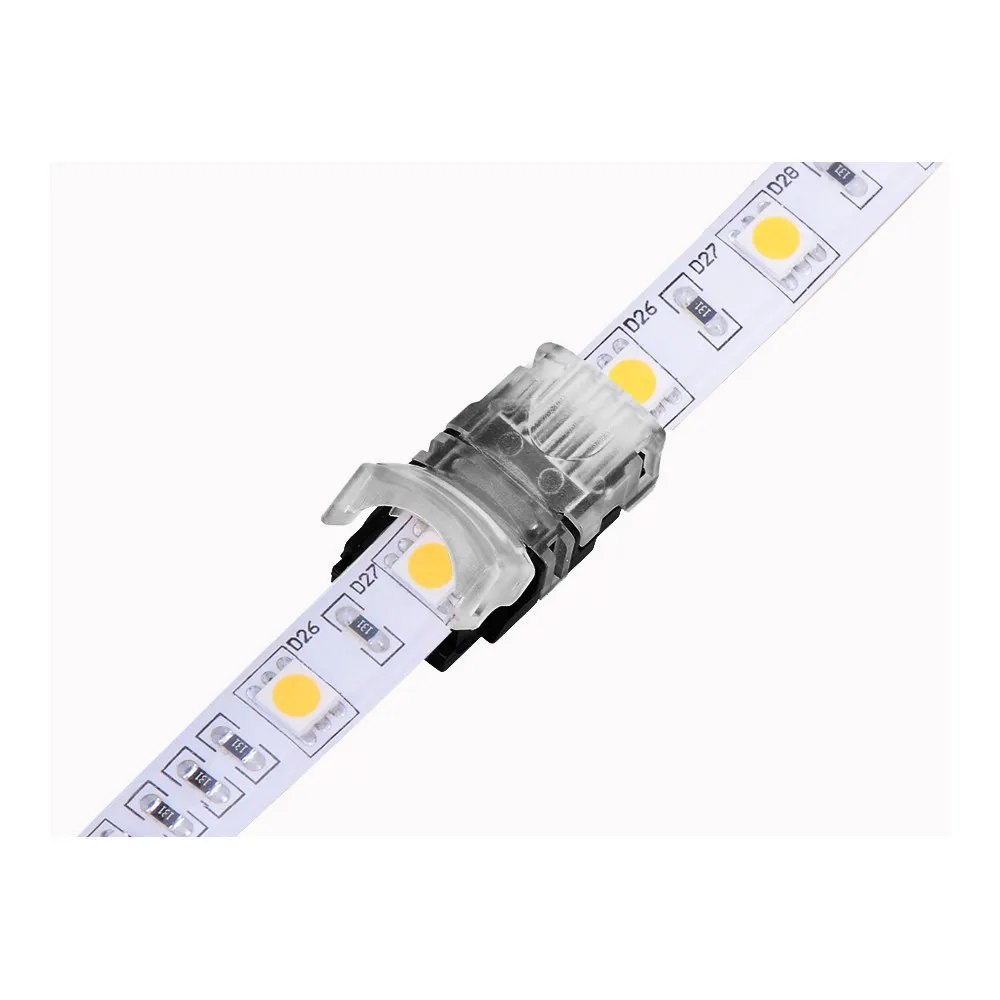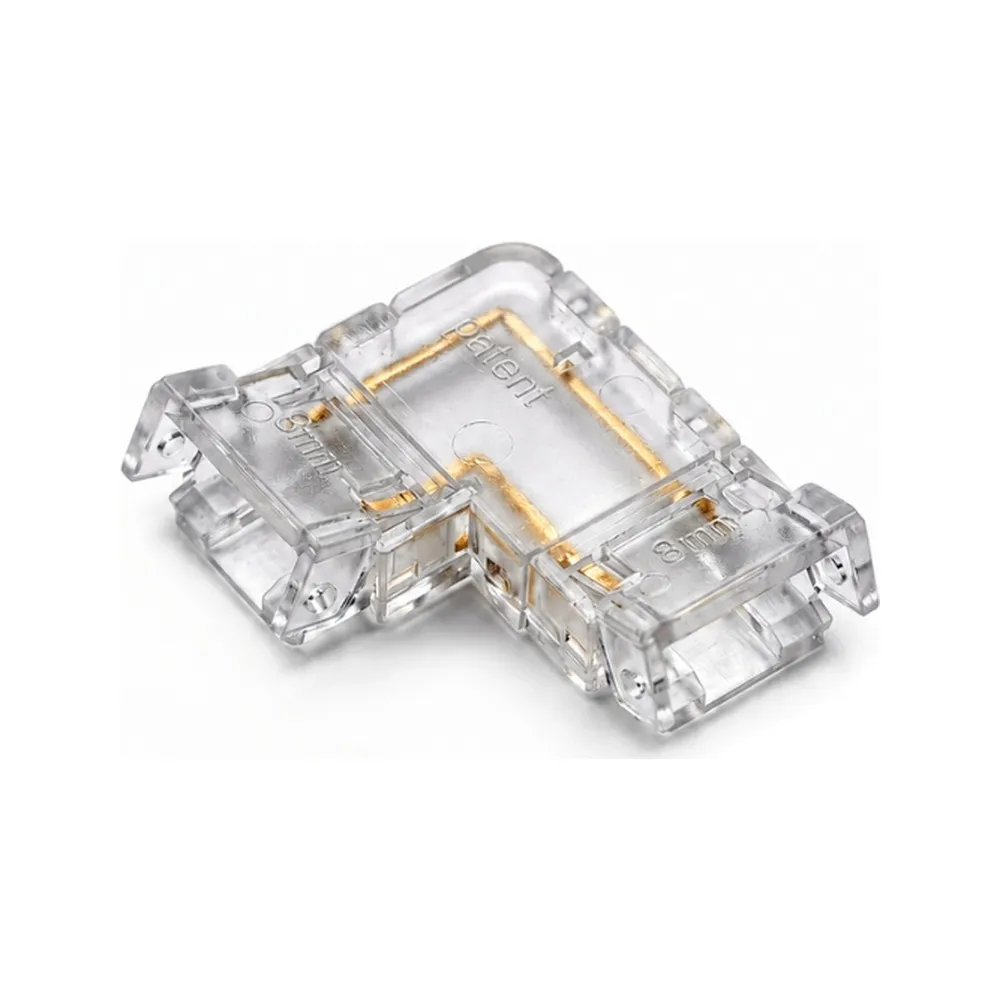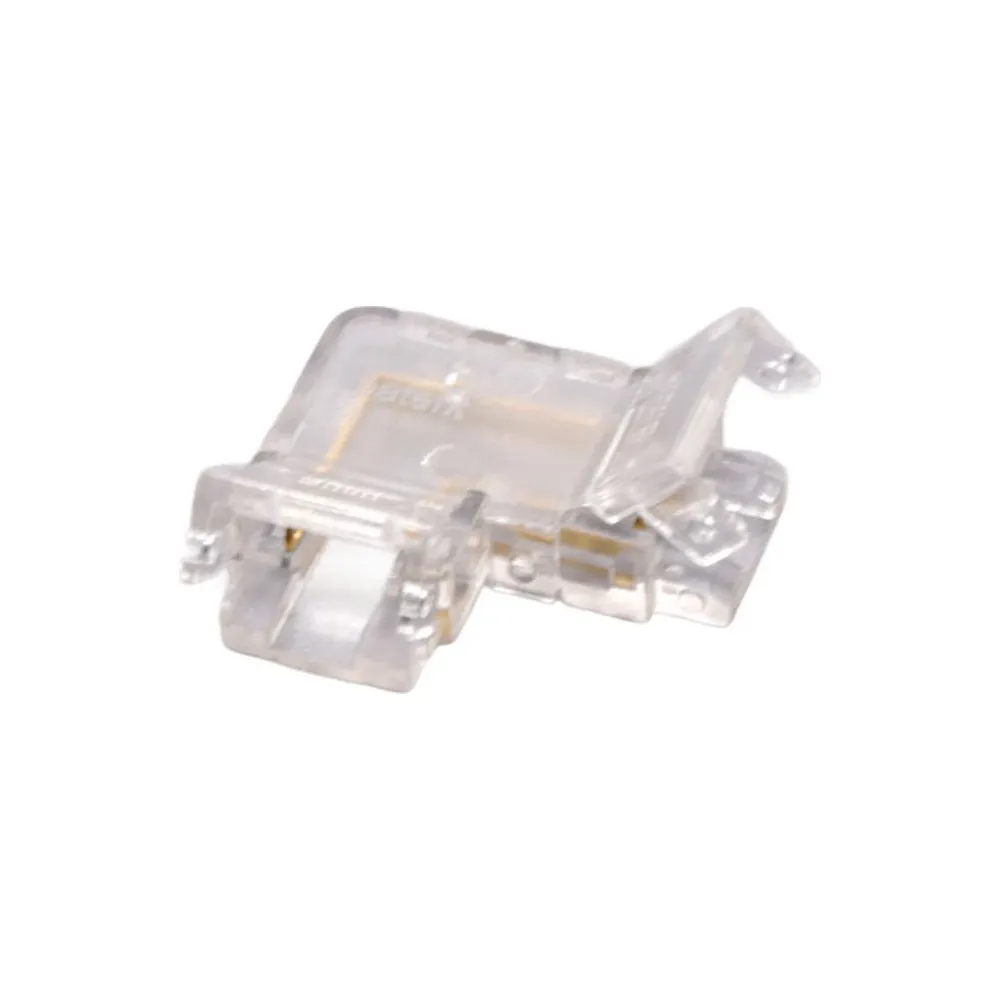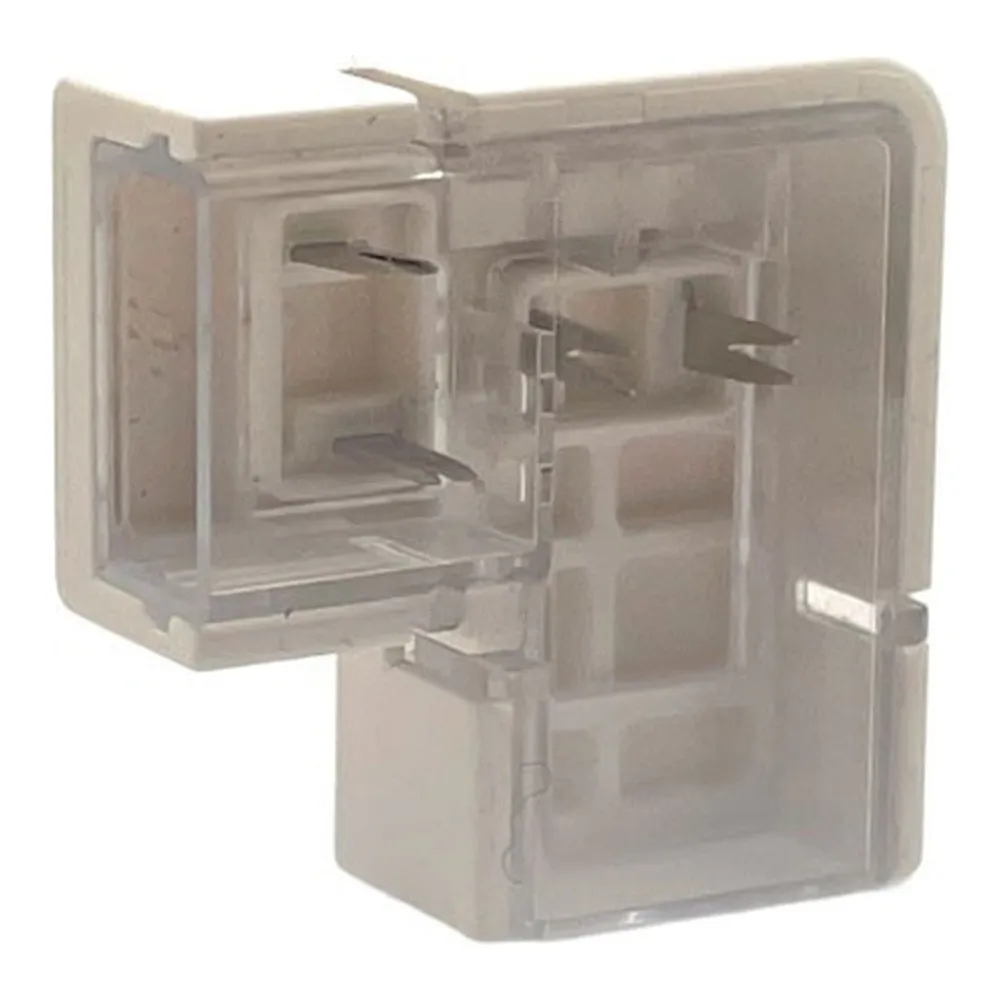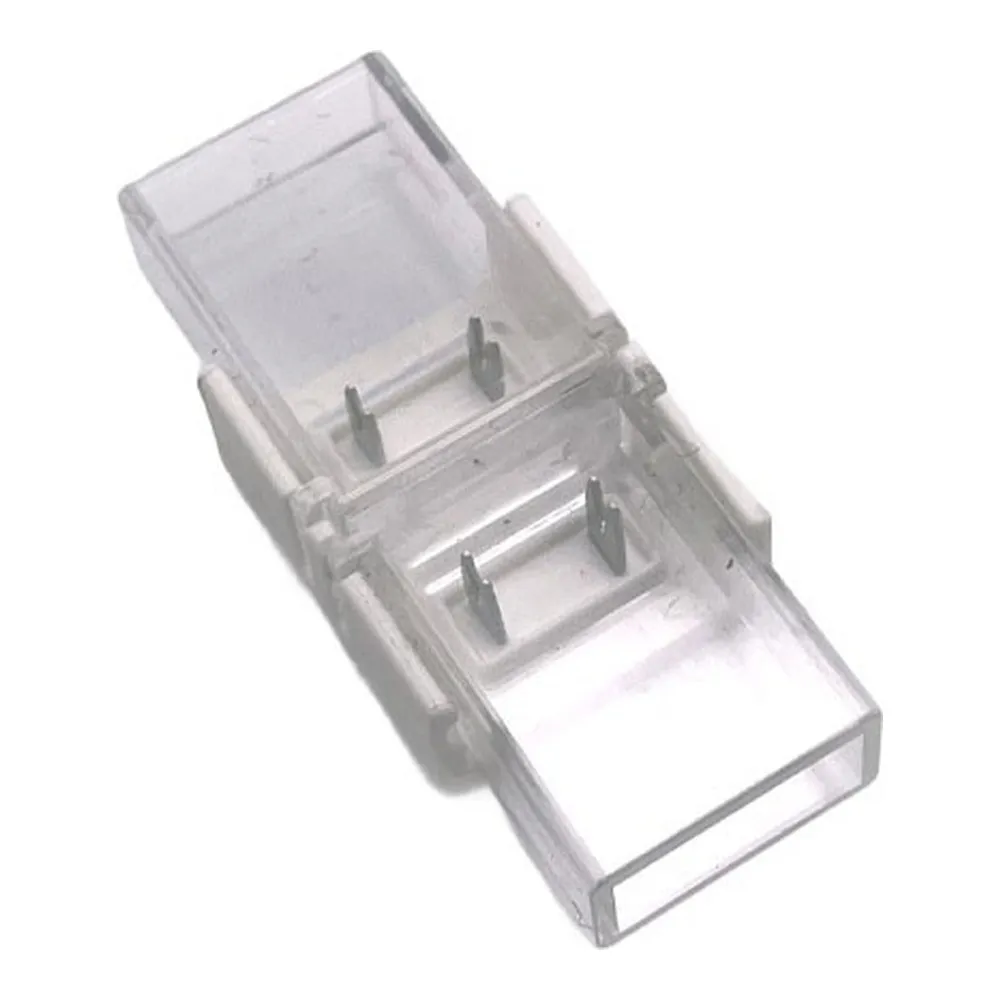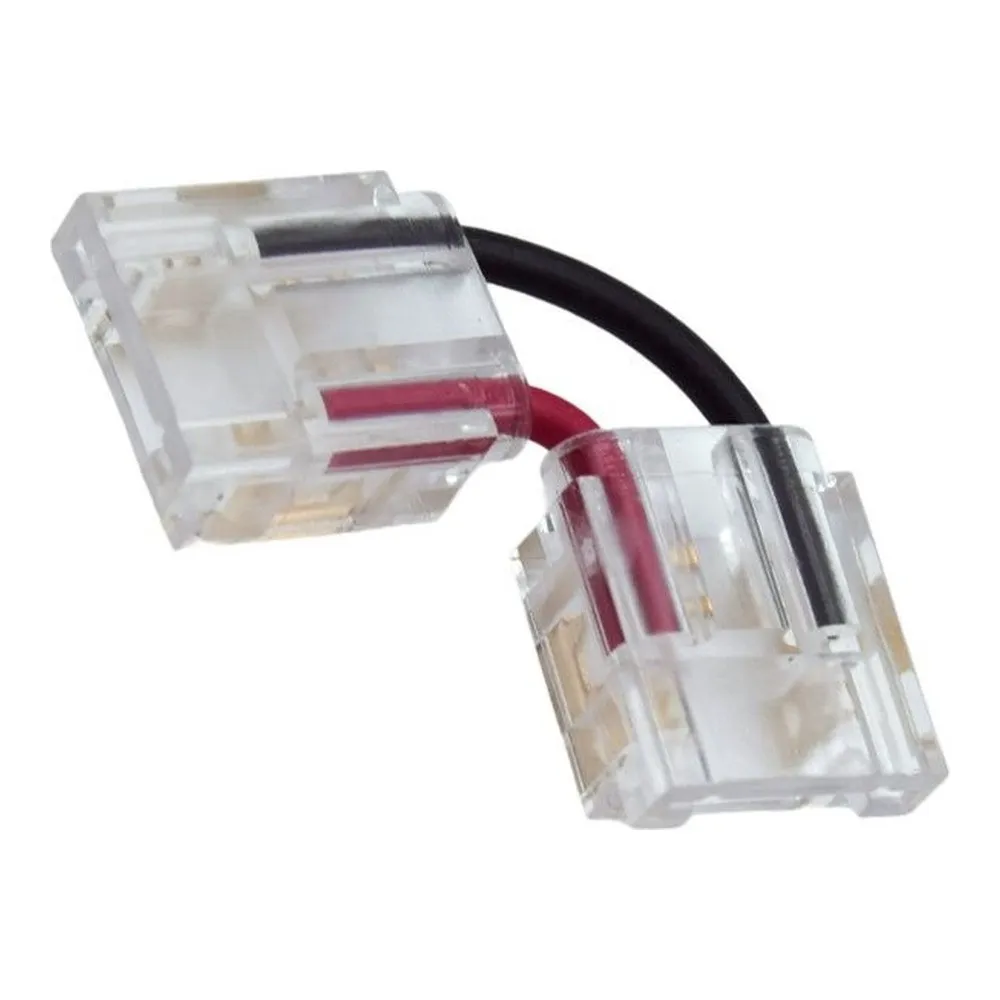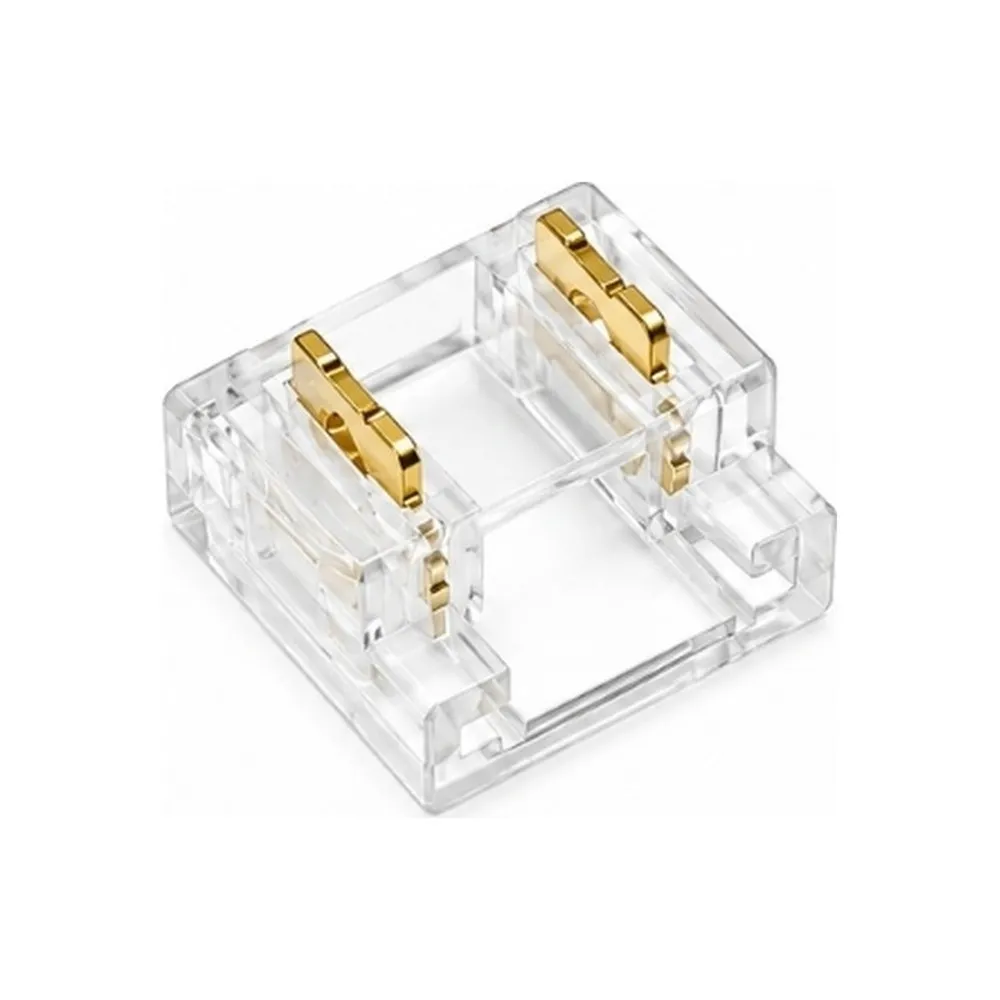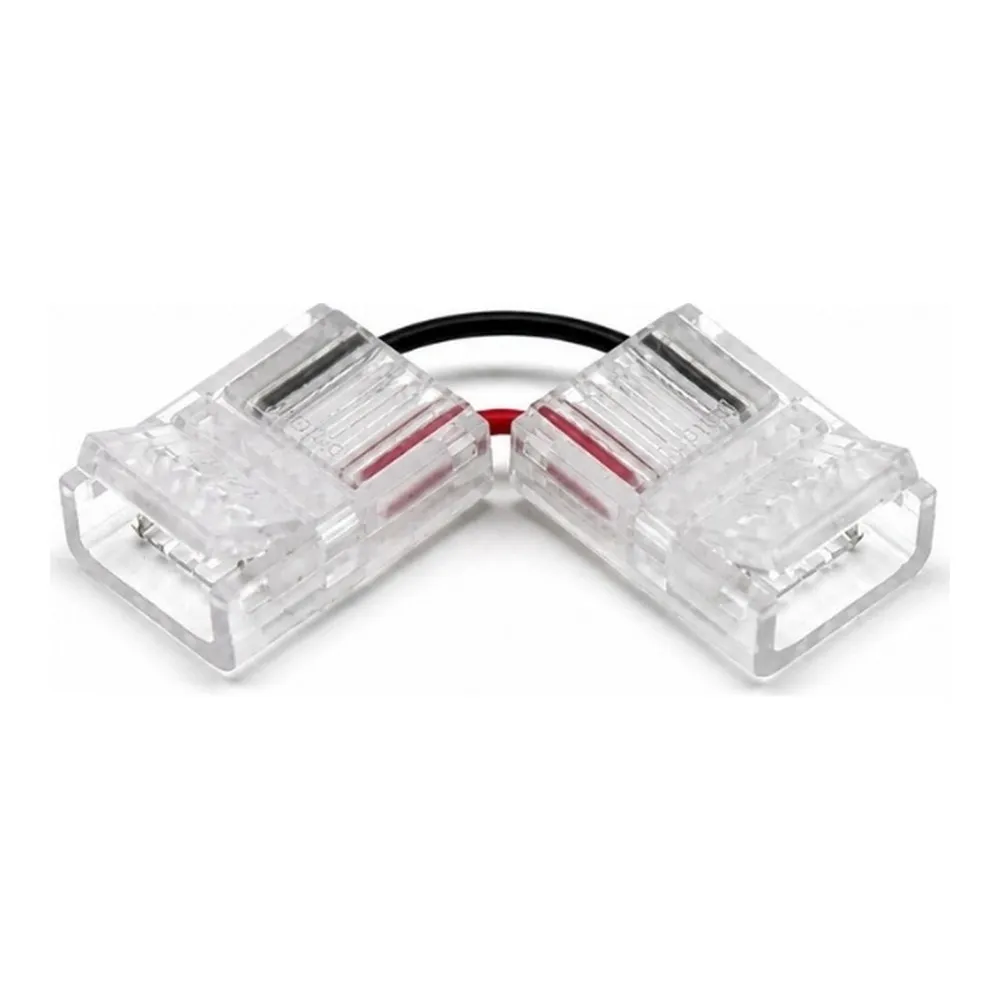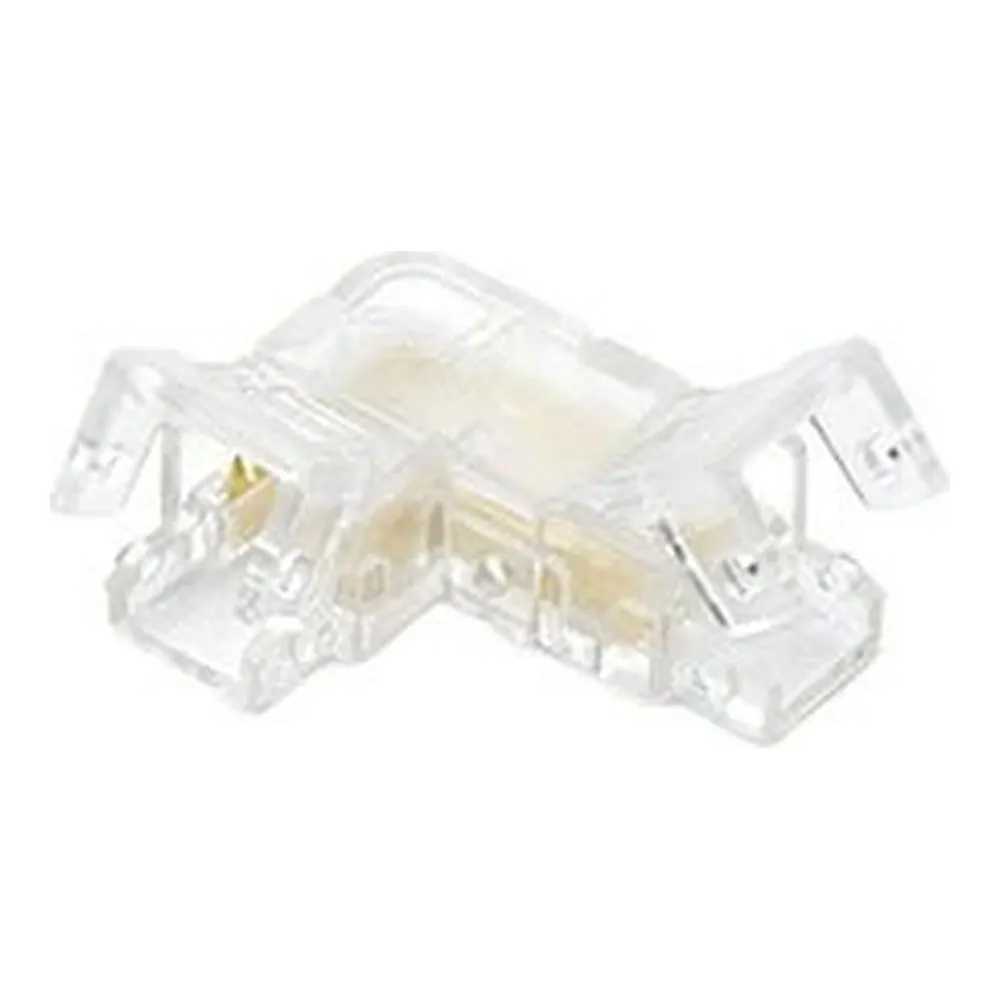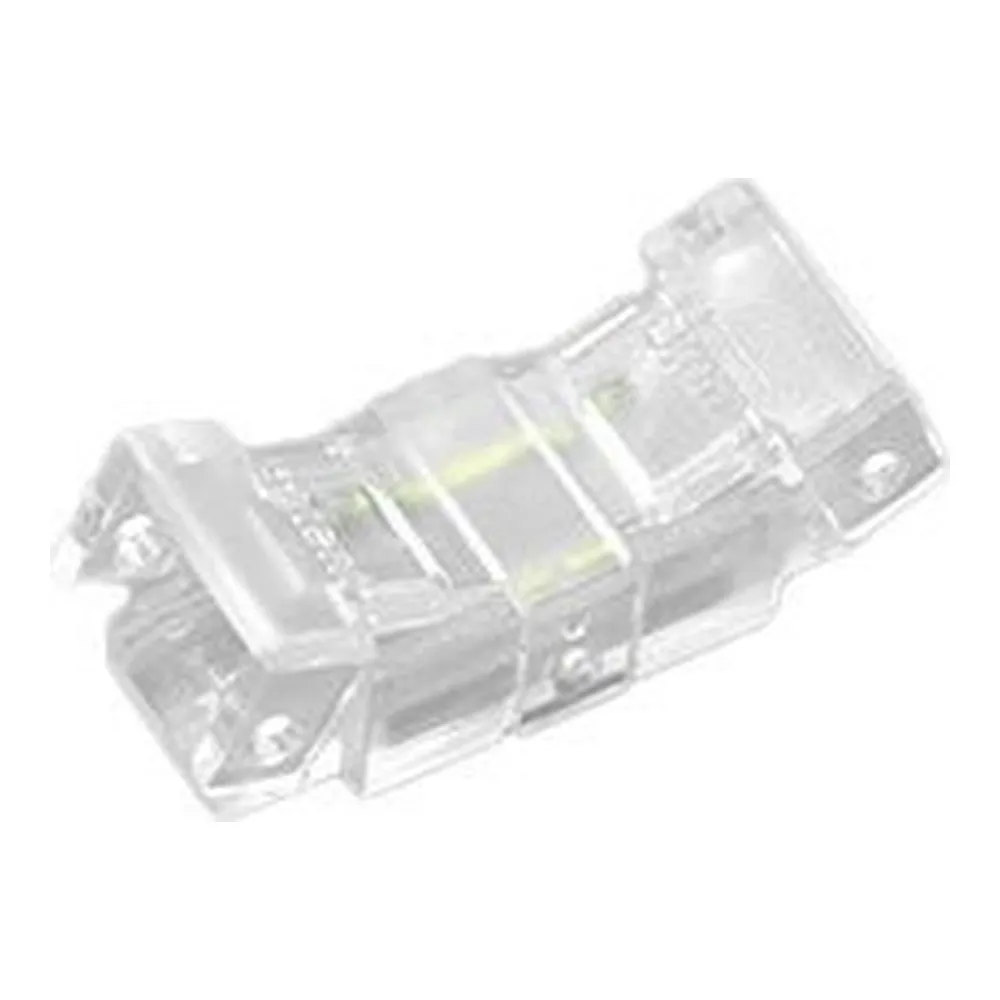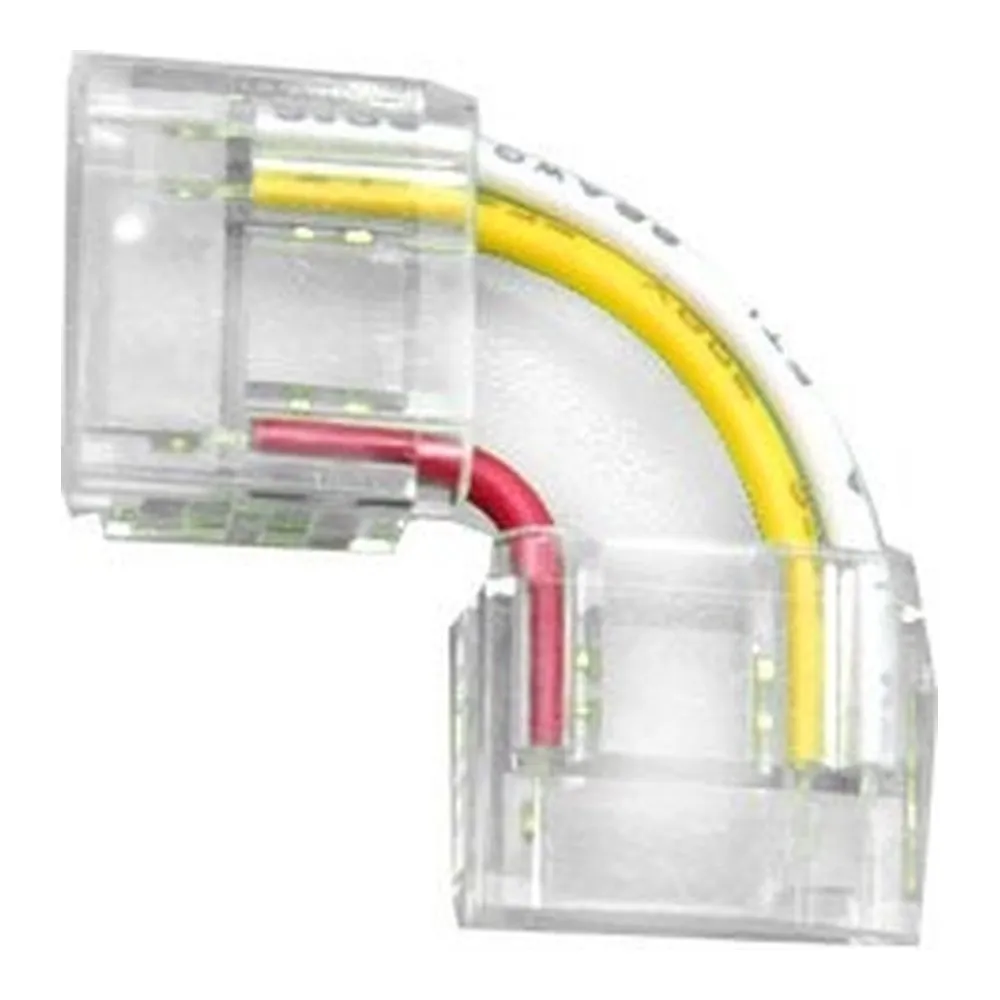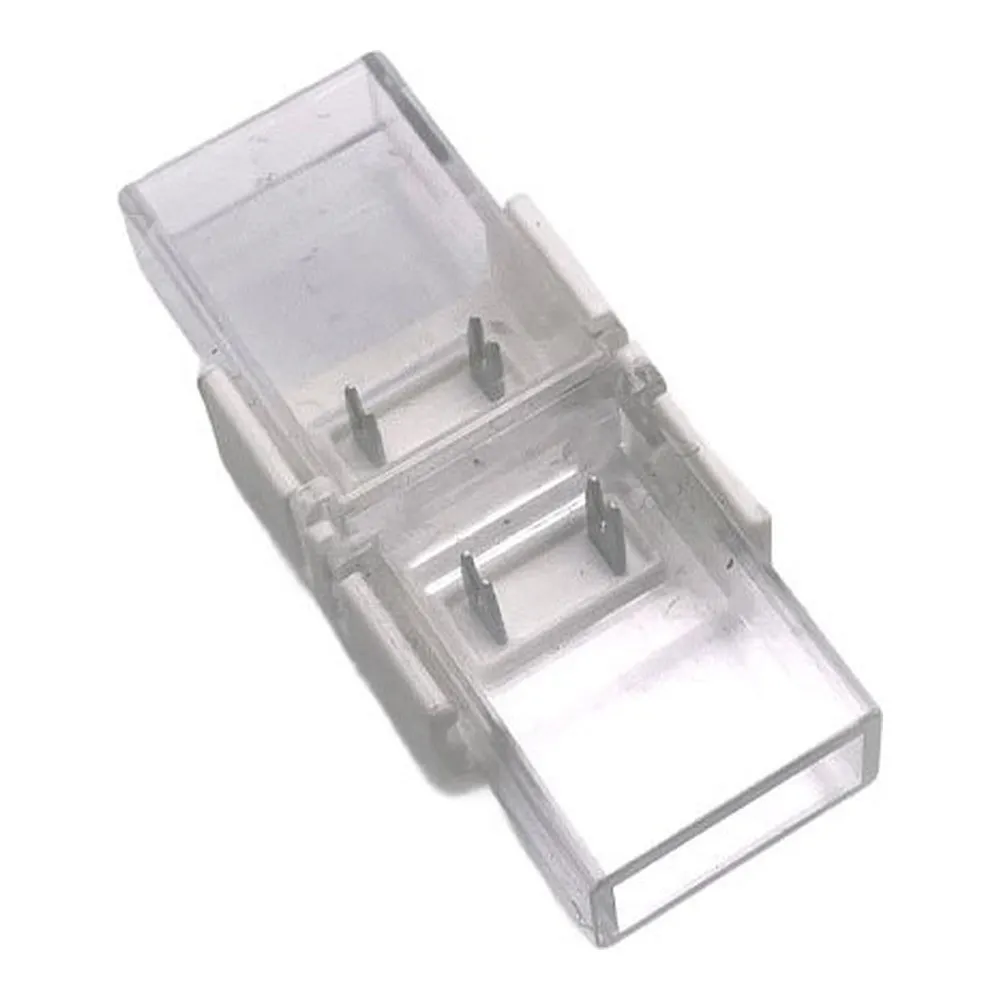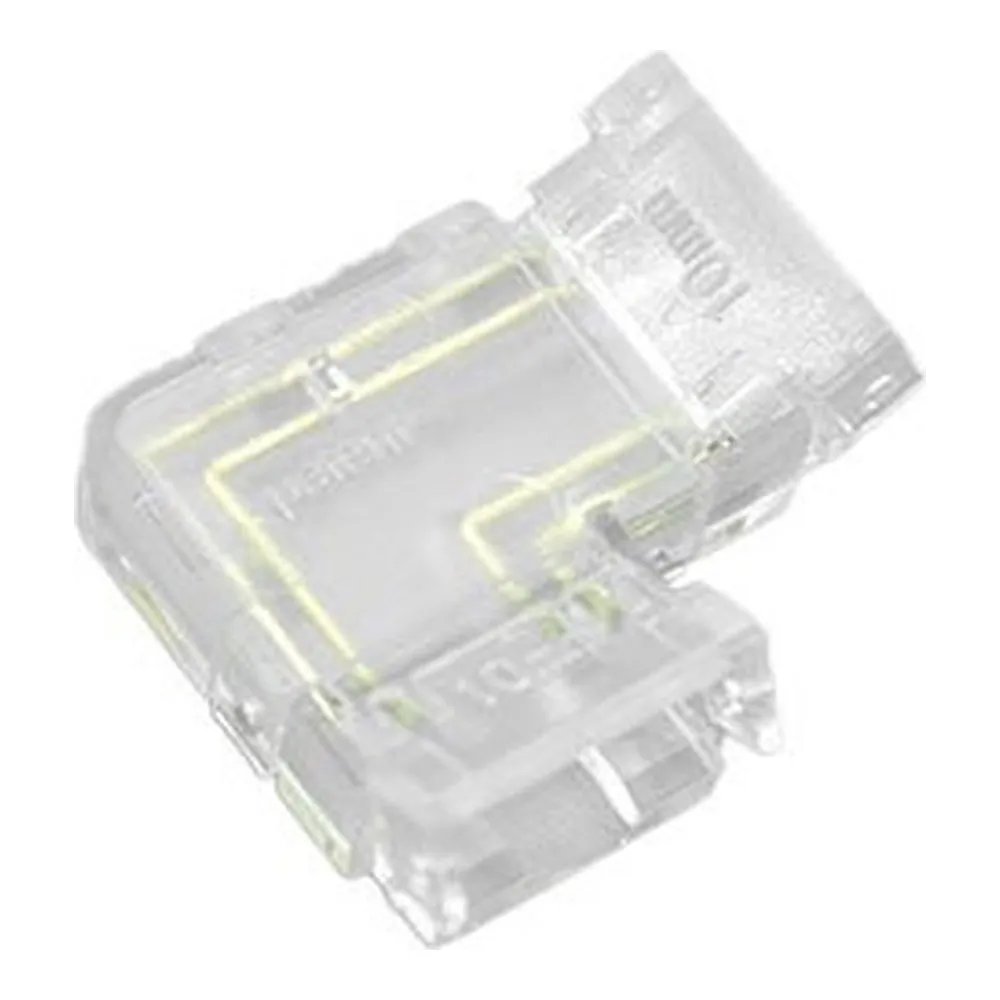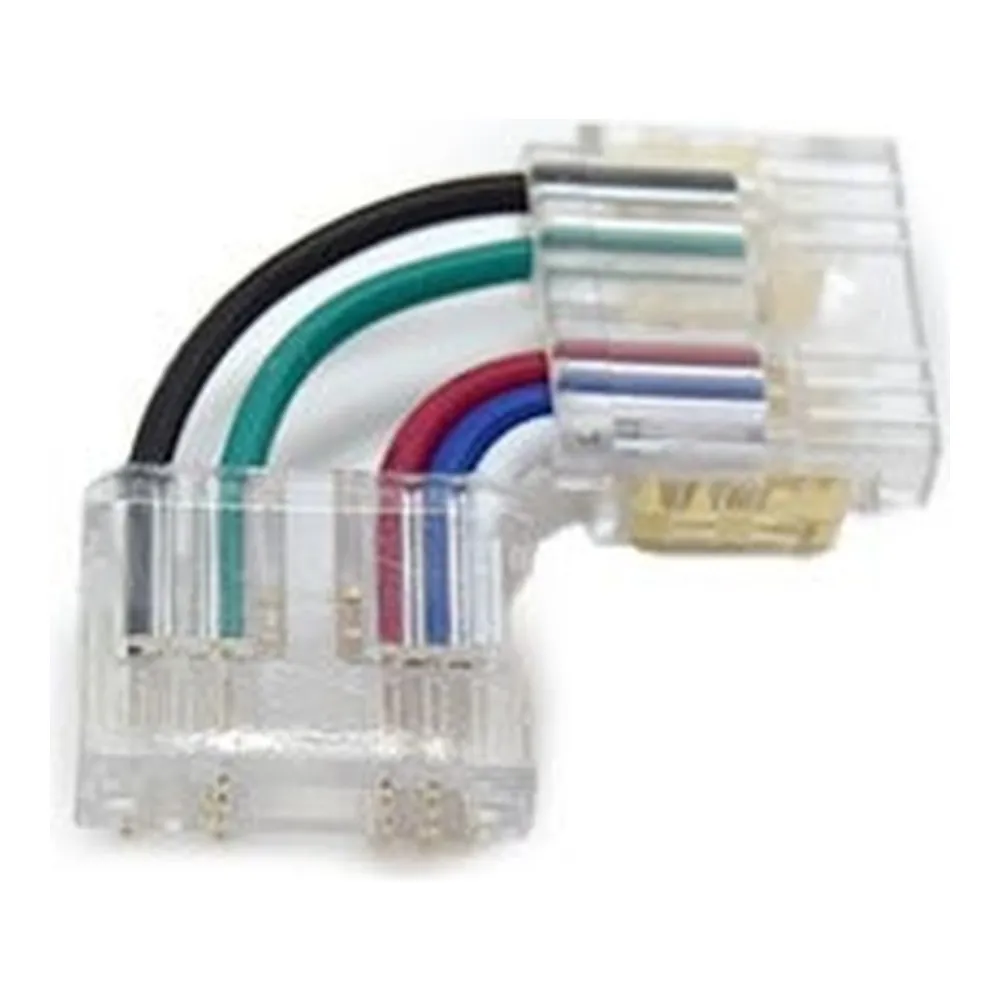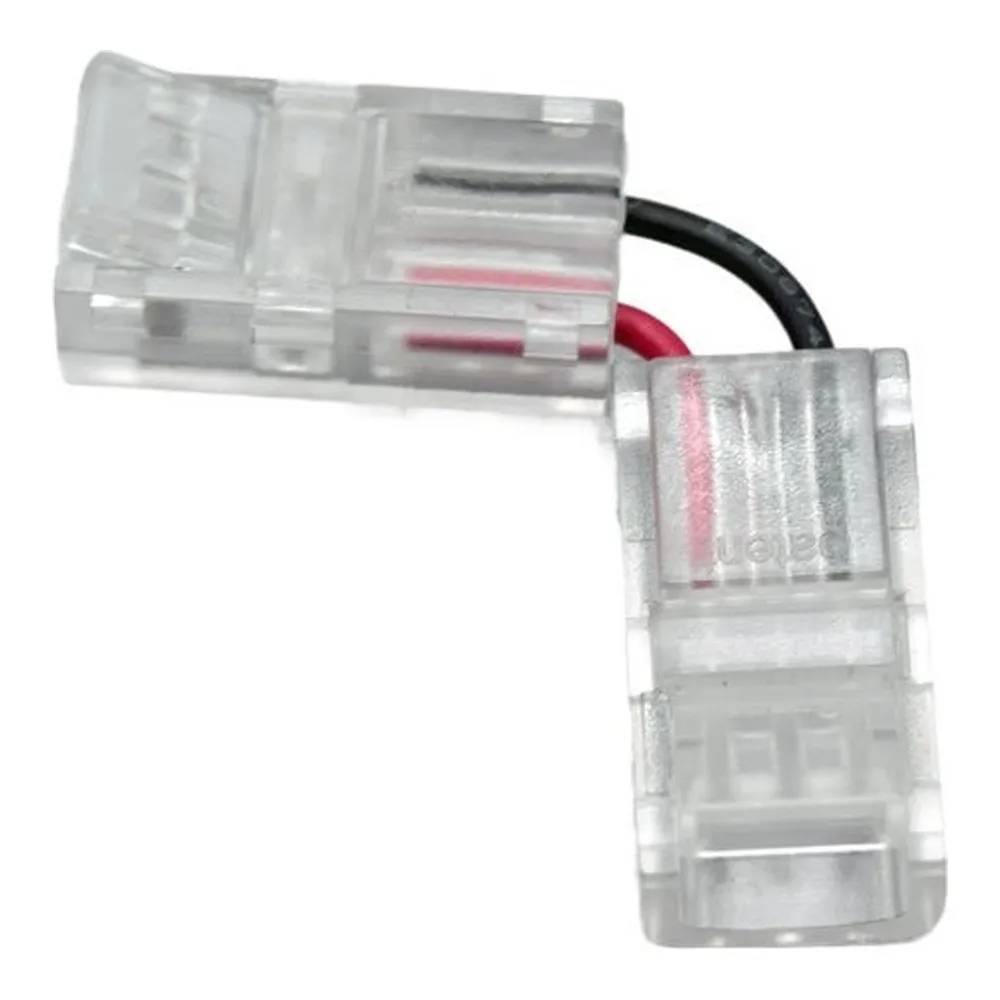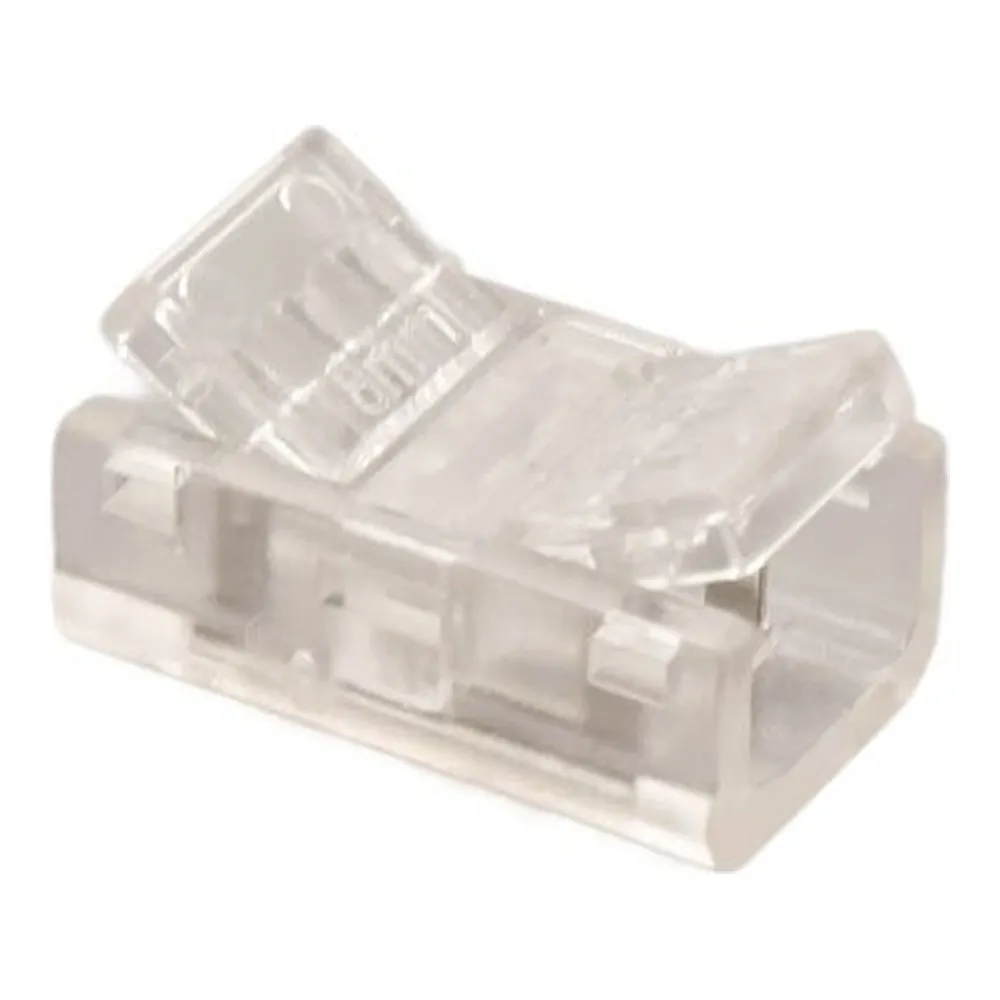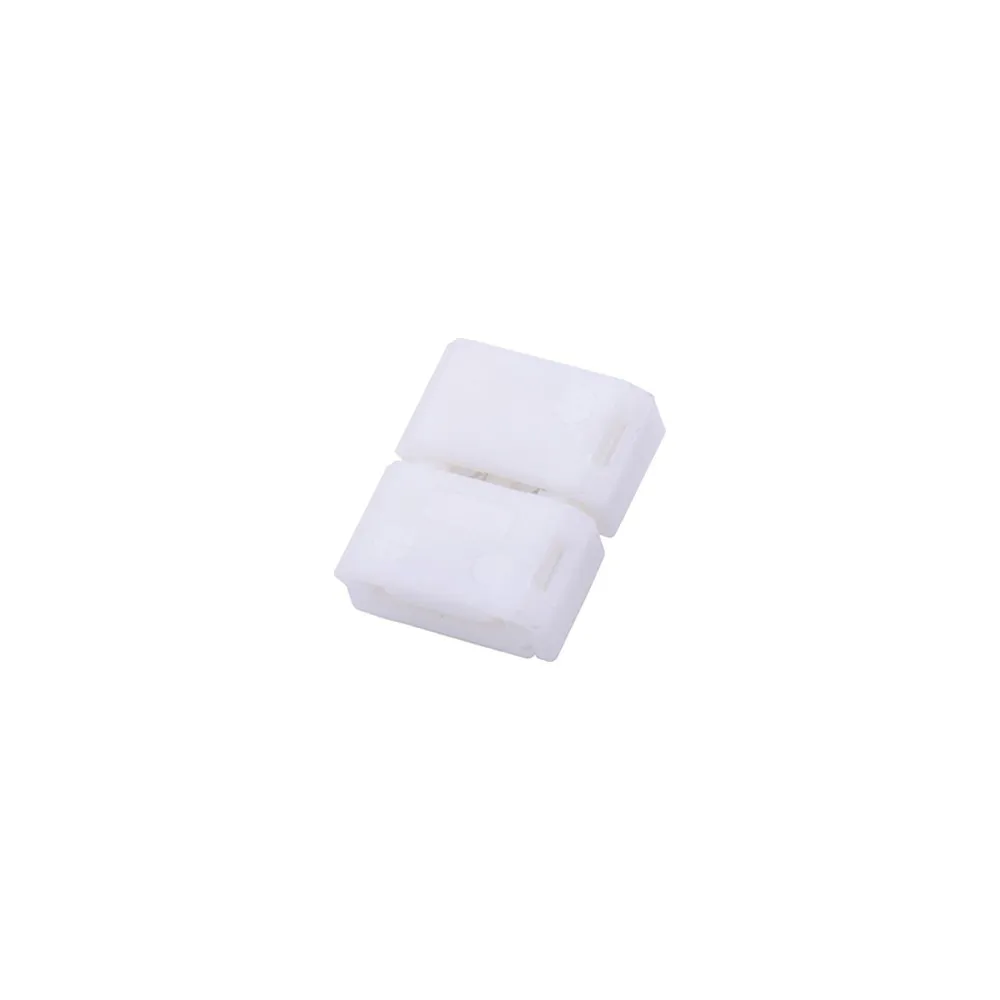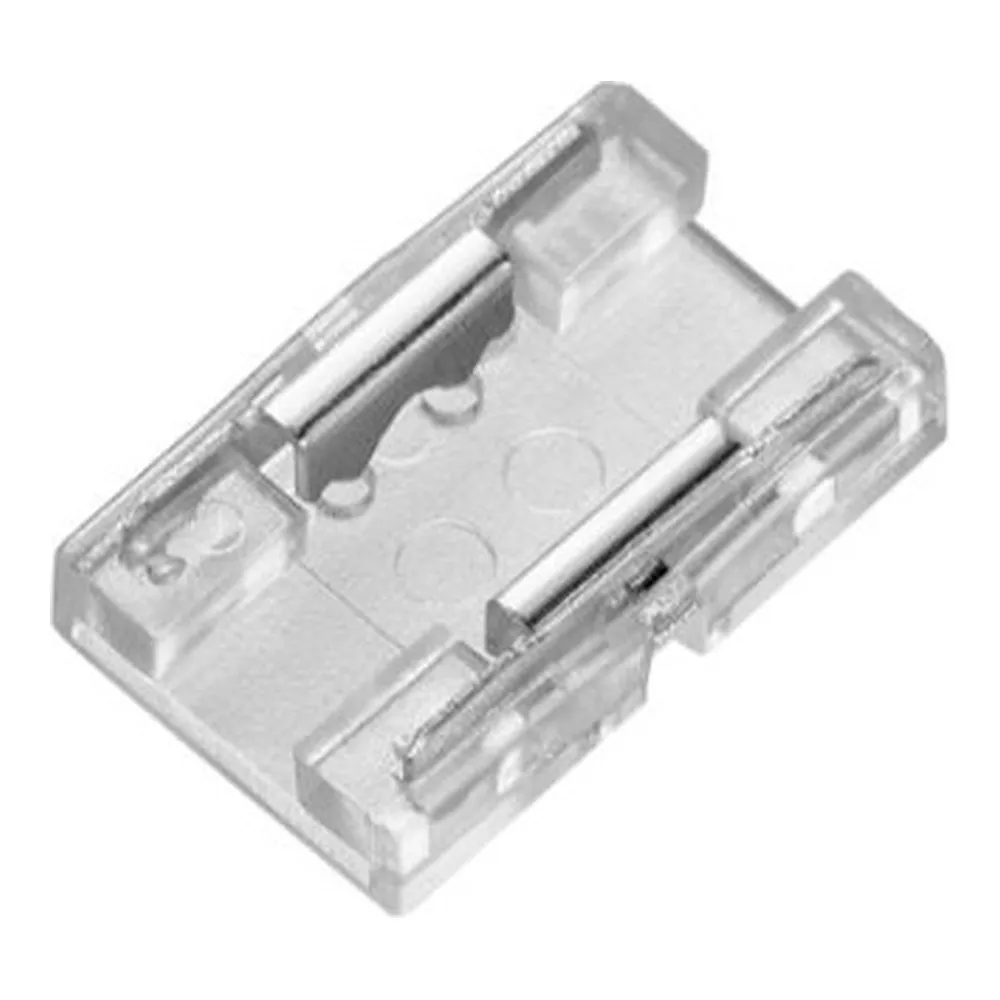
LED strip connectors join one strip section to the next, so a run can be cut to fit a room, turn a corner or continue across a gap without soldering. This category brings together 49 strip connectors for single colour, RGB, RGBW, tunable white, COB, SMD and SPI strips: straight couplers, flexible jumpers, L-shape corners, snap-on connectors, quick connectors and DC plugs.
It is aimed at installers, electricians, cabinet makers and homeowners who already have a strip in hand and need the part that fits it exactly. You will find the main connector families, how to match a connector to a strip, the differences between straight, flexible and L-shape models, and answers to the questions that come up most often on site.
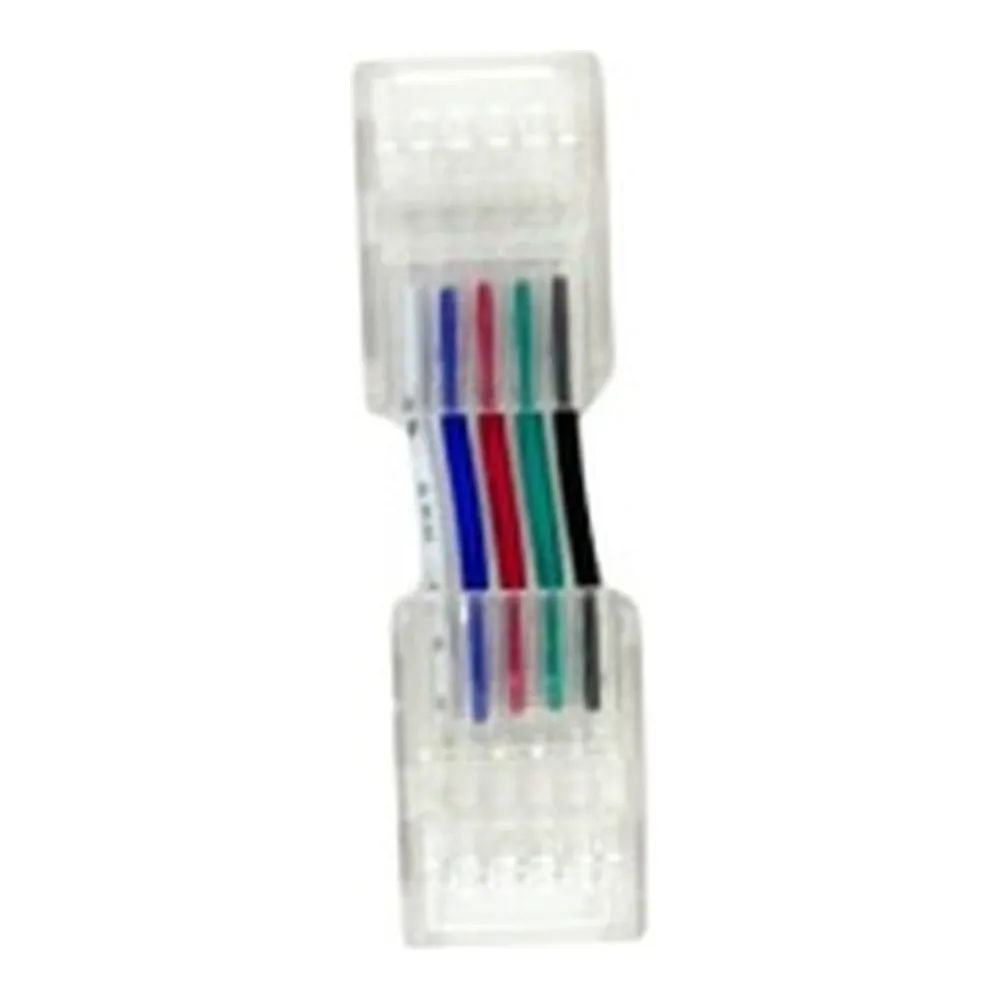
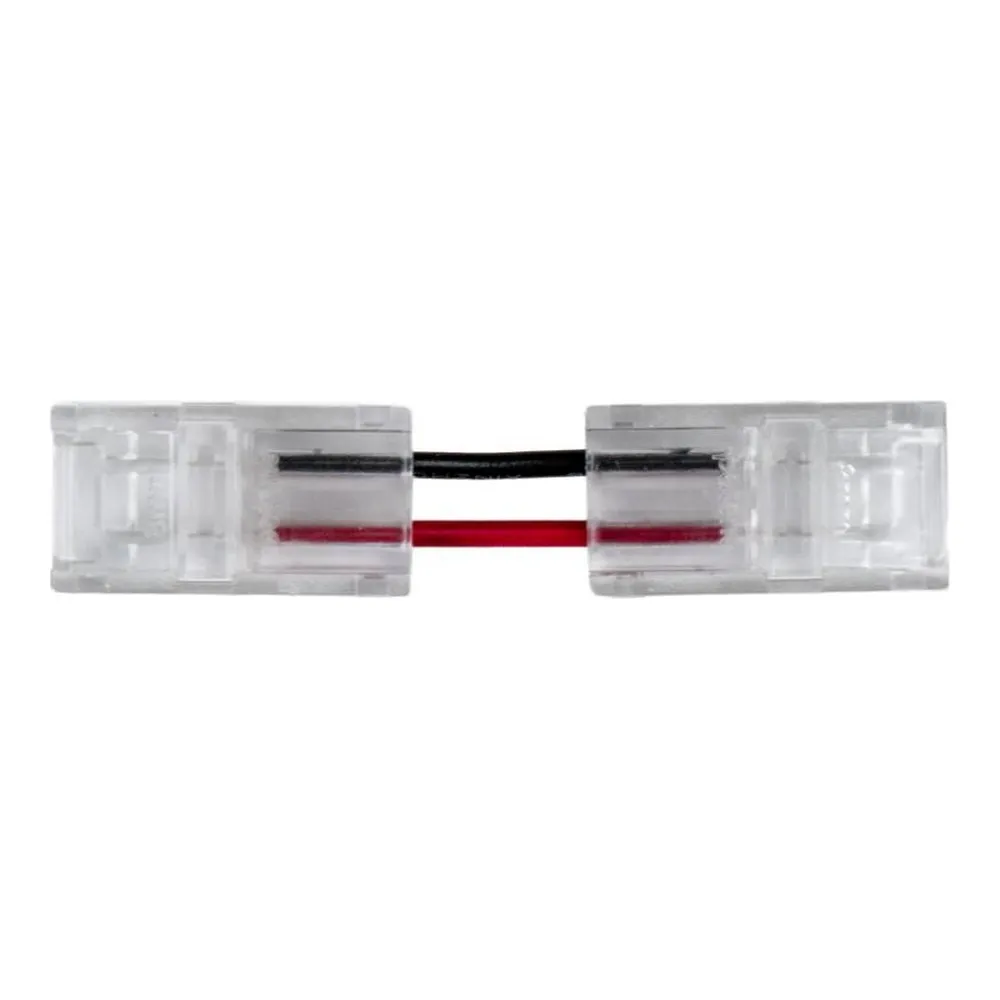
A straight connector joins two strip ends in line. Inside an aluminum channel or under a cabinet, it keeps the strip flat and the light continuous. The straight RGBW strip-to-strip connector reconnects the red, green, blue, white and common conductors in the right order, so the controller keeps driving the whole run as a single zone. Straight versions exist for COB, 3528 and 5050 strips, and as PCB-to-PCB connectors for 5 mm, 8 mm, 10 mm and 12 mm boards.
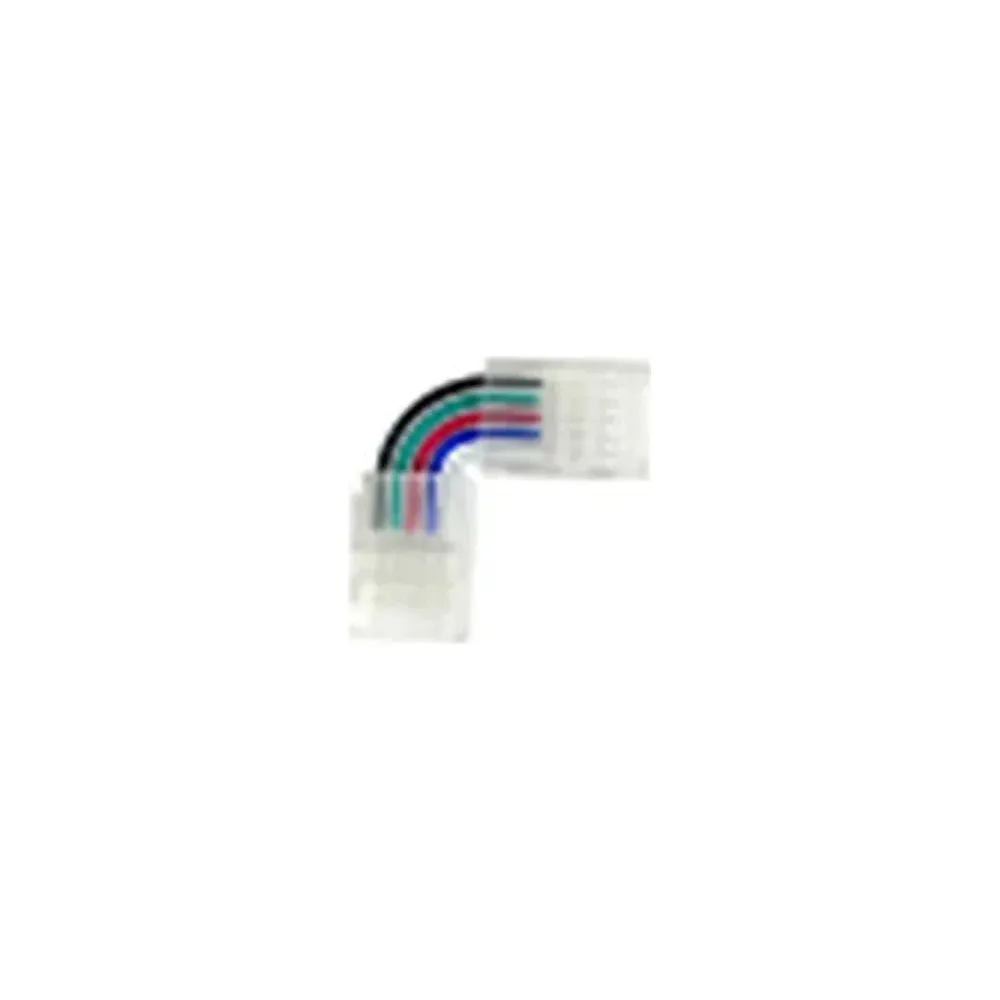
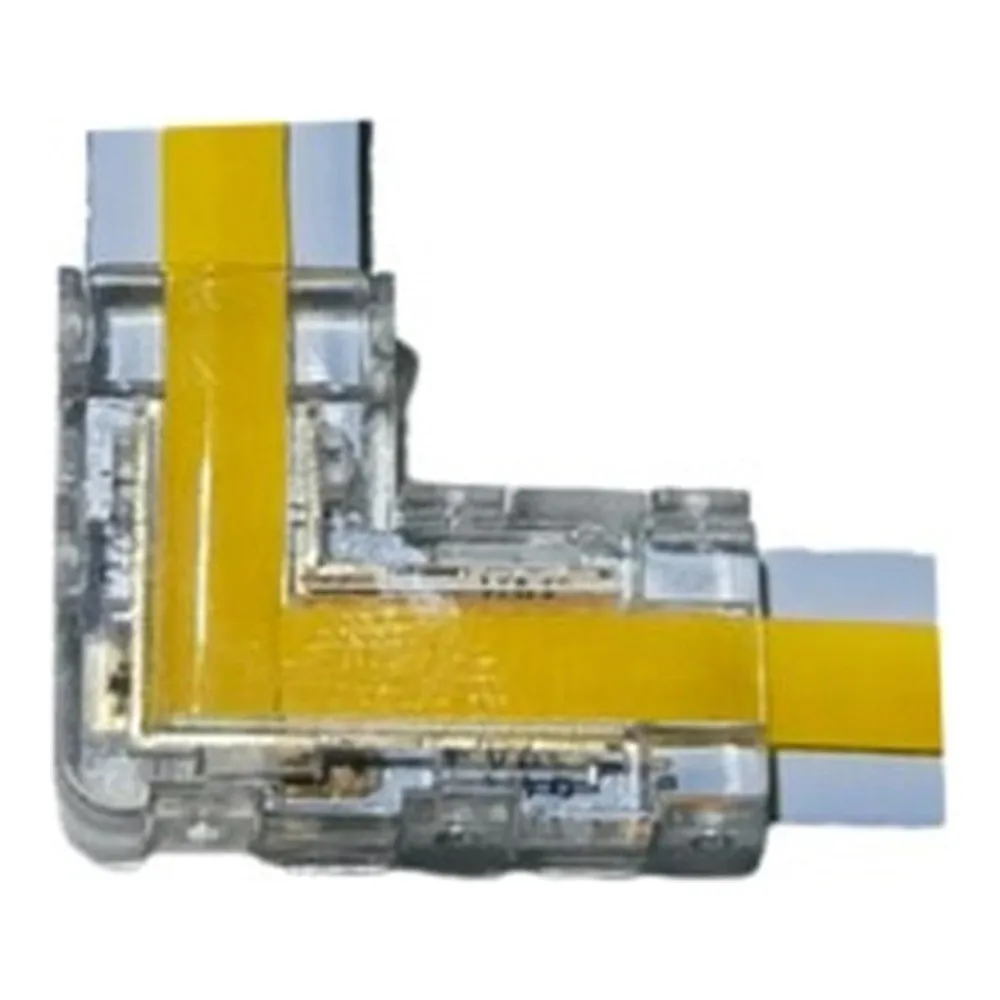
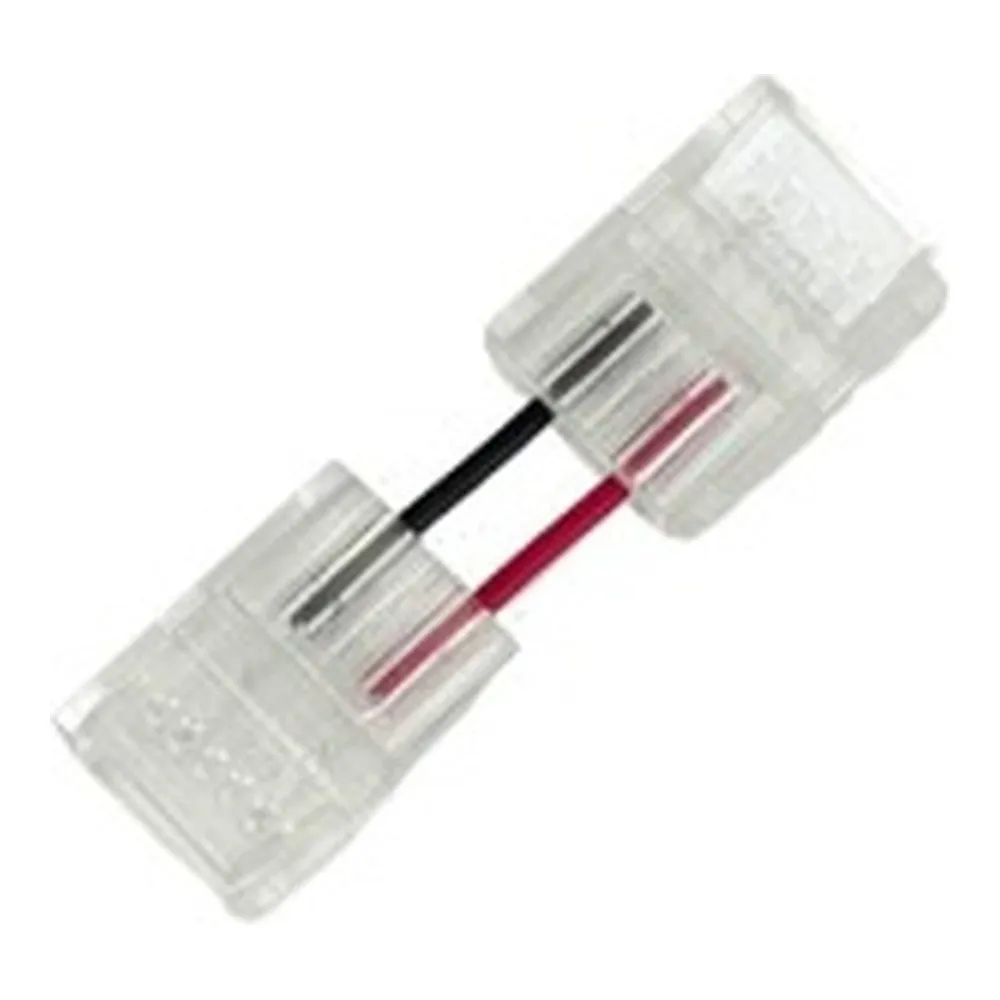
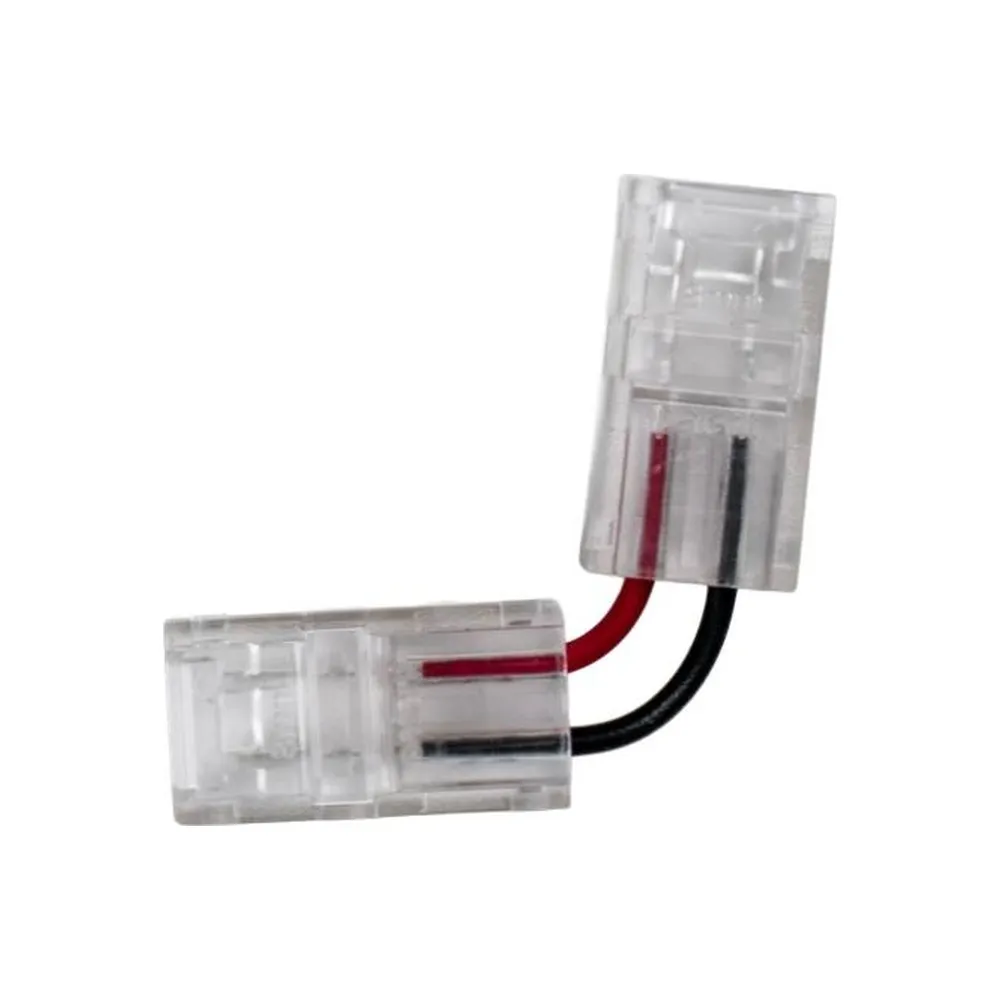
Flexible connectors have a short lead between the two clips, which lets the run follow a corner, a curve or a change of surface. L-shape connectors make a tight 90-degree turn at the corner of a cove, a shelf or a stair. The 5050 L-shaped flexible connector is a common choice for single colour and RGB 5050 strips; the same formats are available for 3528, COB and RGBW strips.
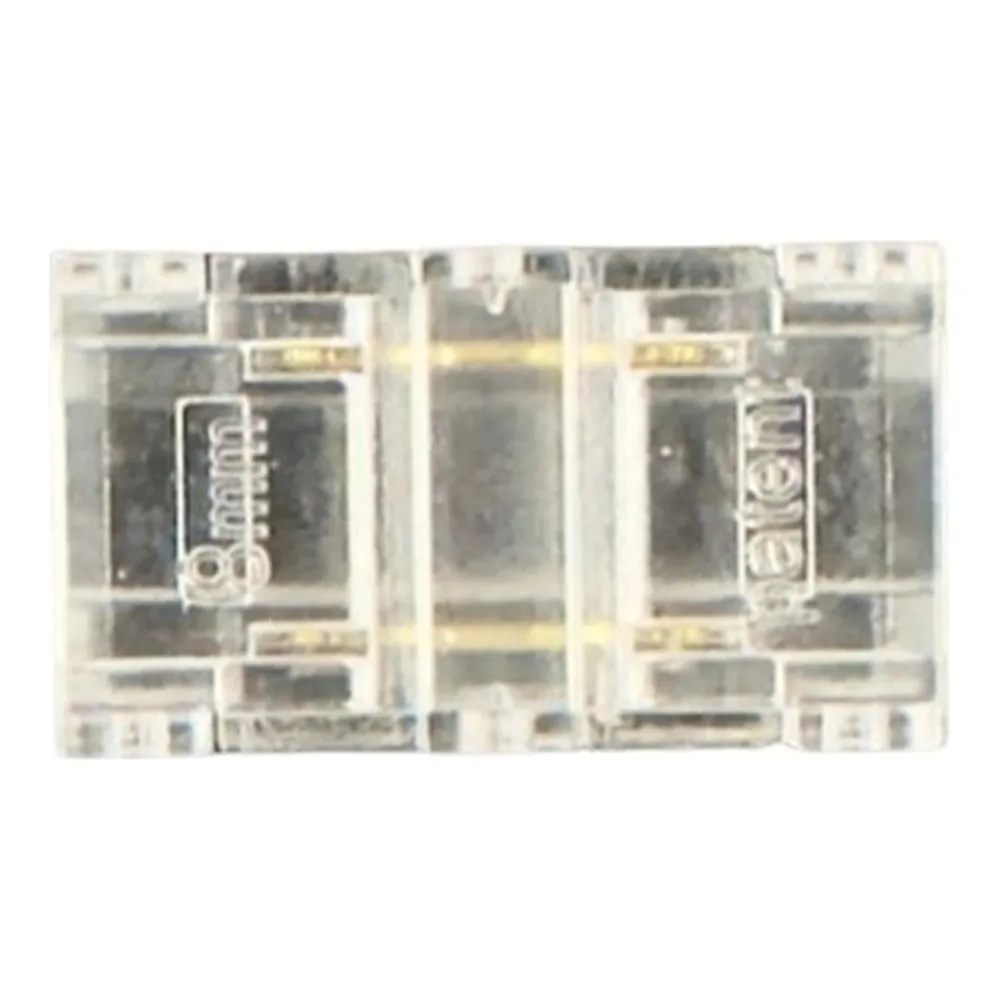
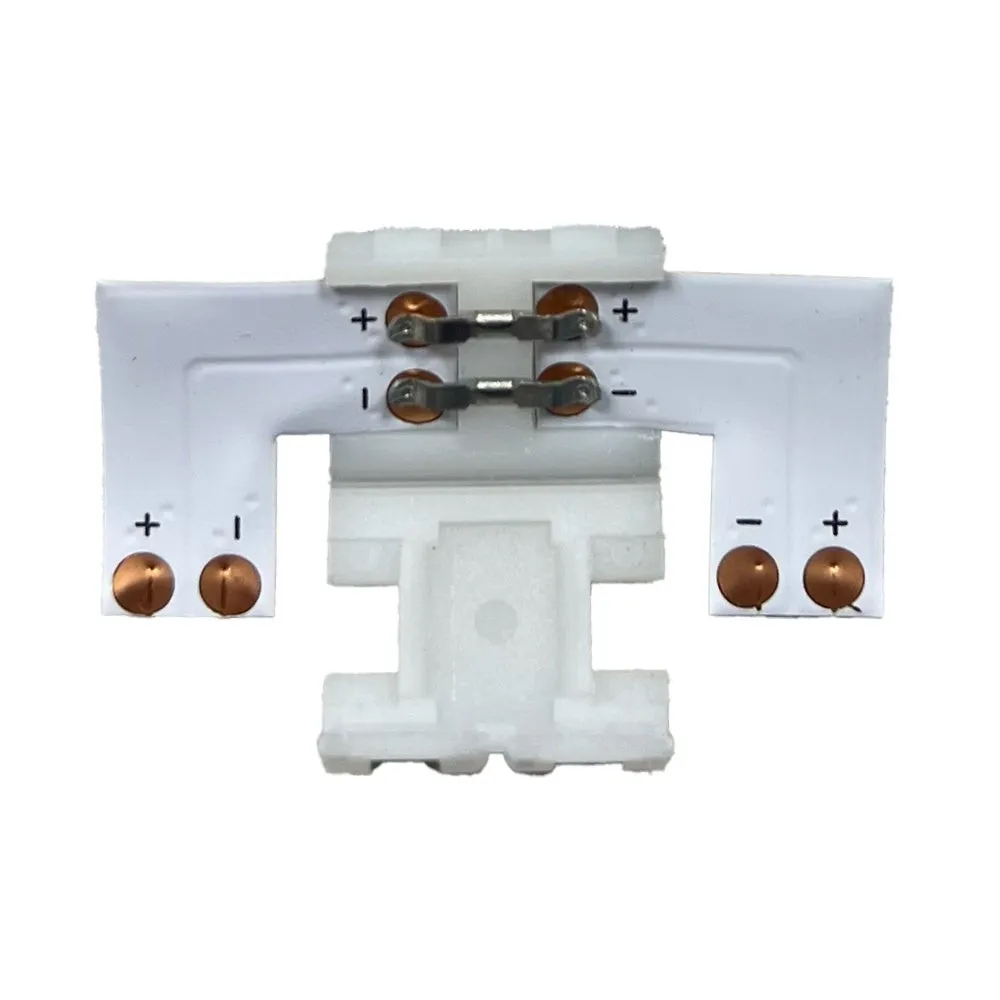
COB strips give a smooth, dot-free line of light, and a good connector keeps that line seamless across a joint. PCB-to-PCB connectors clamp directly onto the pads of both ends, with no wire gap. The 8 mm COB connector rated IP65 is suited to damp areas, and IP67 versions for CSP strips use 4 pins, a maximum current of 6A and an inner size of 12 x 4.5 mm. Tunable white COB strips use 3-pin connectors with a 10 cm wire, in single-head or double-head versions.
Seamless connectors join two pieces with almost no visible gap. The SC1 RGB seamless connector maintains a low-resistance connection on all four conductors of a 5050 RGB strip, and an RGBW version handles five. Some connectors are made for one strip family only, such as the snap-on connector for SL-25M or the 90-degree connectors for SLS and SLS5 under cabinet strips. These fit perfectly, but only with the strip they were designed for.
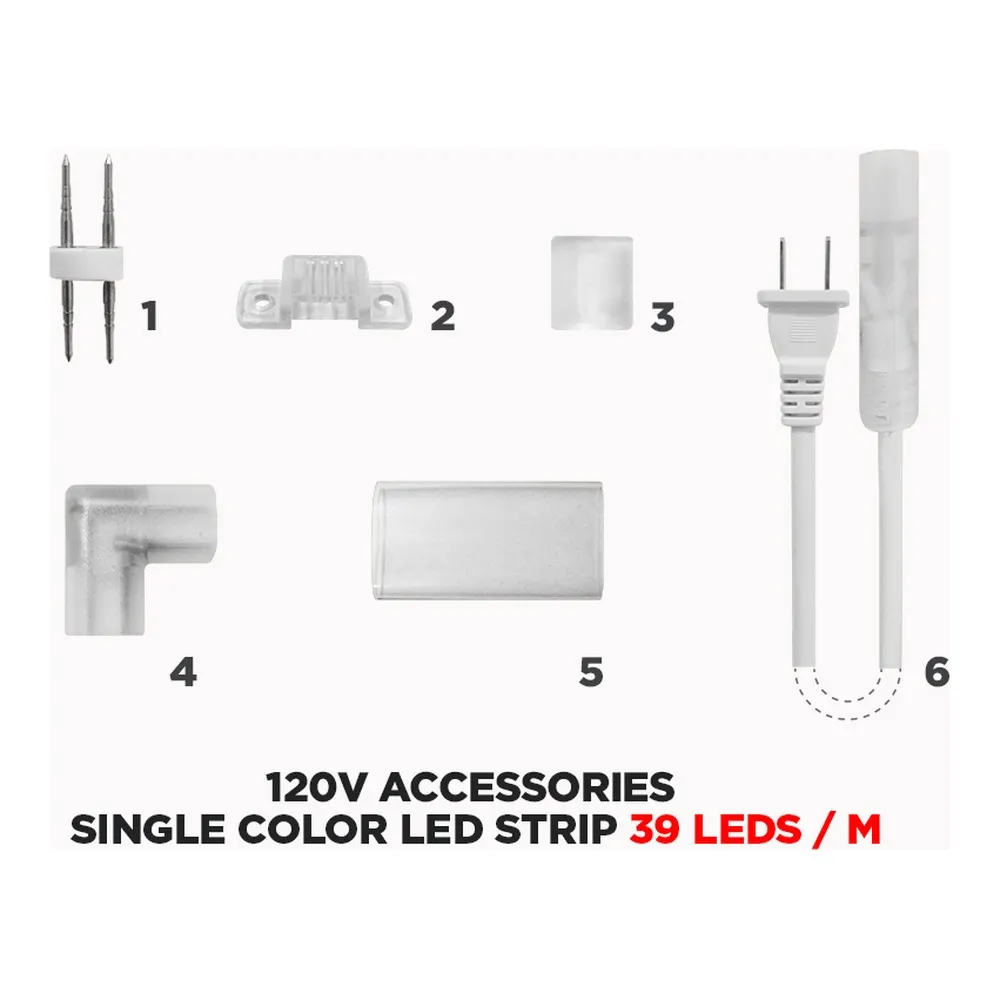
Quick connectors and grip-and-clip connectors (for single colour and RGB IP20 strips in 3528 or 5050) make custom extensions fast. DC connectors join a strip to a power supply with a plug, a 4-pin connector links an RGB strip to its controller, and an RGB extension cord carries the signal over a longer distance. For line-voltage strip, a 120 V end cap for single colour strip with 39 LEDs/m closes the run safely.
| Check | What to look for |
|---|---|
| Strip type | Single colour, CCT, RGB, RGBW, COB, SPI, CSP |
| Number of conductors | 2 for single colour, 3 for tunable white, 4 for RGB, 5 for RGBW |
| PCB width | 5 mm, 8 mm, 10 mm or 12 mm, as listed on the strip |
| LED package | 3528, 5050, COB or CSP |
| Protection | IP20 for dry indoor areas, IP65 or IP67 for damp or wet areas |
| Voltage | Low-voltage strips (12 V or 24 V) or 120 V strips, which need their own accessories |
When in doubt, compare the connector name with the strip name: the same width, package and number of channels should appear in both. Our guide to choosing LED strip lights explains COB versus SMD, 12 V versus 24 V and IP ratings in more detail.
Cut on the marked line, clean the copper pads and, on waterproof strip, remove the coating only where the connector grips. Slide the strip fully into the clip before closing it; a strip that is not fully seated often works at first and fails later.
Dry-fit the strip around the room or the cabinet run and mark every corner. Use L-shape connectors for tight inside corners and flexible connectors where the strip changes surface. In an aluminum channel, check that the connector fits inside the profile; our aluminum profile guide covers channel sizes and corners.
Connectors make a strip easier to repair: a damaged section can be replaced without removing the whole run. On long installations, feed power at more than one point instead of chaining many joints, and keep each connection accessible where possible. Before closing a cove or a profile, switch the run on and check every joint: a connector that needs adjusting is easy to reach at that stage, much less so once the finish is in place.
At home, connectors are essential for cove lighting, under cabinet runs, closets and stair lighting, where a strip changes direction at every step. In commercial projects, they let installers prefabricate strip sections for shelving, signs and display cases and connect them on site. For RGB and RGBW projects, pair them with the right LED strip controllers and remotes.
Related categories group the parts you will need around the connectors: solderless connectors for clip-on joints, connector wires and leads for longer jumpers, LED strip accessories & connectors for end caps and sensors, and 120V strip accessories for line-voltage strip.
A straight connector joins two strip ends directly in line. A flexible connector has a short lead between the clips, so the strip can turn a corner, cross a small gap or move to another surface.
No. The connector must match the strip type, the PCB width, the LED package and the number of conductors. Series-specific connectors only fit the strip they were designed for.
Often yes, as long as the width, package and number of channels match. The voltage is set by the power supply, not the connector. Line-voltage 120 V strips are different and need their own accessories.
Five: red, green, blue, white and a common conductor. An RGB connector has four, a tunable white connector three, and a single colour connector two.
Standard connectors are made for dry indoor use (IP20). For damp or wet areas, choose IP65 or IP67 connectors and use them with strips of the same rating.
Usually the strip is not fully inserted, the pads are dirty or partly cut, or the polarity is reversed. Reopen the connector, check the cut and the alignment, and close it again firmly.
Browse all LED strip accessories & connectors and choose the part that matches your strip's type, width and number of channels.