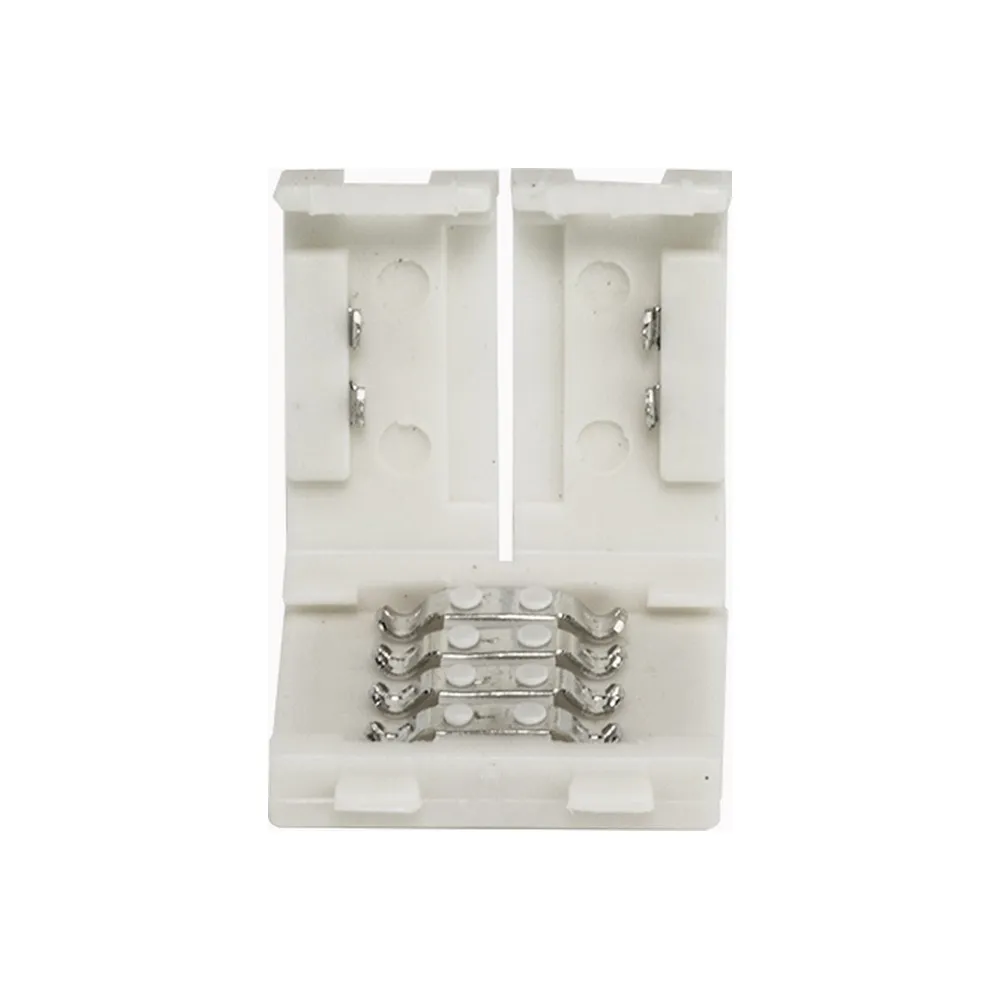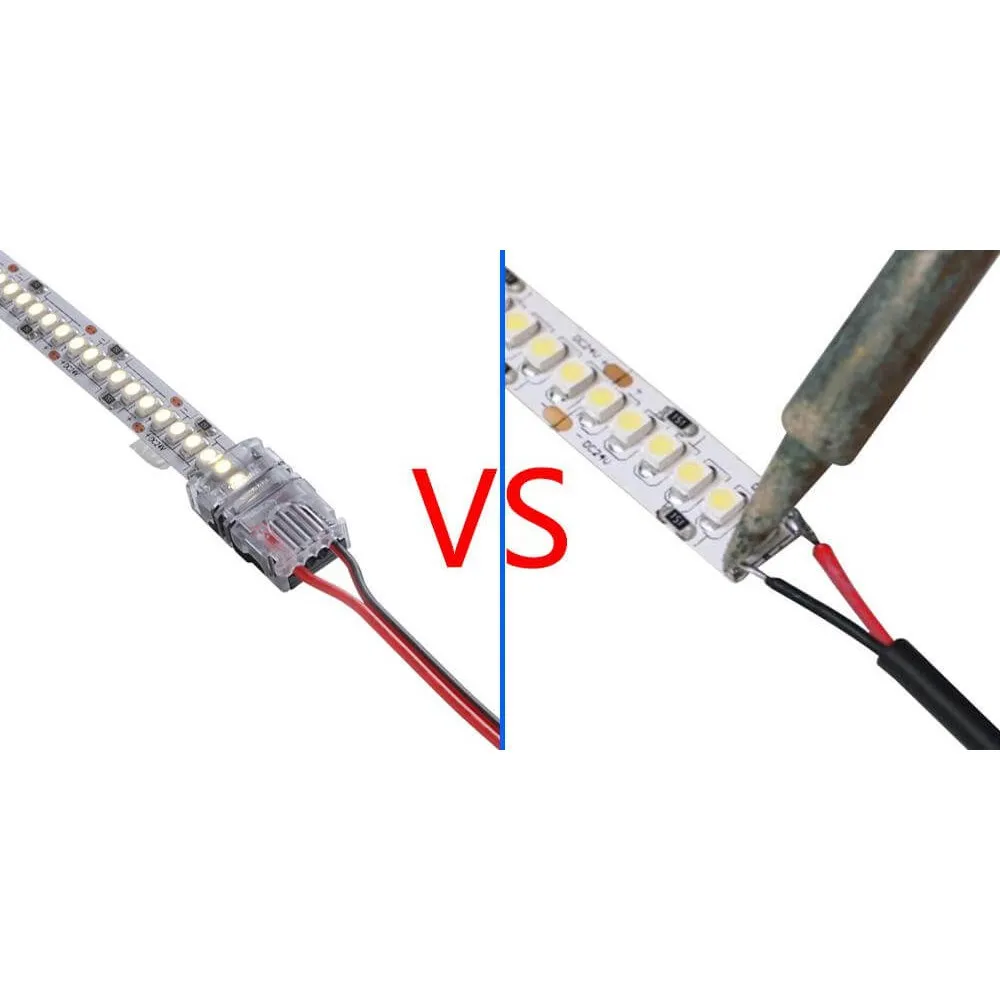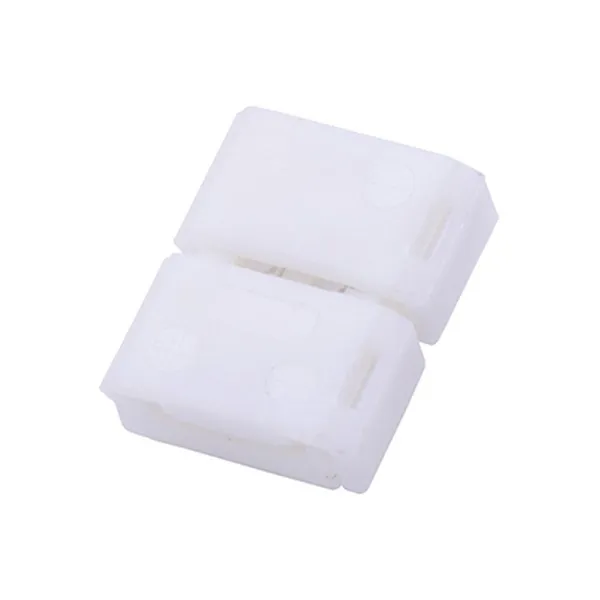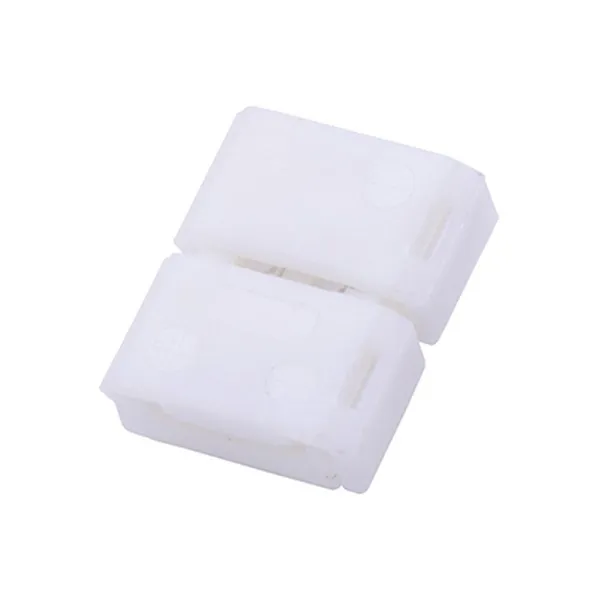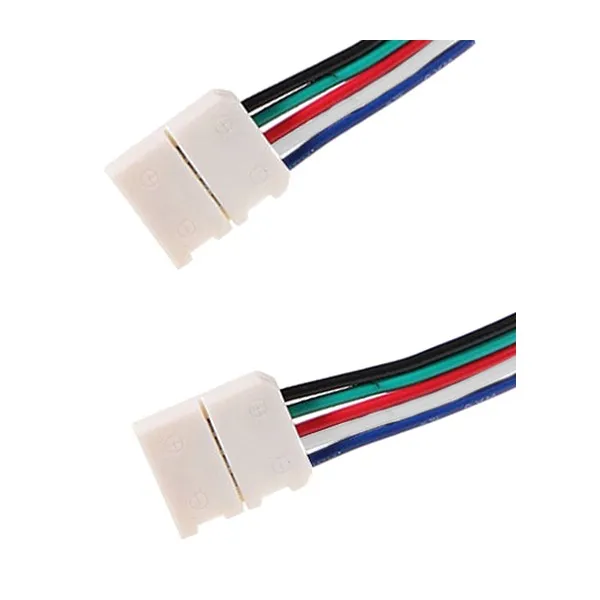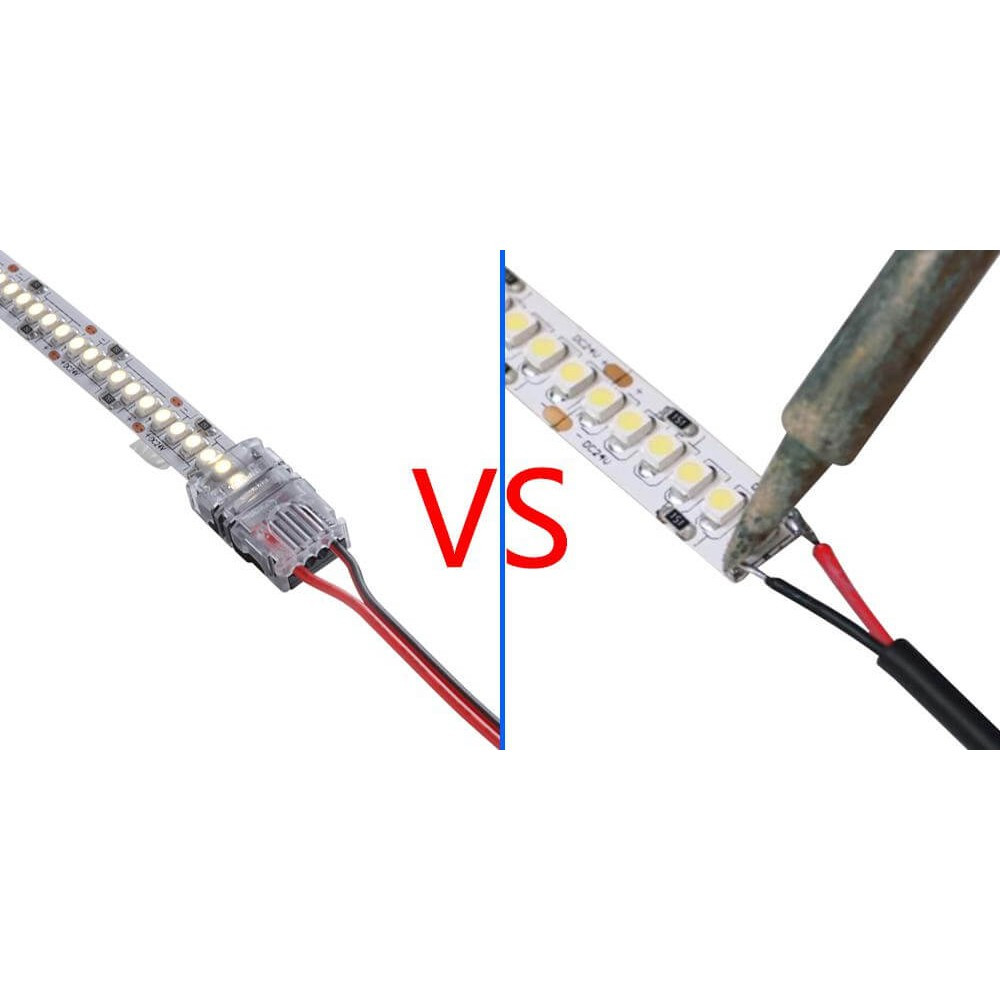
Solderless connectors join, extend and turn corners with LED strip lights without a soldering iron. You cut the strip on a marked cut line, open the clip, slide the copper pads under the contacts and close it: the run continues as if it had never been cut. This category groups clip-on connectors for single-colour 2835 and 3528 strips, COB strips, 5050 RGB and RGBW strips, CCT strips and dim-to-warm (DTW) strips, in seamless, single-end, double-end, L-corner and block formats.
The page is for electricians, installers and homeowners who want a clean, repeatable connection on a kitchen, cove, shelf or display project. Most connectors here are LUMENSTARLED SC-series models, with one LED MONTREAL connector for RGB strips. The key to a reliable joint is simple: the connector must match the strip type, its width and its number of conductors.
The SC1 joins two pieces of strip end to end with no gap, so the light line looks continuous. There are two versions for 3528 strip: the SC1 for standard 3528 strip and the SC1 for 120 LED 3528 strip. Use them to repair a cut, extend a run or rejoin a strip after passing an obstacle.
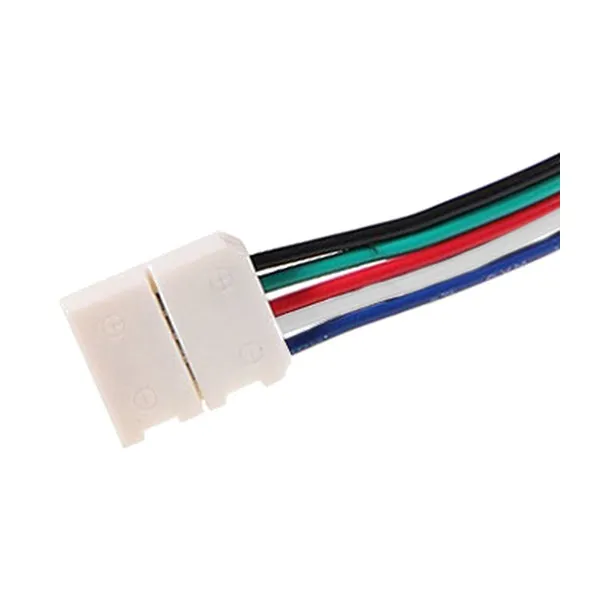
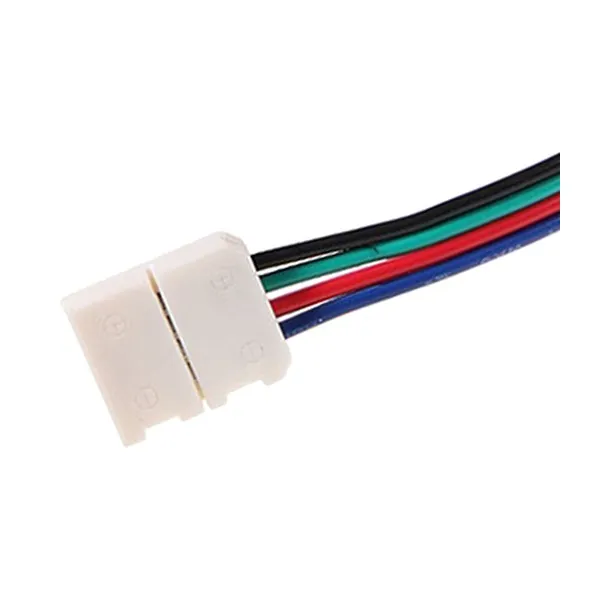
A single-end connector clips onto one end of the strip and brings out wire leads, usually to the power supply or the controller. The range includes the SC2 RGB for 5050 RGB strip, the SC2 RGBW for 5050 RGBW strip and the SC2 DTW single-end connector for dim-to-warm strip.
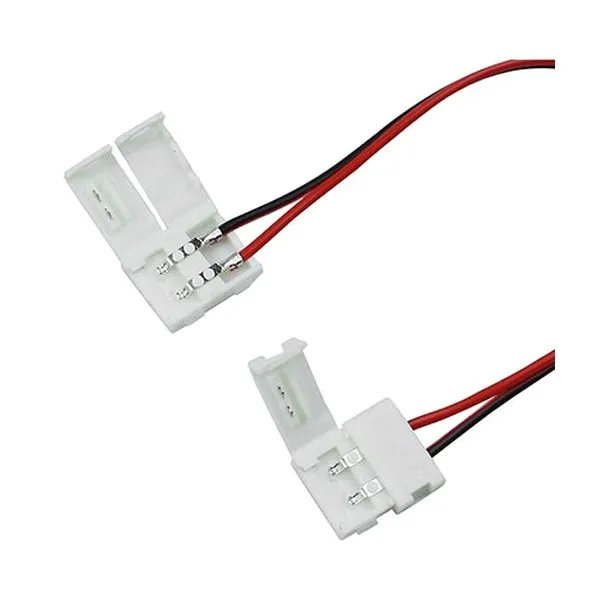
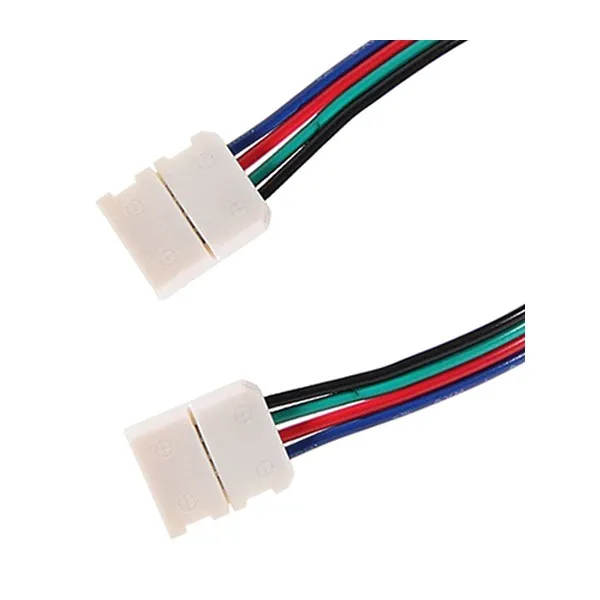
A double-end connector has a clip at each end of a short lead. It bridges a gap between two strip sections, for example around a corner, across a cabinet divider or between two shelves. Models include the SC3 RGB for 5050 RGB, the SC3 RGBW connector on both ends for 5050 RGBW strip, and the SC3 corner connectors for 2835, 3528 CCT and DTW strip.
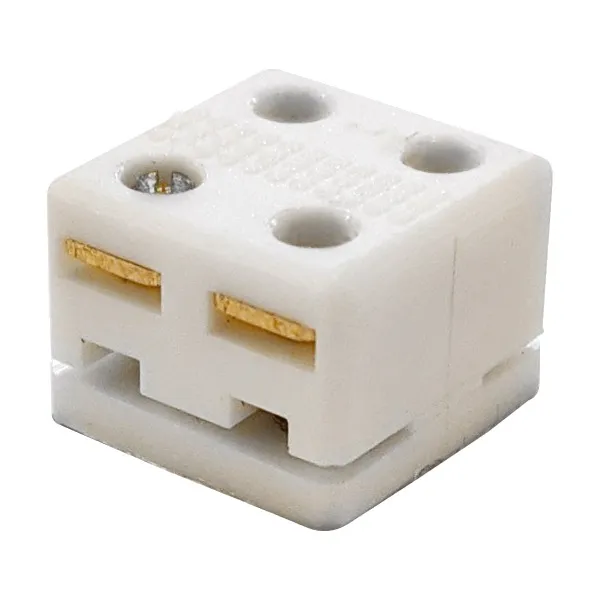
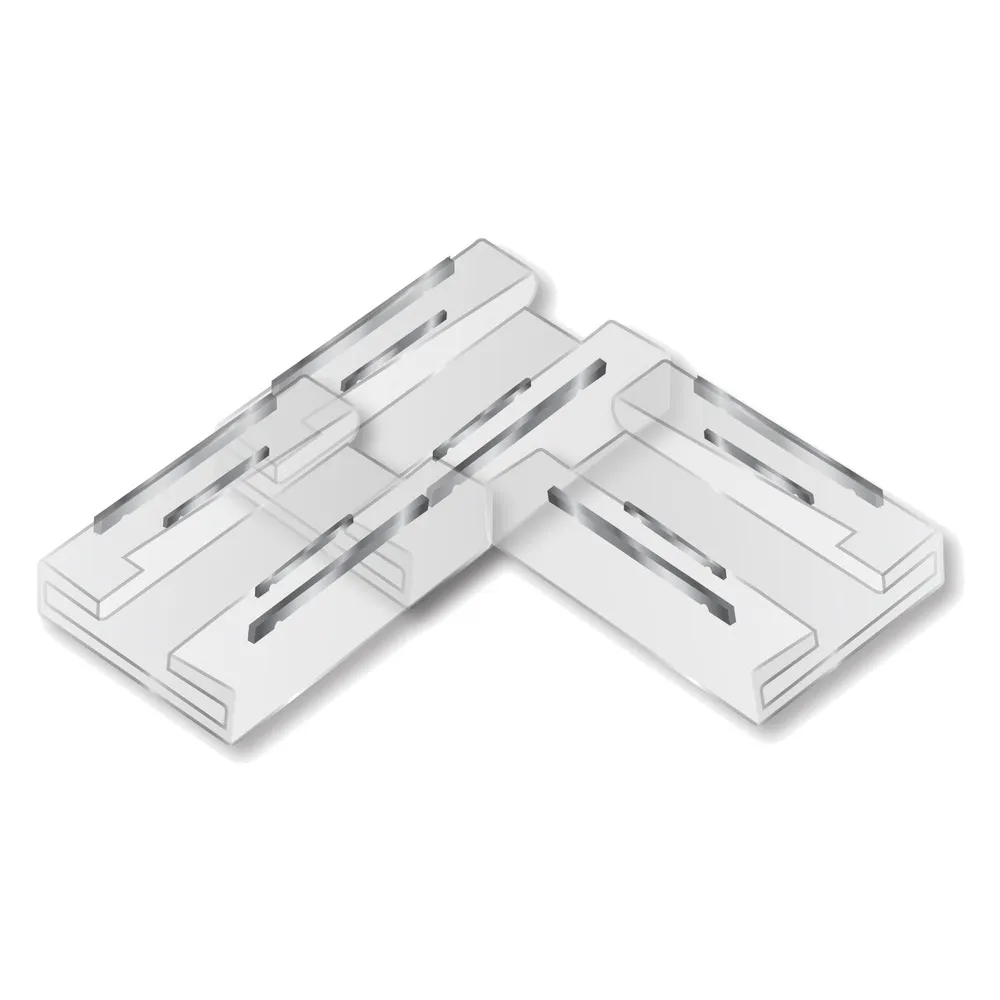
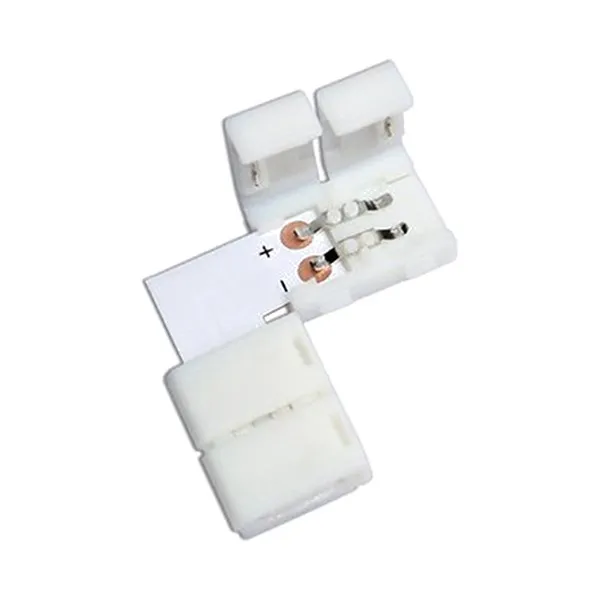
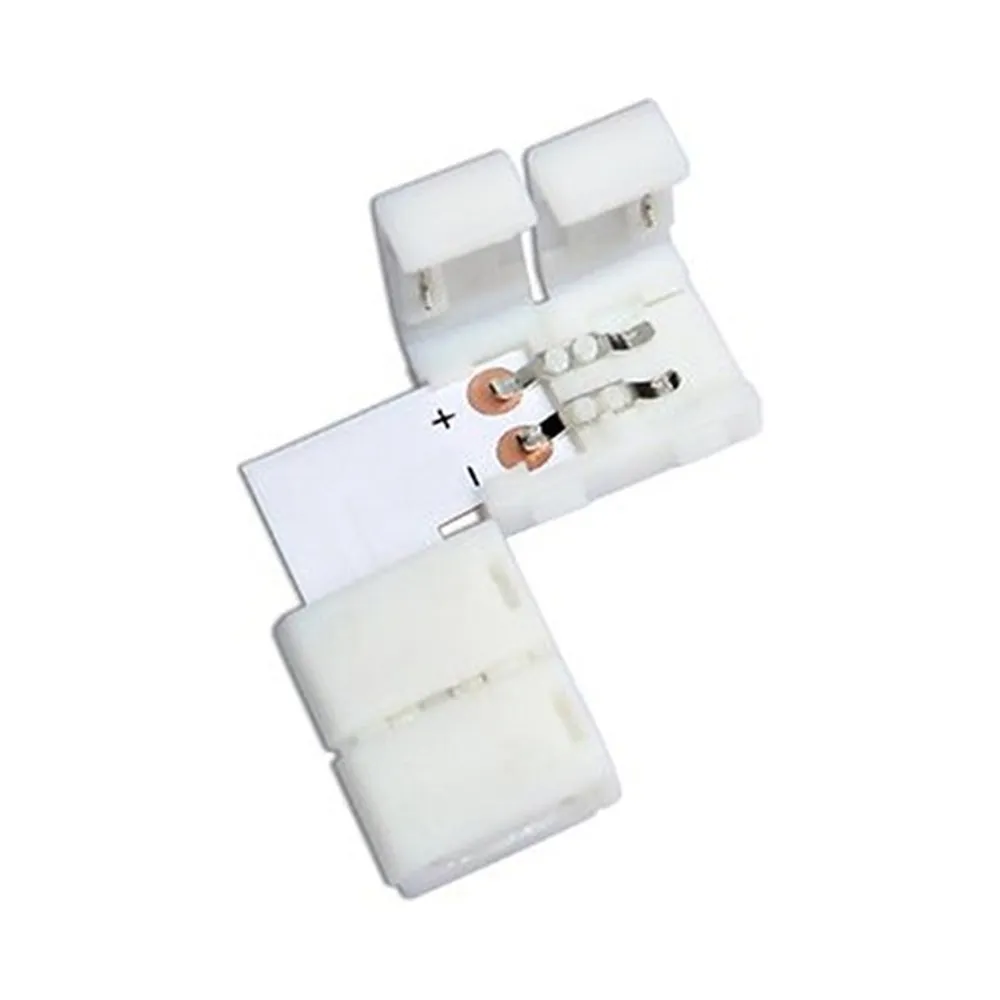
The SC4 L-corner connector makes a clean 90-degree turn without a wire lead. It comes for 3528 strip, 120 LED 3528 strip and COB strip; see the SC4 L-corner solderless connector for COB strip. The SC7 block solderless connector for 2835 and 3528 strip uses a spring-loaded terminal block that grips the copper pads firmly.
The solderless RGB LED strip connectors (CONRGB) reconnect two sections of RGB 5050 strip after a cut. They align the common line with the red, green and blue channels, so the run keeps responding to the same controller and remote.
A solderless connector only works when it fits the strip exactly. The table below summarizes which models go with which strip.
| Strip type | Conductors | Connectors in this category |
|---|---|---|
| 2835 single colour | Two | SC3 corner, SC7 block |
| 3528 single colour | Two | SC1, SC4, SC7 |
| 120 LED 3528 | Two | SC1, SC4 |
| COB | Two | SC4 L-corner |
| 3528 CCT | Extra channel | SC3 corner |
| DTW (dim-to-warm) | Strip-specific | SC2 DTW, SC3 DTW |
| 5050 RGB | Four | SC2 RGB, SC3 RGB, CONRGB |
| 5050 RGBW | Five | SC2 RGBW, SC3 RGBW |
Start by identifying the strip: look at the chip size, the colour type and the pad layout. Browse the strip families if you are still choosing: white LED strips, COB LED strips, RGB LED strips and CCT LED strips. Then pick the format that matches the layout: SC1 for straight joins, SC2 where the run starts, SC3 for gaps and corners with a lead, SC4 for a tight corner and SC7 where you want a firm block terminal.
For installation, follow a few habits that make a solderless joint last:
Our LED strip installation guide covers the full process, and the guide to choosing LED strip lights explains COB versus SMD, voltage choices and IP ratings for each room.
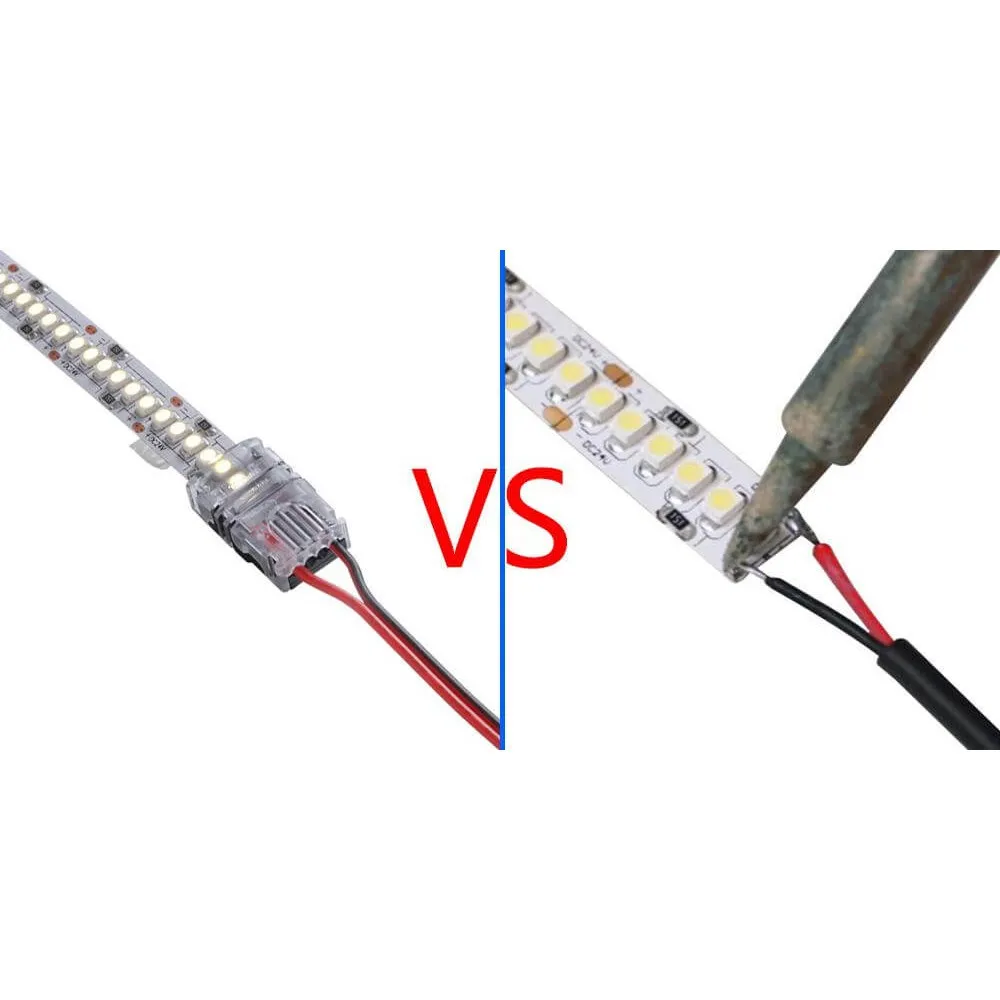
Speed is the first benefit on a job site. A connector takes seconds to install, needs no hot tool near cabinets or finished surfaces and works the same in a tight cove as on a workbench. Soldering a strip takes skill, heat and time, and one slip can lift a copper pad or damage the chips close to the joint. A clip-on connector removes that risk and keeps every joint consistent from one installer to the next. It also makes changes easier: a section can be removed or replaced without reheating anything. A poor joint, by contrast, creates resistance, which can show up as dimming, flicker or colour shifts further down the run.
At home, solderless connectors turn the corners of under cabinet lighting, link cove sections in a living room and join strips inside closets and shelves. In commercial work, they speed up display case, retail shelf and sign lighting, where many short runs must be connected the same way. Pair them with connector wires and leads for longer jumps and with the right power supply and controller for each run.
When the connector matches the strip and the pads are clean, a clip-on connection is stable and consistent. It also avoids heat damage to the strip near the joint.
No. The strip widths and pad layouts differ. Use a connector made for the exact strip: SC2 or SC3 RGB for 5050 RGB, SC2 or SC3 RGBW for 5050 RGBW.
Use an SC4 L-corner connector for a tight corner, or an SC3 double-end connector when you need a short lead between the two sections.
Yes. The SC4 L-corner connector for COB strip is designed for its pad layout.
Check that the strip is fully inserted, that the pads are bare copper, that polarity is correct and that the connector matches the strip type. A loose joint is the usual cause.
Yes. Use the SC2 DTW or SC3 DTW connectors, which are made for dim-to-warm strip and keep the dimming smooth across the joint.
Browse all solderless connectors, or see the full range of LED strip accessories & connectors to complete your installation.