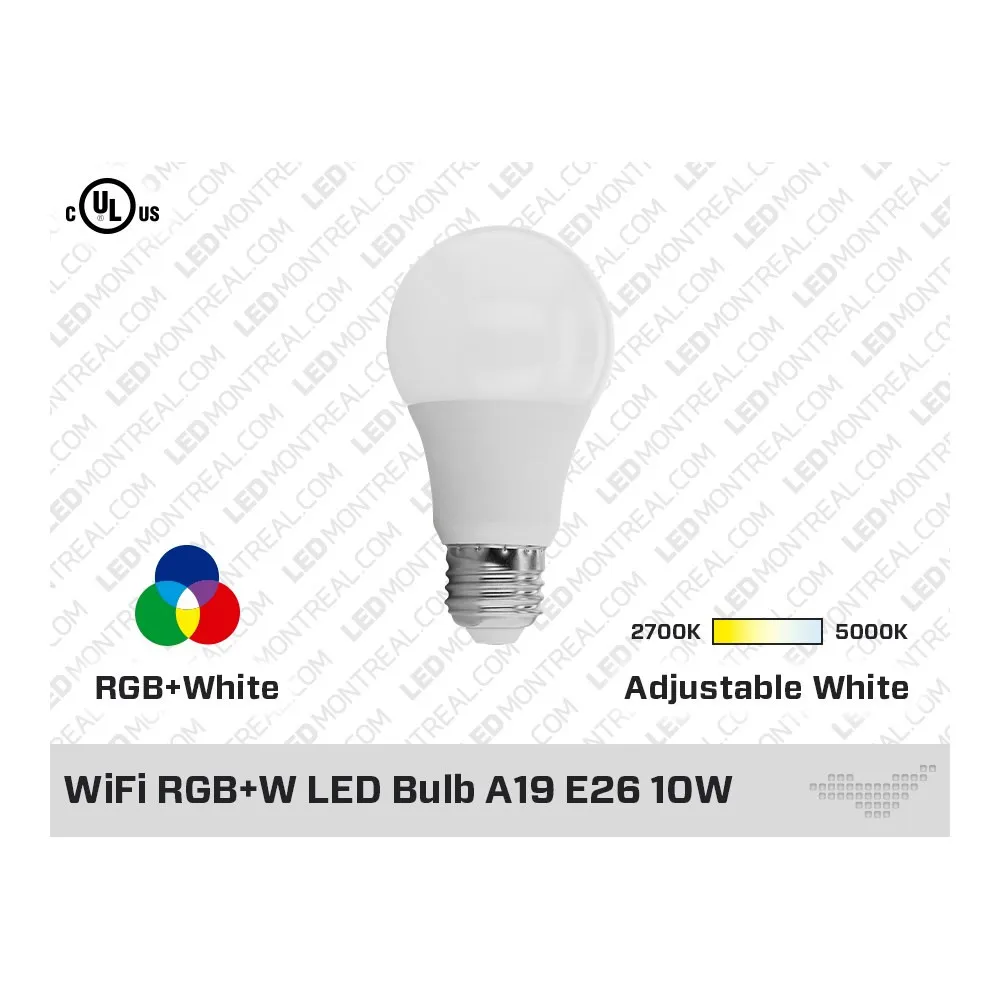
The classic bulb, reinvented
The A19 is the bulb shape everyone knows, and this WiFi RGB+W bulb keeps it while adding colour and smart control. Screw it into an E26 socket, connect it to your home WiFi and use the app on your phone to turn it on or off, dim it, pick a colour or choose a white tone. No new fixture and no rewiring: your existing lamps simply become smarter. It is also compatible with the major voice assistants, so a simple command can change the mood of the room.
Light quality and colour
With 800 lumens from 10W, the bulb replaces a 60W halogen while using far less energy. Its white light moves from a cozy 2700K warm white, ideal for bedrooms and living rooms, to a crisp 5000K cool white for home offices, kitchens and craft tables. The CRI of 80+ keeps faces and décor looking natural, and the 205° beam angle spreads the light widely inside a lampshade for a pleasant glow. Switch to RGB colour whenever you want to create an atmosphere for a party, a game night or a quiet evening.
Setup and requirements
Before installing, make sure you have an internet connection and a 2.4 GHz WiFi network with a strong signal where the lamp is located. The network must be protected by a password that uses only letters and numbers and is not too long. Install the companion app on your smartphone, follow the pairing steps and name each bulb by room. Because dimming from 10% to 100% happens in the app only, use the bulb with a standard on/off switch or the lamp's own switch rather than a wall dimmer, and leave that switch on so the bulb stays connected.
Technical specifications
SKU: A19RGBW
Brand: LED MONTREAL
Shape and base: A19, E26
Power: 10W (replaces a 60W halogen)
Light output: 800 lm
Colours: RGB + white from 2700K to 5000K
CRI: 80+
Beam angle: 205°
Voltage: 120V
Dimming: 10% to 100%, app only
Dimensions: 60mm diameter x 100mm length
Rated life: 15,000 hours
Certification: cUL us
Network: WiFi 2.4 GHz
Ideas and documentation
Use it in a nursery lamp as a colourful night light, in the pendants above a kitchen island for dinner parties, in a condo's floor lamp to mark the seasons, or in the lamps of a café, a hair salon or a boutique that changes its décor for every holiday. From Québec City to Victoria, it turns any E26 lamp into a smart lamp. The technical sheet is available in the Documentation tab of this page.