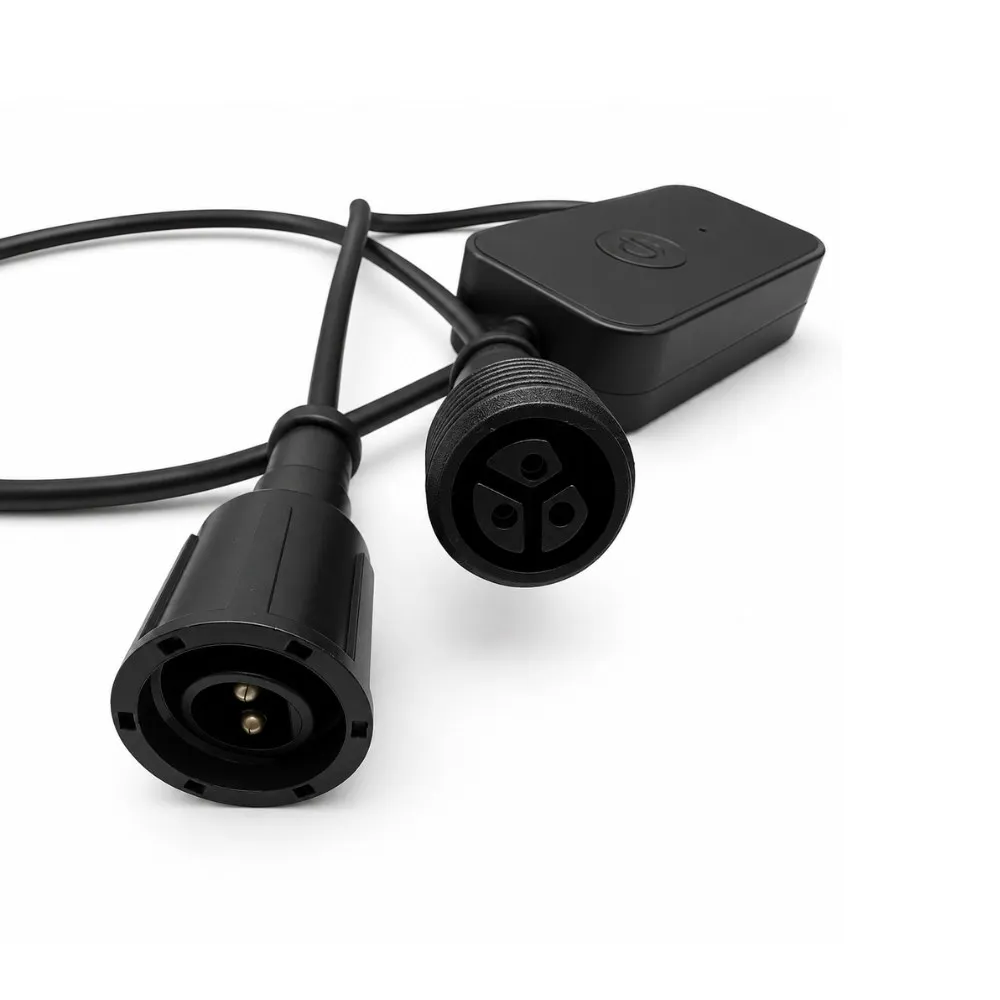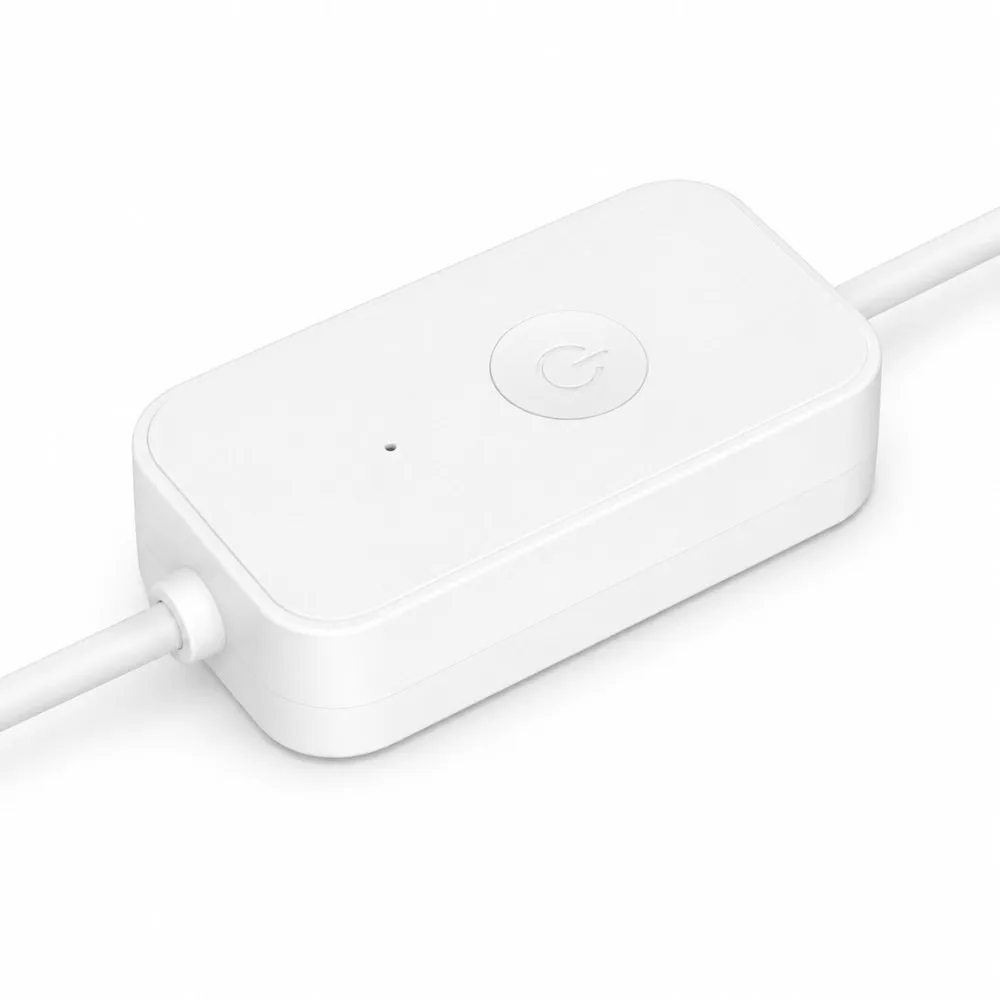
A Wi-Fi LED controller lets you run your strip lighting from a phone app, set schedules and scenes, and control the house when you are away. This category groups 12 smart products: Wi-Fi and RF 2.4 GHz LED strip controllers in 2-in-1, 3-in-1 and 5-in-1 versions, a Zigbee + Wi-Fi + RF controller, Wi-Fi hubs and bridges that connect existing RF systems to the app, Wi-Fi door and motion detectors, and dedicated controllers for the ART-STRING2 series.
It is written for homeowners who want app control, and for electricians and contractors who install smart lighting in new homes, condos and small businesses. You will find the product types, how Wi-Fi, RF and Zigbee work together, what to check before buying and answers to common questions. For handheld and wall controls without an app, see the full LED strip remotes and controllers family.
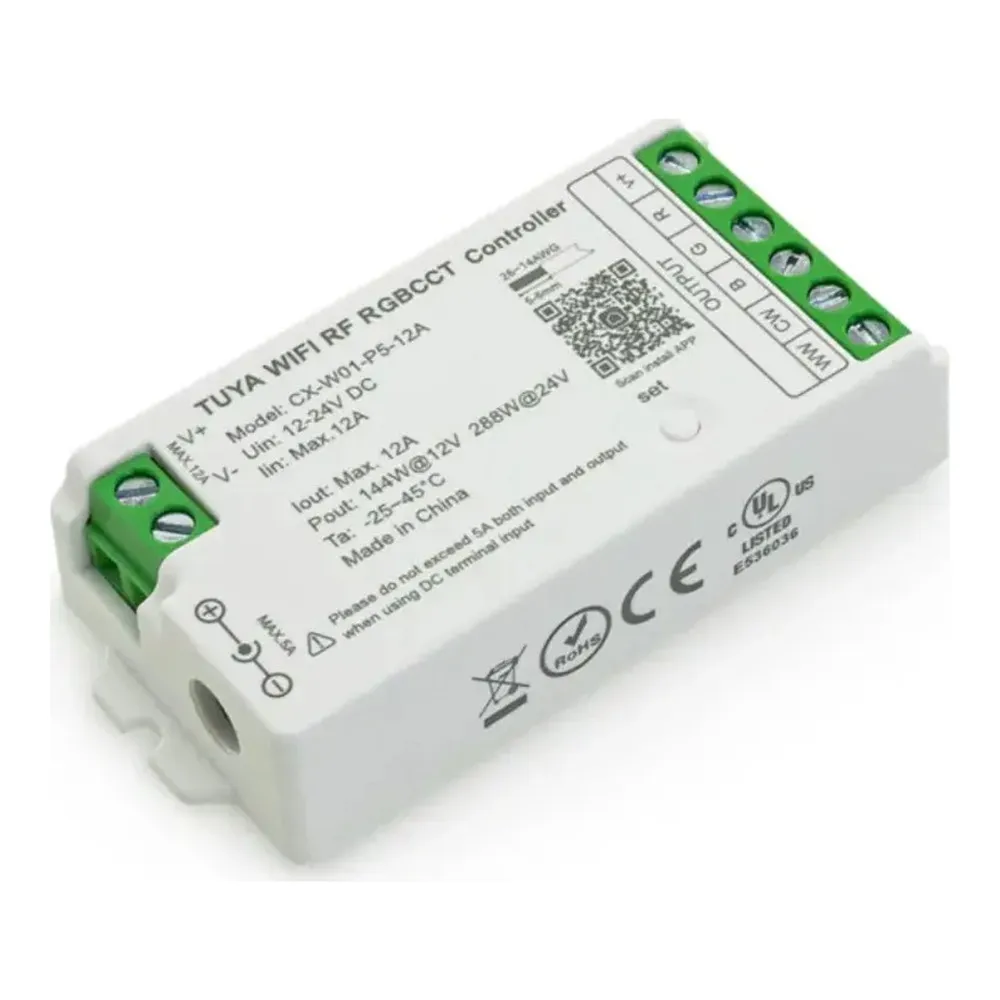
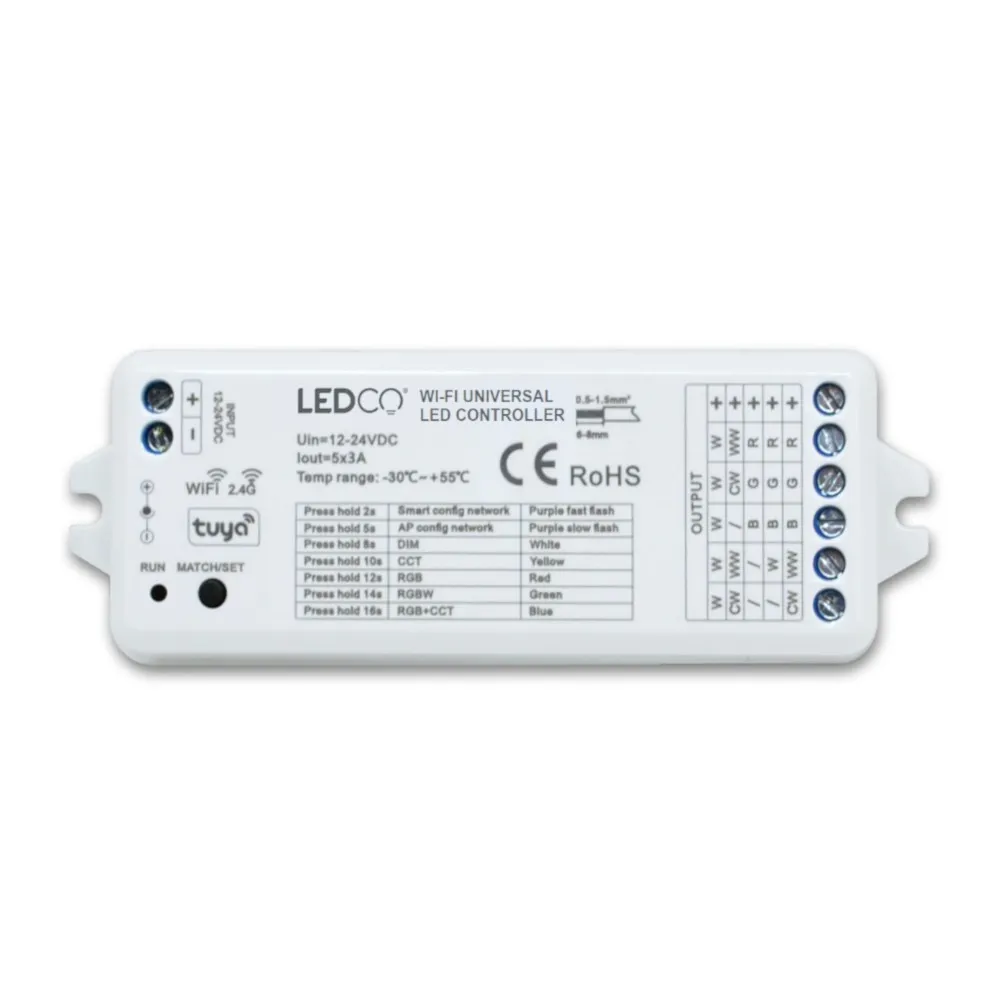
A 5-in-1 controller drives single colour, 3CCT (tunable white), RGB, RGBW and RGBCW strips from the same unit, so one part covers every room. The CANOLIGHT Wi-Fi and RF 2.4 GHz 5-in-1 controller delivers 6A per channel and 15A total on low voltage. The CANOLIGHT cUL certified 5-in-1 controller accepts 12-24VDC, offers 5 channels at up to 4A per channel, 12A in total, for a maximum of 144W. Both work with the app over Wi-Fi and with a paired RF remote.
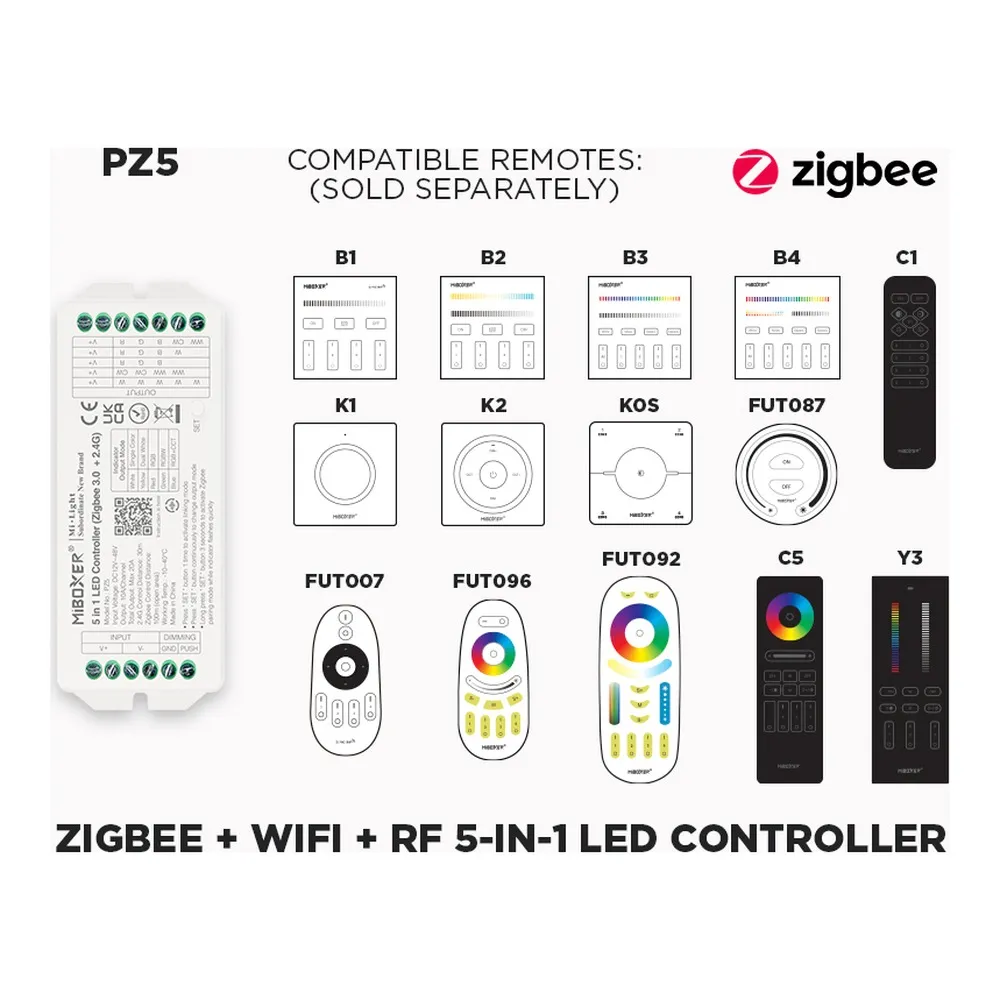
The PZ5 is a 5-in-1 hardwired receiver that combines Zigbee, Wi-Fi and RF on 1 to 8 zones with self repeating. It drives single colour, CCT, RGB, RGBW and RGBCCT strips with a common anode output, the standard wiring of most flexible tape. Zigbee lets it join an existing smart home hub, while RF keeps a physical remote available.
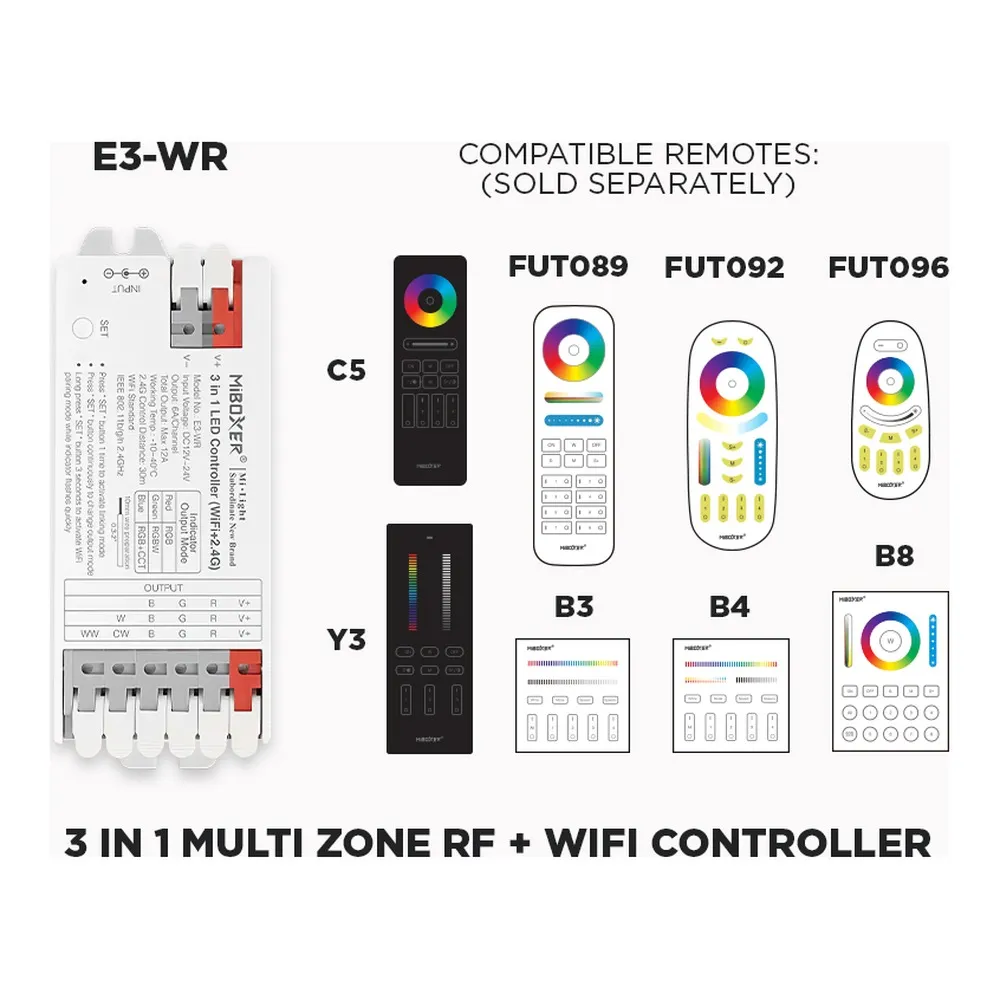
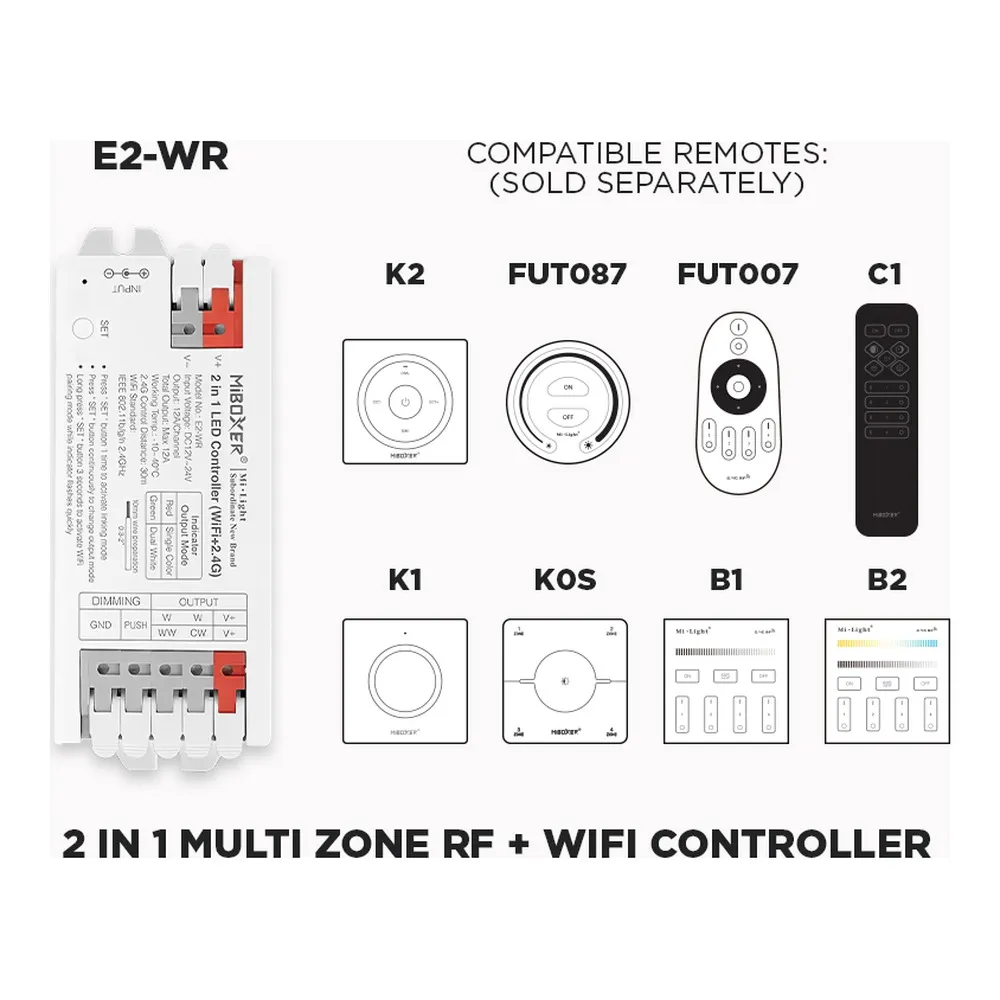
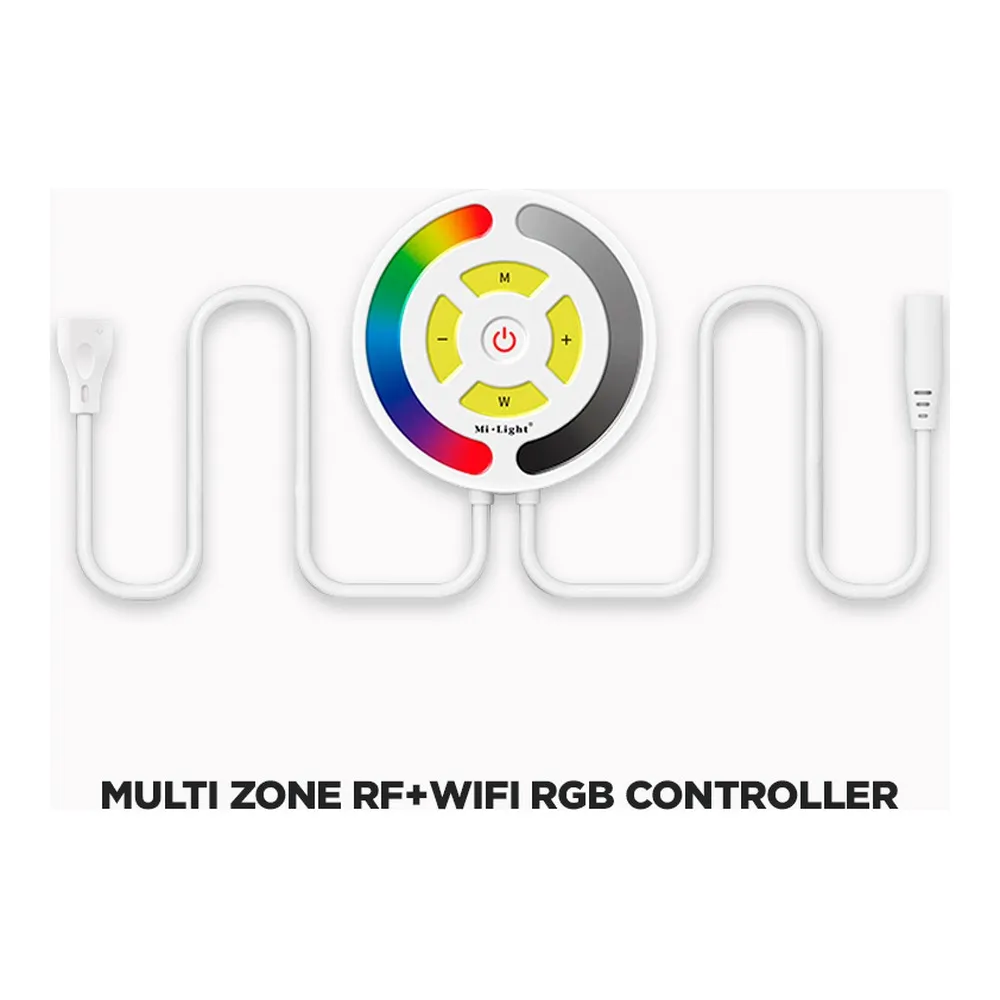
The E2-WR covers single colour and CCT adjustable white strips; the E3-WR covers RGB, RGB+W and RGB+CCT. Both handle 1 to 8 zones with self repeating and measure 100.6 mm x 40 mm x 17.6 mm, small enough to hide above a cabinet, behind a valance or in a junction box. The YL1 is a multi zone Wi-Fi RF controller for RGB LED strip with touch controls on the unit, app control on iOS or Android, and RF remote support, with no separate bridge to buy.
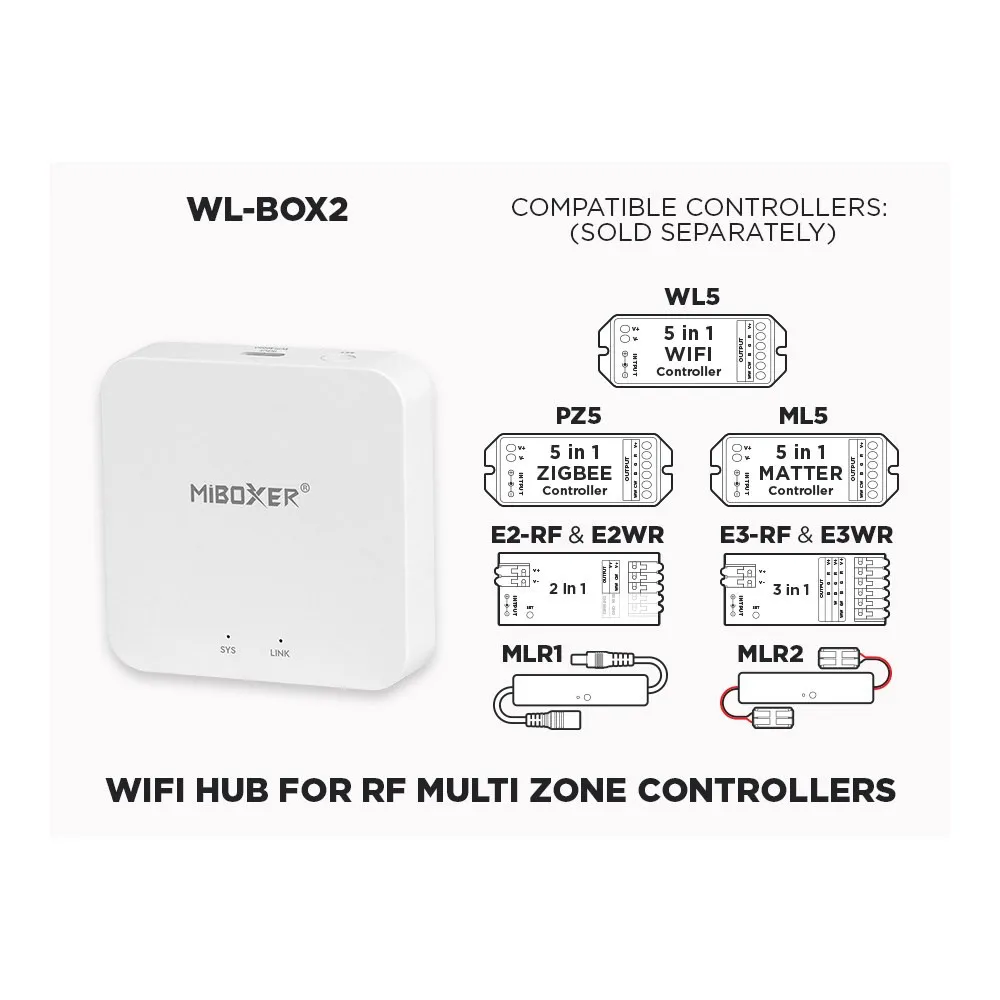
If you already have an RF multi-zone system, you do not need to replace it. The WL-BOX2 Wi-Fi hub receives commands from the app and rebroadcasts them over RF 2.4 GHz to every paired controller in the house. A controller and Wi-Fi bridge for white or RGBW strips plays the same role for its family of receivers.
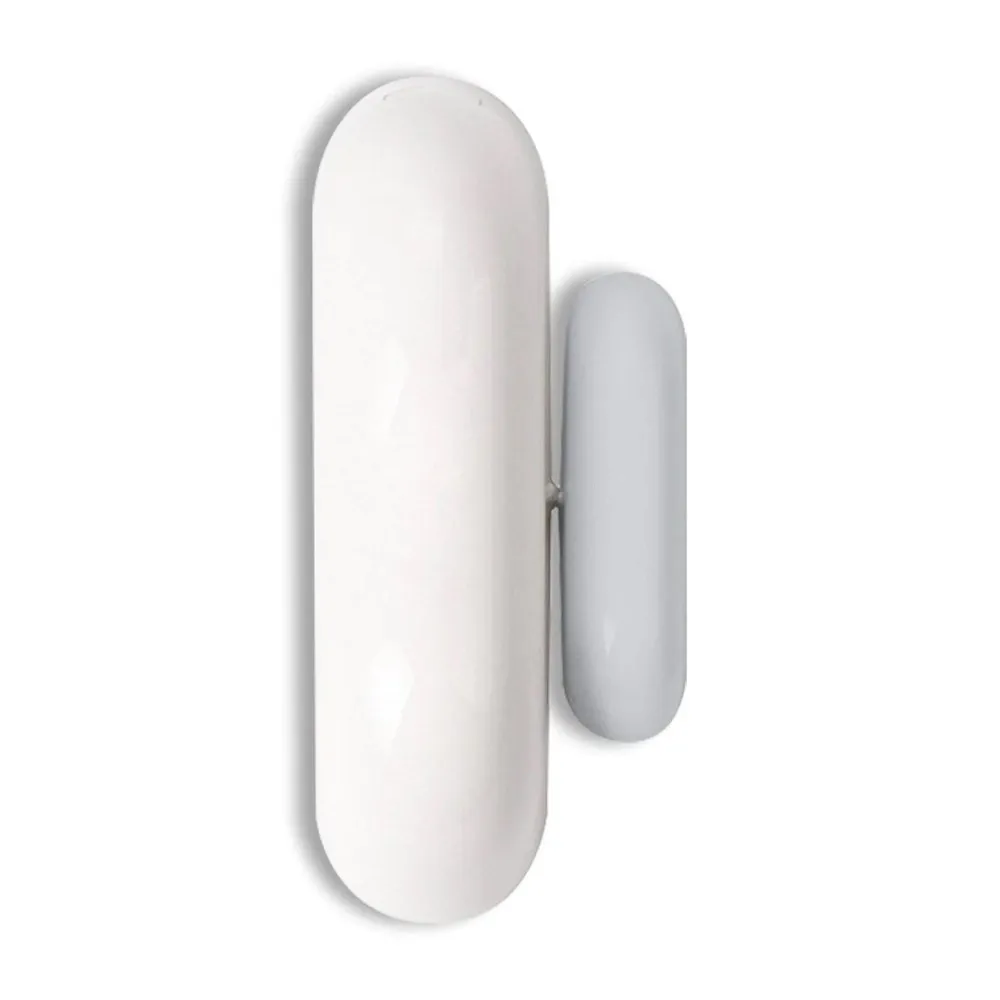
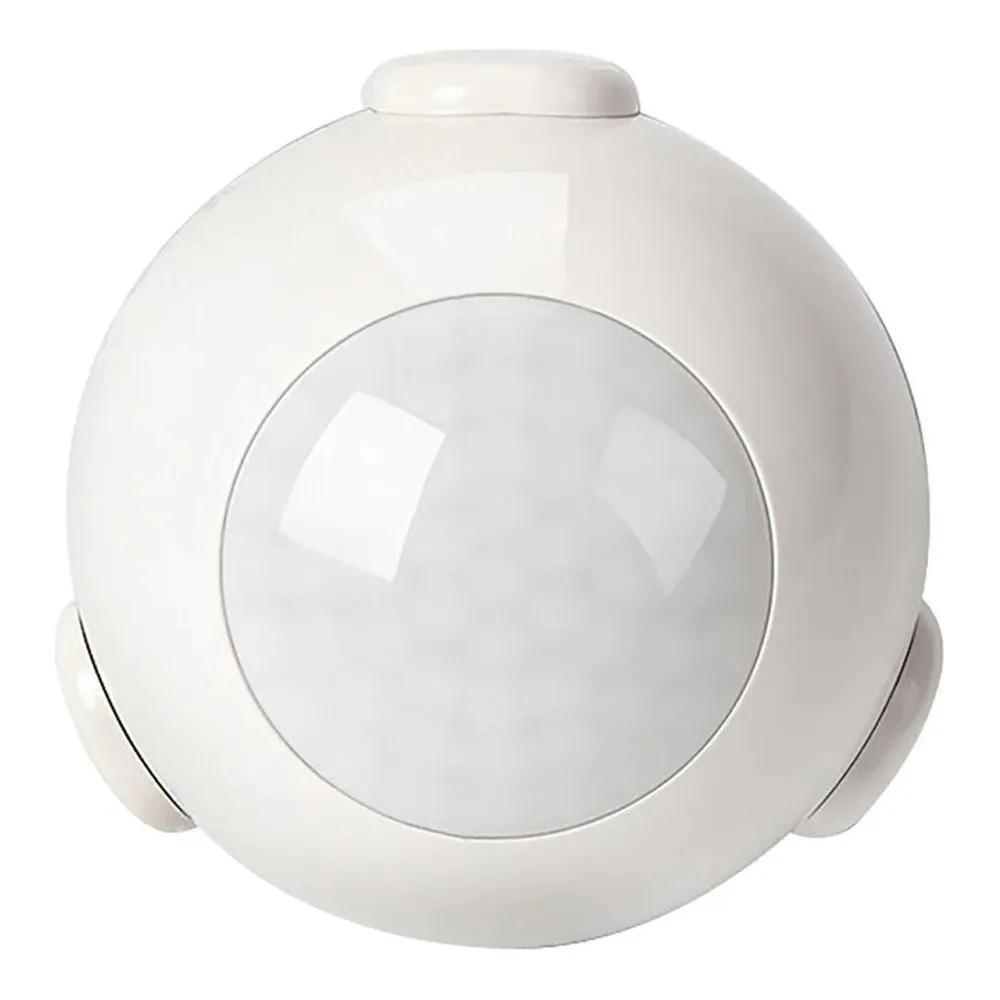
The category also includes a smart Wi-Fi door contact detector and an intelligent Wi-Fi motion detector. Both talk straight to your router, with no hub and no wiring; the motion detector runs on a CR123A 3V battery and measures 45 mm. For hardwired detectors, see motion sensors. Finally, the ART-STRING2 controllers, in white or black, are the dedicated control modules for the CANOLIGHT ART-STRING2 series.
| Technology | Strengths | Typical use |
|---|---|---|
| Wi-Fi | Phone app, schedules, control from anywhere | One controller per zone connected to the home router |
| RF 2.4 GHz | Instant response, works through walls, no network needed | Handheld and wall remotes, multi-zone systems |
| Zigbee | Joins an existing smart home hub | Homes already equipped with a Zigbee hub |
| Wi-Fi hub | Adds the app to an existing RF system | Upgrading an RF installation without rewiring |
The best installations combine two technologies: the app for schedules and remote access, and an RF remote or wall panel for the people who simply want to dim the light. Controllers that accept both, such as the 5-in-1 units, keep the lighting usable even when the network is down. Compatible handsets are in LED strip remotes.
Before installing, list the areas you want to control on their own: the kitchen cabinets, the living room cove, the stairs, the bedroom headboard. Each area becomes a zone in the app, and each zone needs a controller matched to its strip type. Name the zones clearly during setup, because the names are what everyone in the house will see. Then build a few simple scenes, such as evening, cleaning and away, and add schedules: the cove dims at night, the display lights switch on at opening time. Keep at least one RF remote or wall panel paired with each zone, so guests and family members can control the light without the app.
Our smart switches and motion sensors guide explains how Wi-Fi controls, remotes and sensors fit together, and the guide to choosing LED strip lights covers strip types and voltage.
At home, a Wi-Fi controller is ideal for a TV backlight, a ceiling cove or a home theatre where you want scenes at the touch of a button; see our home theatre lighting and living room lighting ideas. Pair it with RGB LED strips for colour or with tunable white strips for everyday comfort.
In small businesses, schedules switch display and sign lighting on and off automatically, and a Wi-Fi door or motion detector can trigger notifications or scenes in the app. Several zones can be managed from one account, which simplifies life for a manager or a property owner.
Not with a Wi-Fi controller: it connects directly to your router. A hub such as the WL-BOX2 is only needed to add app control to an existing RF system.
Yes. The Wi-Fi and RF 2.4 GHz controllers in this category also work with a paired RF remote, so the lights stay usable without a phone.
The PZ5 combines Zigbee, Wi-Fi and RF in one 5-in-1 controller, for 1 to 8 zones.
It works with low-voltage strips whose type and channel count it supports. A 5-in-1 controller covers single colour, CCT, RGB, RGBW and RGBCW. Check the voltage and the current per channel.
Remote access and schedules stop, but controllers with RF keep working with their paired remote or wall panel.
These controllers are indoor units. For outdoor strips, install the controller inside the house or in a sealed box, and use outdoor-rated strips and power supplies.
Make your lighting smart: compare all Wi-Fi and smart LED controllers, from 5-in-1 units to Wi-Fi hubs for existing RF systems.