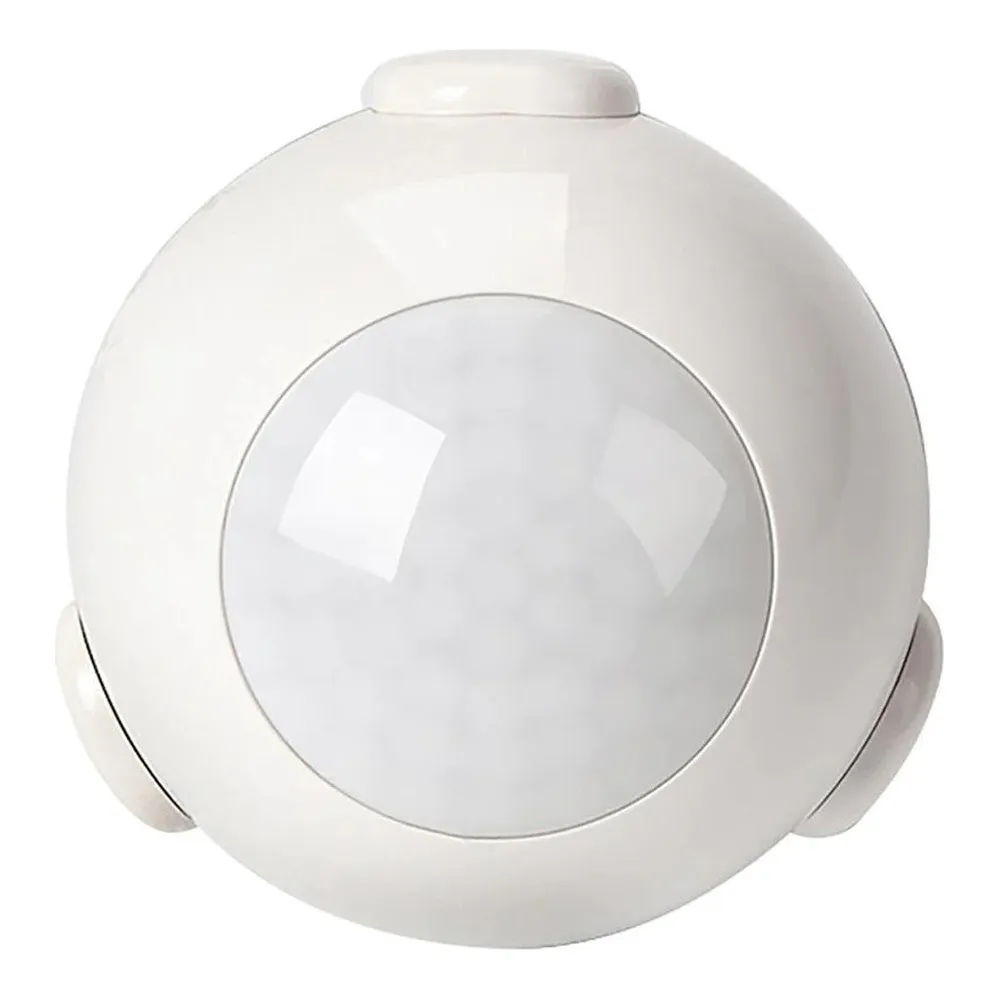
Built to sit quietly and workThis
Wi-Fi motion sensor is a small, self-contained white unit measuring 45 mm (1 ¾") on the front and 45 mm (1 ¾") on the back — roughly the footprint of a coaster, so it blends into a corner, a door frame or a ceiling without shouting for attention. The box includes a holder, a sticker, a screw and a screw stopper, which means you can either stick it up in seconds for a temporary or rental-friendly install, or fasten it permanently with hardware. Power comes from 1 x CR123A 3V battery, so there is no cable to pull and no junction box to open. A reset button and an LED indicator light on the body handle pairing and status at a glance.
Technical specificationsSKU: LCDO-WIFIMOTIONSENSOR-WH
Battery: 1 x CR123A 3V
Standby current: 13 uA
Working current: 120-130 mA
Wireless type: 2.4 GHz
Wireless standard: IEEE 802.11 b/g/n
Wireless encryption: WEP / WPA / WPA2
Wireless range: 45 M
Sensitive distance: 4-6 M
Dimensions: Front 45 mm (1 ¾"), Back 45 mm (1 ¾")
Operating temperature: 0°C ~ 40°C (32°F ~ 104°F)
Use: indoor only
Certification: complies with Part 15 of the FCC Rules
Warranty: 1 year on manufacturing defects (product only, installation not covered)
Network, pairing and the appBefore you mount anything, make sure you have an Internet connection with a Wi-Fi network, a strong Wi-Fi signal at the spot you have chosen, a router with sufficient connections, and a password-protected 2.4 GHz network (the password must contain only letters and numbers and should not be too long). Pairing is straightforward: confirm the device is powered on, keep the device, smartphone and router as close together as possible, open the app, tap the "+" icon on the top right corner of the Devices page and select the device type. The
LED indicator light tells you where you are — it flashes quickly in EZ Mode, slowly in AP Mode, lights up for 4 seconds then goes off after 2 seconds in configuration mode, flashes rapidly and turns off after the scheduled time when triggered, and stays off in sleeping mode. If EZ mode gives you trouble, press the reset button again for 6 seconds and switch to AP mode. The free app is compatible with iOS 8.0 and above and Android 4.0 and above, and it lets you customize scenes and share the device so other people in the house or on staff can control it too.
Placement and real-world applicationsSensitive distance is 4-6 M, so aim the sensor across the traffic path rather than straight at it — people crossing the beam are detected far more reliably than people walking toward it. Keep it away from heat sources and vents, and confirm a strong wireless signal at the mounting point before you drive the screw. In a Canadian home that usually means the basement stairs, the mudroom, the garage, the laundry room or a long upstairs hallway; in a small business it means the stockroom, the washroom, the staff corridor or a storage room where lights burn all weekend. Remember it is rated for indoor use only, 0°C ~ 40°C, so an unheated detached garage in January is not the right home for it.
Compatibility and documentationThe sensor works as a trigger for compatible
smart lighting and connected controllers on the same app ecosystem, and it can drive more than one fixture at a time for full-corridor coverage. It shares that ecosystem with the
Smart Wi-Fi door contact detector, so motion and door-opening events can live side by side in the same scenes and schedules. The full technical PDF (LCDO-WIFIMOTIONSENSOR-WH Spec Sheet) is in the Documentation tab, with the complete pairing sequence, LED indicator states, FCC note and warranty terms — worth a read before you climb the ladder.