What this lens isThe
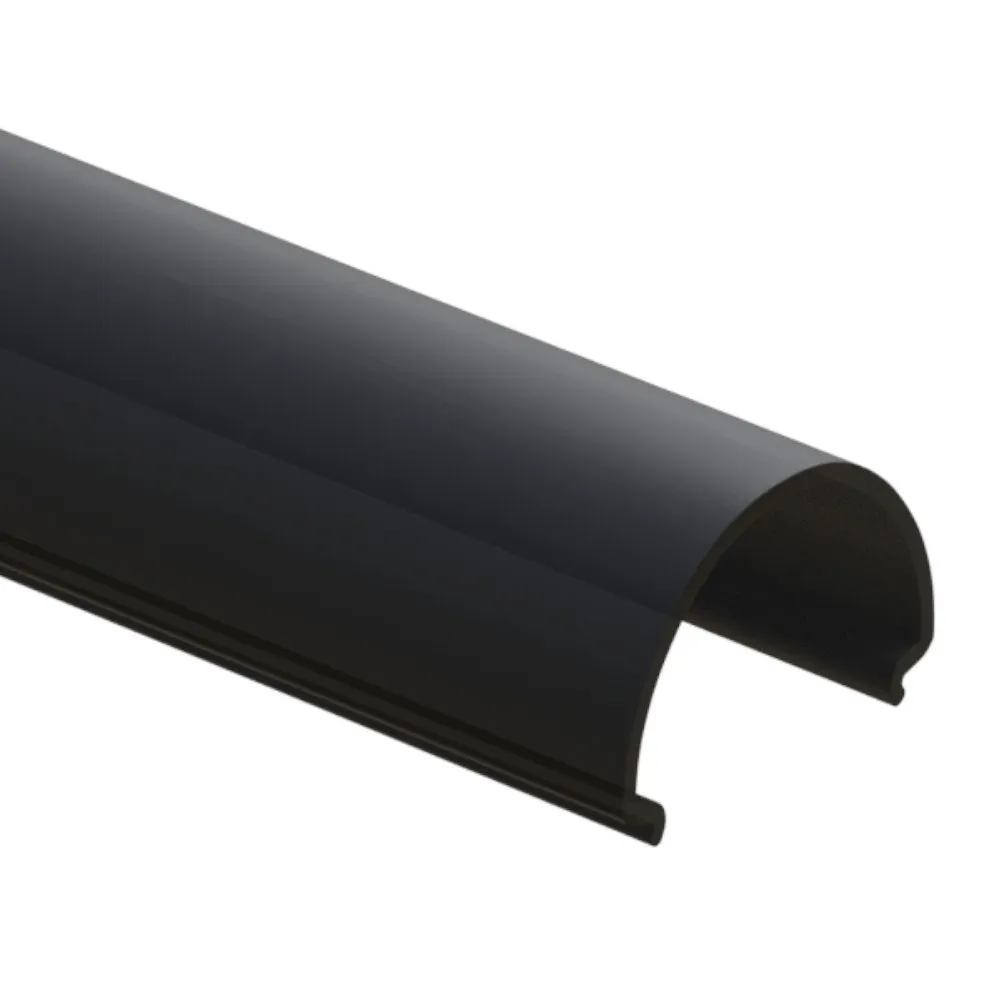
8' BLACK OPAQUE LENS #90 is the snap-in cover for LED aluminum profile #90. In an extrusion system, three parts work together: the aluminum channel that holds and cools the tape, the LED strip itself, and the lens that sits on top. The lens is the only part you actually see once the light is on, so it does the visual work — it protects the diodes from dust and fingers, and it spreads the light so the run reads as one bar instead of a string of dots. This is an 8-foot stick supplied on its own, for new installations, extensions of an existing run, or straight replacement of a damaged cover.
Technical specificationsSKU: LCLENS-OPAQ90-8FT-BK
Type: Opaque diffuser lens for LED aluminum profile
Compatible profile: #90
Length: 8'
Colour / finish: Black
Application: Residential and commercial projects
Sold as: Lens only (profile, LED strip and end caps sold separately)
Light quality and appearanceAn opaque face is the difference between a professional installation and a visible row of hot spots. The diffusing surface blends the individual emitters so the beam comes out soft and even, which is exactly what you want on surfaces people look at directly — a backsplash, a cove, a stair nosing, a display shelf. Because this version is black, the channel also stays low-key during the day: on dark cabinetry, black window mullions, charcoal millwork or a matte black ceiling detail, the fixture disappears until you switch it on. Keep in mind that a denser or higher-output tape generally gives the most uniform result behind an opaque cover, and that mounting the strip a little deeper in the channel further softens any remaining dots.
Installation and cuttingInstallation is tool-light. Measure your channel, then cut the lens with a fine-tooth saw, a mitre saw with a plastic-friendly blade, or score it with a sharp utility knife and snap it — always measure twice, since 8 feet of material can cover one long run or several short cabinet sections. Ease the cut edge with fine sandpaper so it slides in cleanly, then press the lens into the channel until it seats along its full length and cap the ends. If you are replacing an old cover, pop the original out first, wipe the channel and the LED tape free of dust, and let the new lens do the rest. Leave a small expansion allowance on very long continuous runs, and avoid over-tightening mounting clips so the cover is not pinched.
Where it fits and what to pair it withThis cover is intended for profile #90 only — it is not interchangeable with other extrusion numbers, so confirm your profile before ordering. For multi-profile jobs, the same family includes the
8' opaque lens #545, the
8' opaque lens #49, the
8ft opal diffuser lens – LED profile #44 and the
16ft opal diffuser lens – LED profile #80 for longer uninterrupted runs. Typical Canadian projects: kitchen under-cabinet strips, basement renovations, condo cove lighting, retail display cases, office reception walls, restaurant bars and workshop task lighting. No documentation is listed for this item at the moment; if you are unsure which profile you own, measure the channel opening and compare it with your existing lens before ordering.