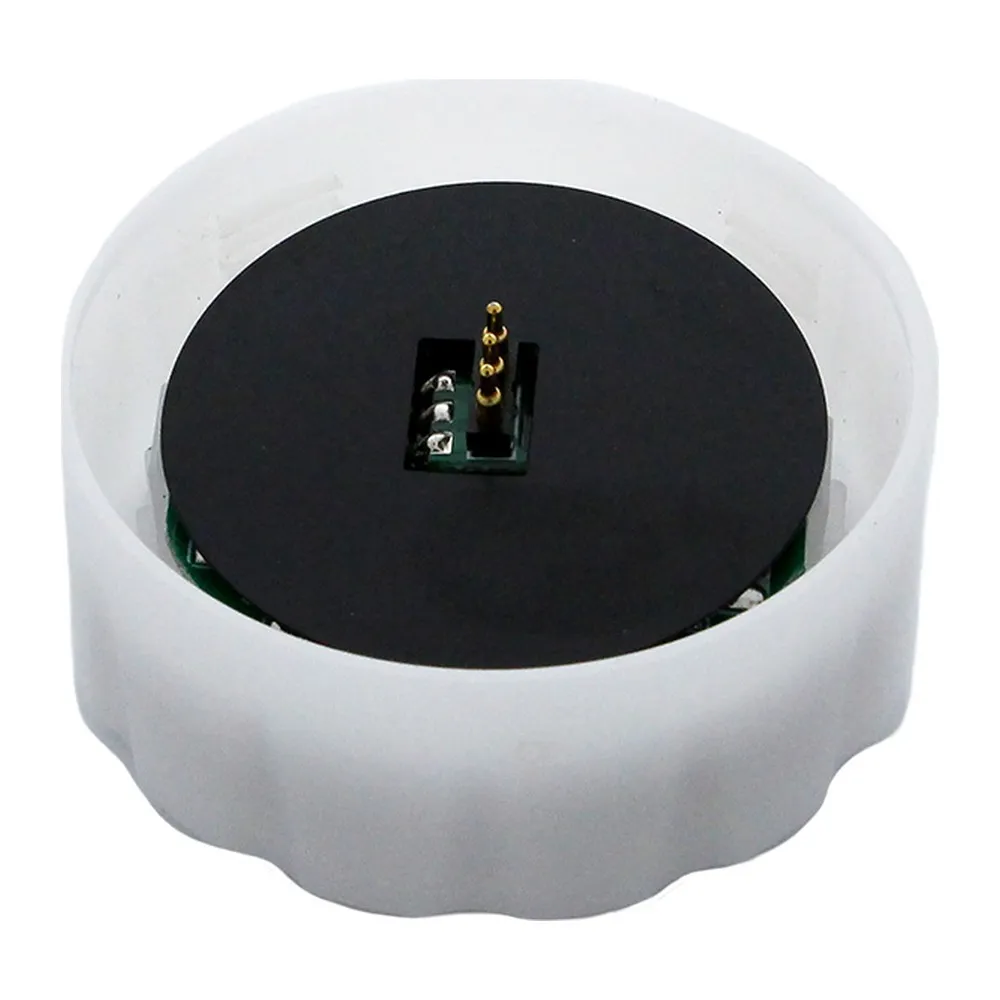
Built to twist on and goThe HB7B-SENSOR is a
twist-on motion sensor accessory made for the CSC LED HB7B and HB7C
LED high bay families. Instead of mounting an external sensor, running control wiring and hoping the coverage lines up, you twist the sensor into the fixture's dedicated port and the fixture is instantly occupancy-controlled. That matters on tall ceilings: installers and maintenance crews spend less time on the lift, and a sensor can be added later to fixtures already in service without disturbing the rest of the run. Because the same accessory covers both the HB7B and HB7C ranges, you can standardize one part number across round and linear high bay layouts in the same building.
How the control sequence worksWhen motion is detected, the connected high bay goes to full brightness and stays there for the programmed Hold Time. If no further motion is sensed, the fixture dims to the chosen Stand-By Dimming Level and holds that level for the Stand-By Period. Any motion during that window sends the fixture straight back to 100% and restarts the Hold Time. A "0s" Stand-By Period means the fixture drops to its lowest setting immediately after the Hold Time expires, while "+∞" disables the Stand-By Period so the fixture simply stays at the dimmed level until someone walks in. The optional
daylight harvesting function reads ambient light and lets the fixture dim itself when a skylight or window is already doing the work.
Technical specificationsSKU: HB7B-SENSOR
Brand: CSC LED
Type: Twist-on motion sensor accessory
Compatibility: All HB7B and HB7C high bay fixtures
Required remote: HB7B-REMOTE (sold separately)
Detection area settings: 100% / 75% / 50% / 25%
Hold time settings: 5s, 30s, 1min, 3min, 5min, 10min, 20min, 30min
Stand-by dimming levels: 10%, 20%, 30%, 50%
Stand-by period settings: 0s, 10s, 30s, 1min, 5min, 10min, 30min, +∞
Daylight threshold settings: 2, 10, 30, 50, 80, 120 lux, or disabled
Scene modes: SC1, SC2, SC3, SC4
Default settings: 100% detection range, 5s hold time, 0s stand-by time, daylight threshold disabled
Programming and commissioningNo pairing is required — the remote and sensor communicate by proximity, so stand directly under the fixture you want to program. Press Auto Mode, Scene Mode or Reset to enable the setting buttons, then dial in your values; the fixture dims momentarily to confirm each setting has been saved, and all changes are stored automatically. The remote's ON/OFF button manually overrides the sensor, though the fixture will hold at 10% rather than going dark; press Auto Mode, Reset or Scene Mode to exit. A TEST (2s) function temporarily sets the Hold Time to 2 seconds for walk-testing after commissioning, keeping every other saved value intact. Important electrical note: this sensor dims the fixture to 10% but never fully switches it off — a true off requires line voltage interruption from an external switch or relay. Scene modes make batch setup fast, for example SC2 (100% detection area, 5 min hold time, 10 lux daylight threshold, 10 min stand-by period, 10% stand-by dimming) for a moderately busy aisle.
Where it earns its keep, and what to order with itThink of long warehouse aisles that are only travelled a few times an hour, back-of-house storage rooms, loading docks, hockey arena storage, garages and manufacturing bays where lights used to burn at full output all night. Occupancy sensing and daylight response are exactly the strategies Canadian energy codes push for, and this is the simplest way to get there on an HB7B or HB7C job. Remember that only one remote is needed for unlimited HB7B motion sensors, so a single
HB7B motion sensor remote can commission an entire facility. The HB7B-SENSOR spec sheet, with the full function and scene mode charts, is available in the Documentation tab.