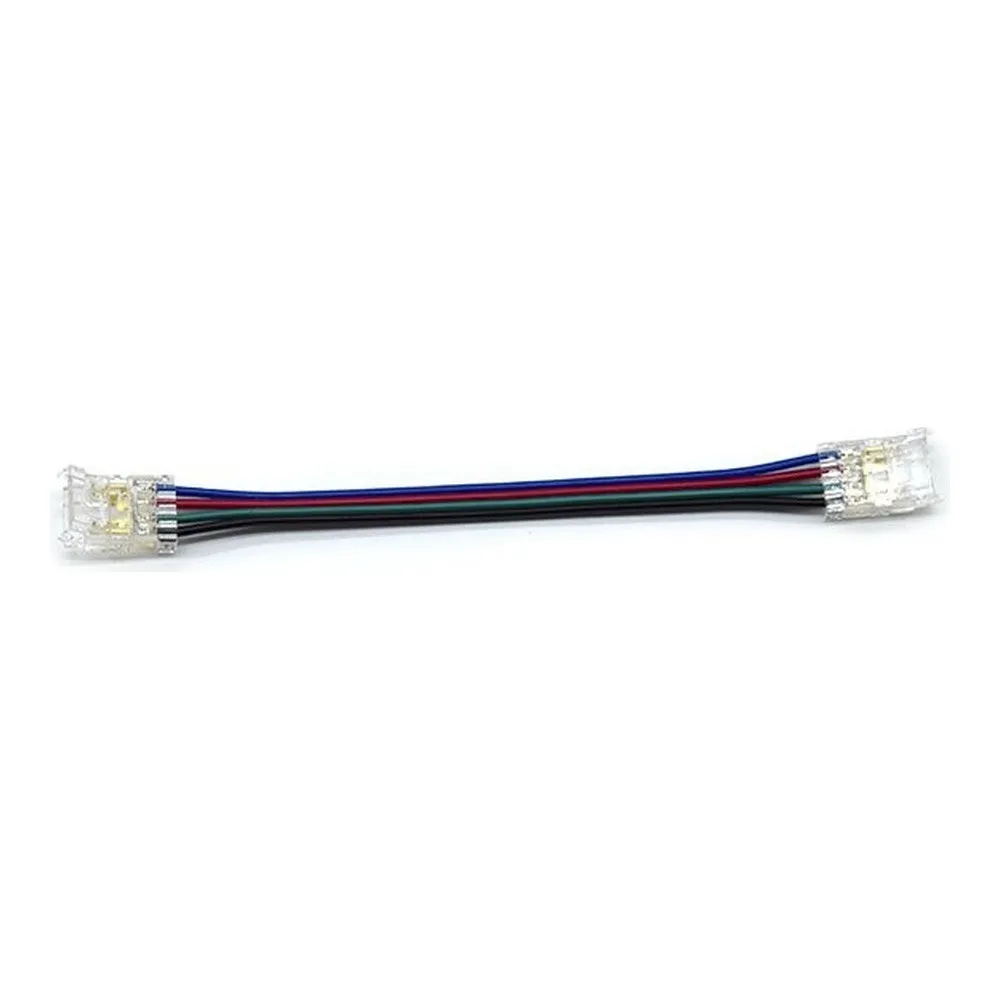
Description and specifications – CL-AST-RGB-C10BBW-LV
What this connector does
The CL-AST-RGB-C10BBW-LV is a PCB to PCB connector with a wire between its two ends. One end clips onto the end of a COB RGB strip segment, the other end onto the next segment, and the wire between them carries the colour channels across the gap. It is an accessory, not a light source: it simply lets you split a long run of COB RGB LED strip into sections and reconnect them where the layout requires it.
Made for 10mm COB RGB strips
The connector is sized for COB RGB strips with a 10mm PCB width. Matching the PCB width and the pad layout of the strip is essential: a connector that is too wide or too narrow will not hold the strip securely, and a poor contact can cause one colour to drop out, flickering, or a visible change of colour after the joint. Always check that your strip is an RGB COB model with a 10mm PCB before ordering, and keep the connector orientation consistent so the colour channels line up correctly.
Installation tips
Cut the strip only at its marked cutting points, clean the pads, and slide the strip fully into the connector before closing it. Route the wire neatly along the surface or inside an aluminum channel, and avoid pulling on the joint once the strip is stuck in place. On long runs, plan your power feed carefully: an RGB controller and a power supply sized for the total length of strip help avoid voltage drop and colour shift at the far end. Leave the joints accessible behind a trim or a cover whenever possible, to make future maintenance or expansion easier.
Where it shines
This connector is the go-to solution for cove lighting that wraps around a room, under-cabinet lighting that jumps between kitchen cabinets, backlighting behind a TV or a headboard, shelving and display cases, bars, game rooms and home theatres. In commercial projects, it makes it easy to run RGB lighting along counters, signs and architectural details with clean corners.
Documentation
A spec sheet for this CANOLIGHT connector is listed in the Documentation tab. Check it together with your strip's details to confirm compatibility before installation.